

New Azure regions for Tiger Cloud services
You can now create Tiger Cloud services in two more Microsoft Azure regions:
germanywestcentral(Frankfurt)southeastasia(Singapore)
See all available regions in Supported regions.
Get the latest updates and changes to Tiger Cloud products with links to detailed documentation
You can now create Tiger Cloud services in two more Microsoft Azure regions:
germanywestcentral (Frankfurt)southeastasia (Singapore)See all available regions in Supported regions.
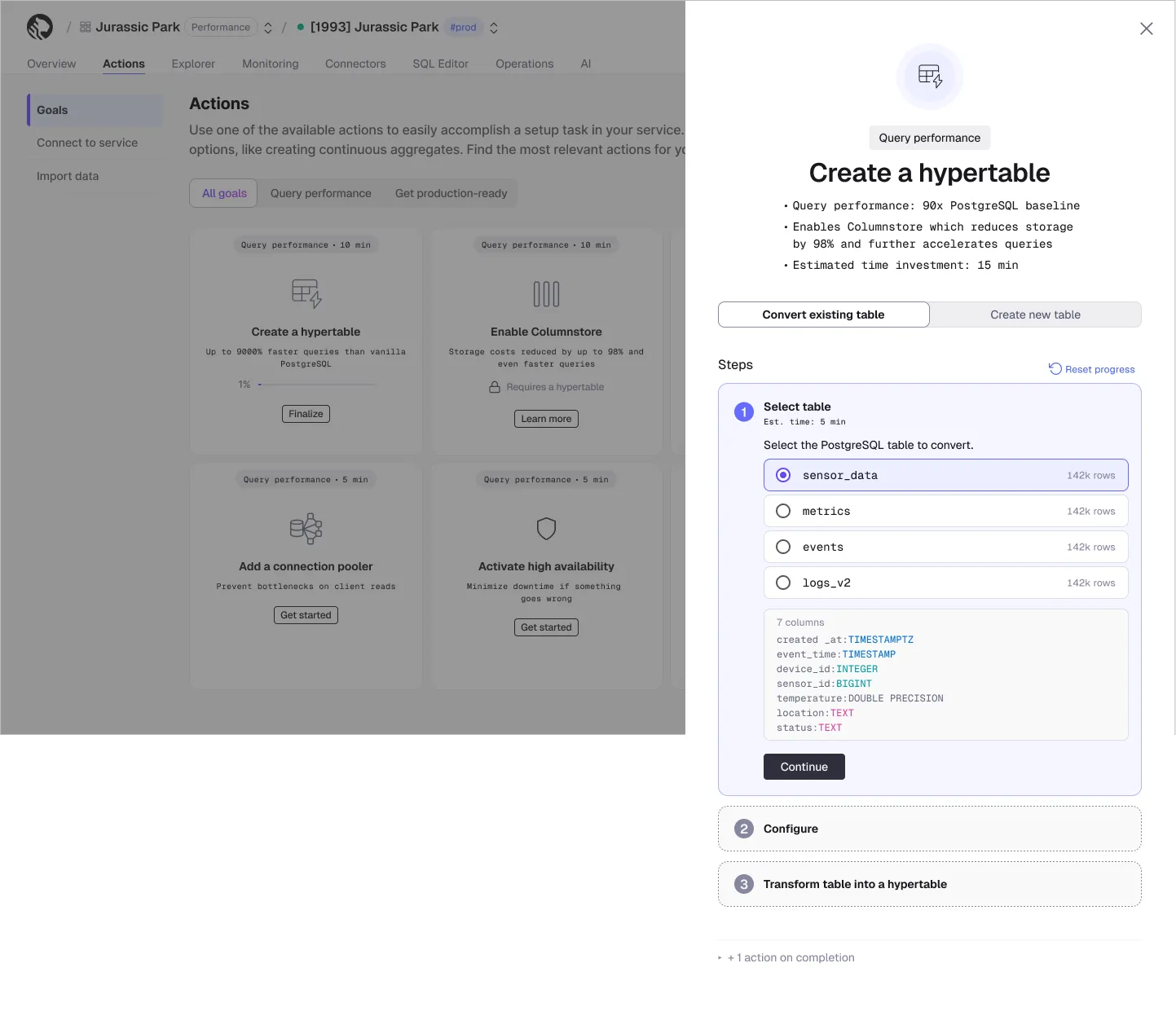
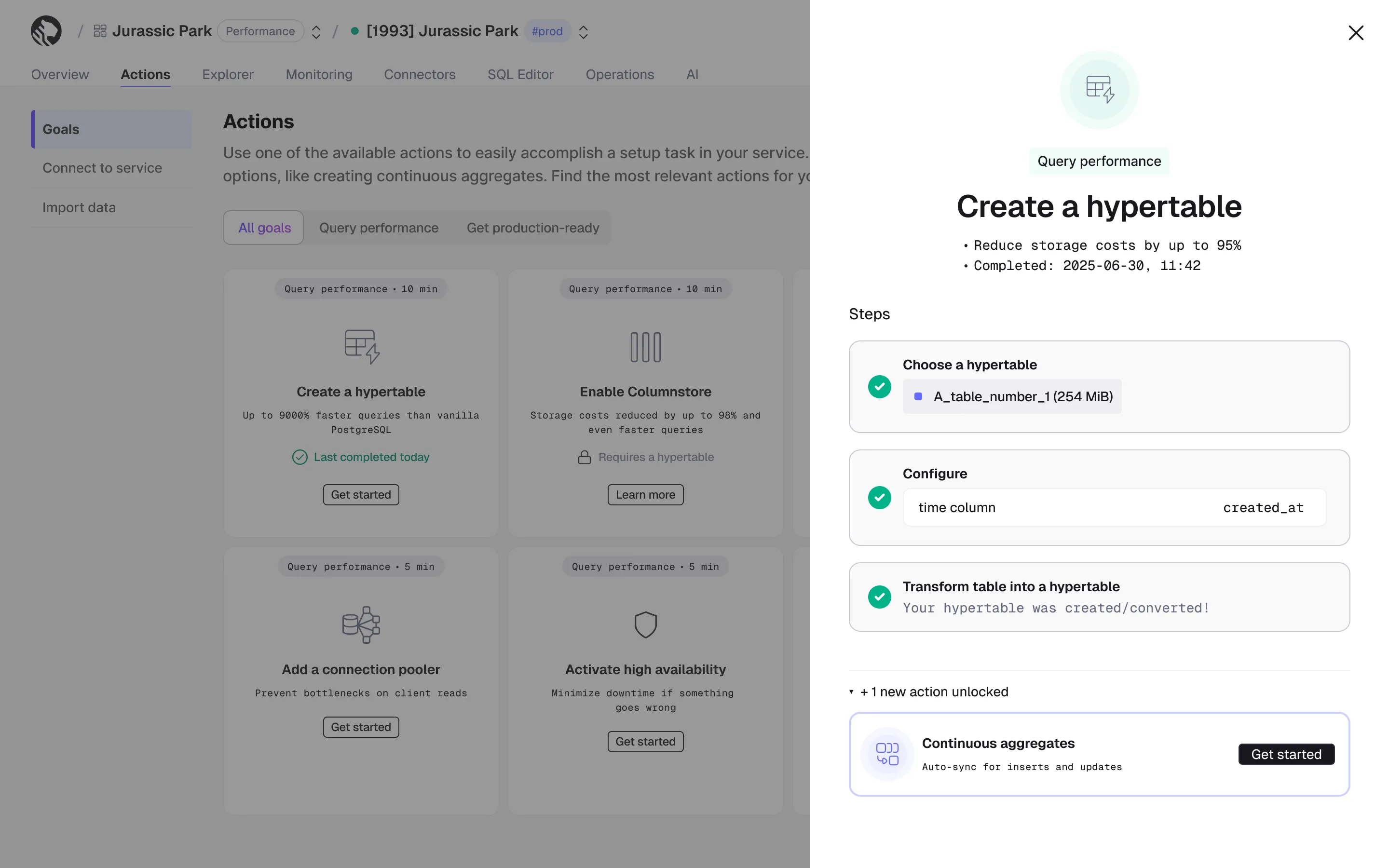
We have updated the Goals flow Actions in Tiger Cloud to make them more effective and easier to use.
TimescaleDB 2.27.0 is a performance-focused release that extends bloom filter pruning into the write path so UPDATE, DELETE, and UPSERT can now skip decompressing batches that can't match, broadens vectorized execution on the columnstore to cover more analytical query patterns, and introduces an opt-in query rewriter that transparently routes matching queries to existing continuous aggregates. TimescaleDB 2.27.0 was released on May 12, 2026, and is available on GitHub and on Tiger Cloud as of May 19, 2026.
Bloom filter pruning now applies to writes
This release extends bloom filter pruning — previously only used by SELECT — to UPDATE, DELETE, and UPSERT on compressed chunks.
UPDATE and DELETE: Statements with equality predicates now use bloom filters to skip decompressing batches whose compressed rows can't possibly match. When multiple bloom filters apply, the most selective one (by column count) is tried first. Benchmark examples show up to 160x faster execution on selective workloads. EXPLAIN now reports new "Compressed batches filtered" and "Batches filtered after decompression" counters.UPSERT: UPSERT queries now leverage bloom filters — including the composite bloom filters introduced in 2.26 — to skip decompressing batches when the arbiter values are guaranteed not to be present. The most selective filter is chosen automatically when multiple apply. EXPLAIN adds new statistics for visibility into pruning effectiveness (batches checked, batches pruned, batches without bloom, false positives).More queries on the vectorized columnstore path
This release expands the set of queries that stay on the high-performance columnar execution engine instead of falling back to row-based processing.
WHERE filters: Vectorized aggregation now applies in cases where the WHERE clause contains filters not handled through the Vectorized Filters facility, including filters on time_bucket().col IN (…) and col = ANY(…) are now pushed down into the columnar metadata scan as OR/AND clauses, so each value can be evaluated against compressed-chunk metadata before any rows are expanded.Continuous aggregates
Automatic query rewriting with continuous aggregates (experimental, opt-in): A new planner optimization transparently rewrites user queries to use eligible continuous aggregates when the query's aggregation exactly matches a CAgg's definition — so applications get pre-materialized performance without referencing the CAgg directly. This feature is experimental in 2.27 and off by default. Only real-time CAggs are eligible, and CAggs with active invalidations or pending materialization ranges are excluded. PostgreSQL 16+ only. Enable with the timescaledb.enable_cagg_rewrites GUC; timescaledb.cagg_rewrites_debug_info prints eligibility diagnostics.
Compress as part of the continuous aggregate refresh policy: The CAgg refresh policy can now compress chunks of the materialization hypertable that fall within the refresh window as part of the same job, consolidating what used to require a separate columnstore policy.
Example:
SELECT add_continuous_aggregate_policy( continuous_aggregate => 'metrics_hourly', start_offset => INTERVAL '30 days', end_offset => INTERVAL '1 hour', schedule_interval => INTERVAL '1 hour', config => '{"compress_after_refresh": true}'::jsonb);Smarter chunk exclusion
IN / ANY on open time dimensions: Queries that filter the time dimension with IN or = ANY(...) clauses now benefit from chunk pruning — the planner derives a bounding min/max range from the values so irrelevant chunks can be excluded earlier.ORDER BY … LIMIT on more compressed data: Batch Sorted Merge — which returns ordered results from compressed chunks without fully decompressing and sorting them — now applies to chunks with no segmentby, and to chunks where the query pins every segmentby column to a constant.Quality of life and operability
pg_stat_progress_create_index view, so long-running builds can be monitored the same way as on plain PostgreSQL.segmentby for direct compress: Direct compress now analyzes buffered tuples at flush time to pick an appropriate segmentby when one isn't explicitly configured, replacing the previous static heuristic.ALTER TABLE … RESET on materialization hypertables: Materialization hypertables now accept ALTER TABLE … RESET (...), in line with regular hypertables.ENABLE / DISABLE TRIGGER on hypertables: Standard PostgreSQL trigger-state commands now work directly on hypertables and propagate to every underlying chunk (including ENABLE ALWAYS, ENABLE REPLICA, and DISABLE TRIGGER USER/ALL).int2 columns could cause SELECT to miss matching rows. Upgrades are blocked for affected databases until the incorrect indexes are dropped manually.As announced in the v2.23.0 changelog on October 29, 2025, the upcoming TimescaleDB release in June 2026 will be the last version supporting PostgreSQL 15. If you are still on PostgreSQL 15, plan an upgrade to PostgreSQL 16 or higher to maintain access to new features, bug fixes, and performance improvements.
For complete details, refer to the TimescaleDB 2.27.0 release notes.
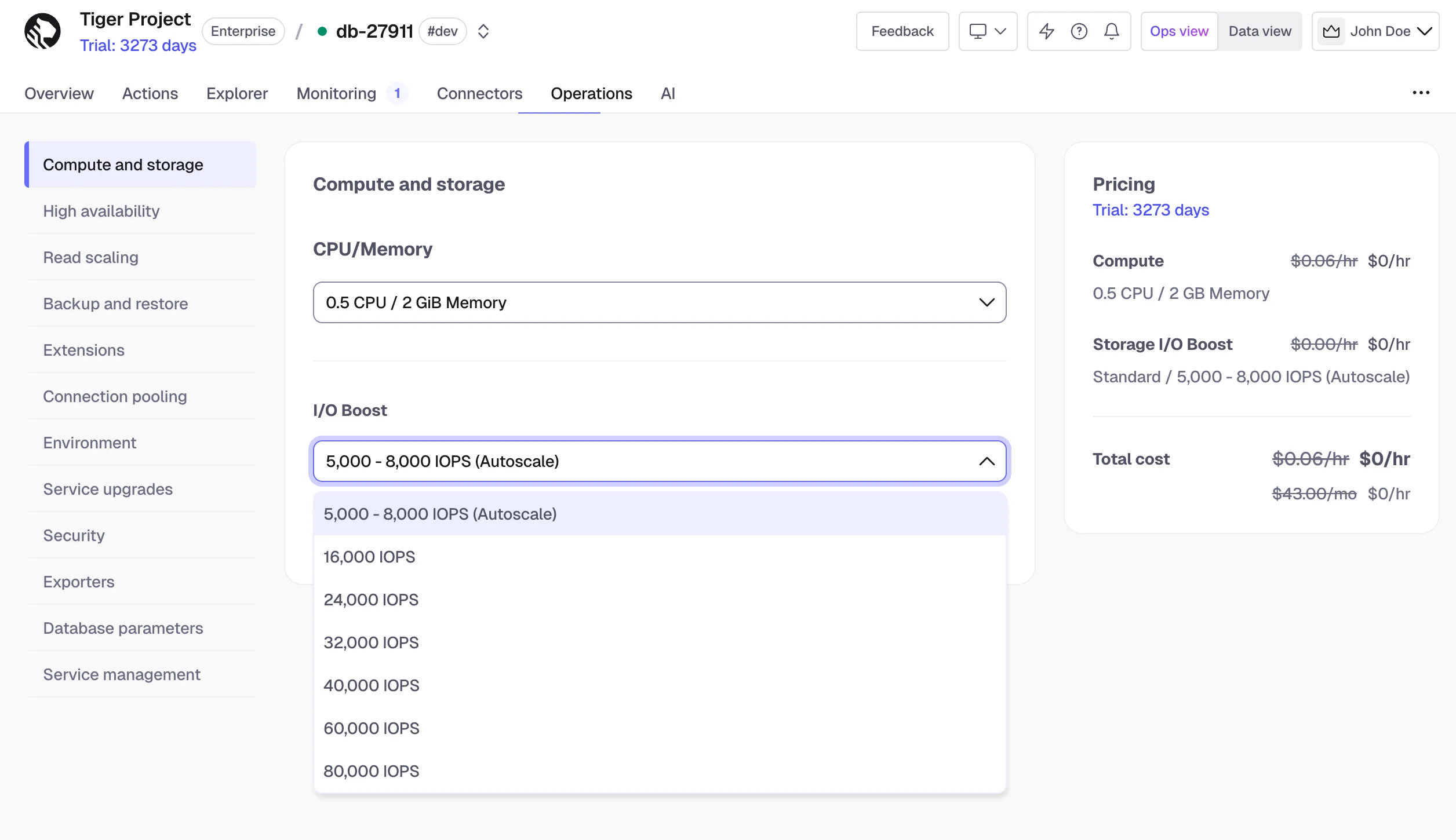
Standard high-performance storage now supports up to 80K IOPS and 4x more storage capacity (up to 64 TB) for services on the Scale and Enterprise pricing plans.
IOPS changes are applied without downtime and billed $0.41 per hour per 16K IOPS, prorated to the selected option. Minimum CPU limits apply.
For full details, see Manage storage and tiering.
Support for private endpoints is now generally available on AWS and Azure across all Tiger Cloud supported regions. Connect your applications to Tiger Cloud over private network links to keep database traffic off the public internet and inside the trust boundary your security team already relies on.
For information on pricing, see https://www.tigerdata.com/pricing.
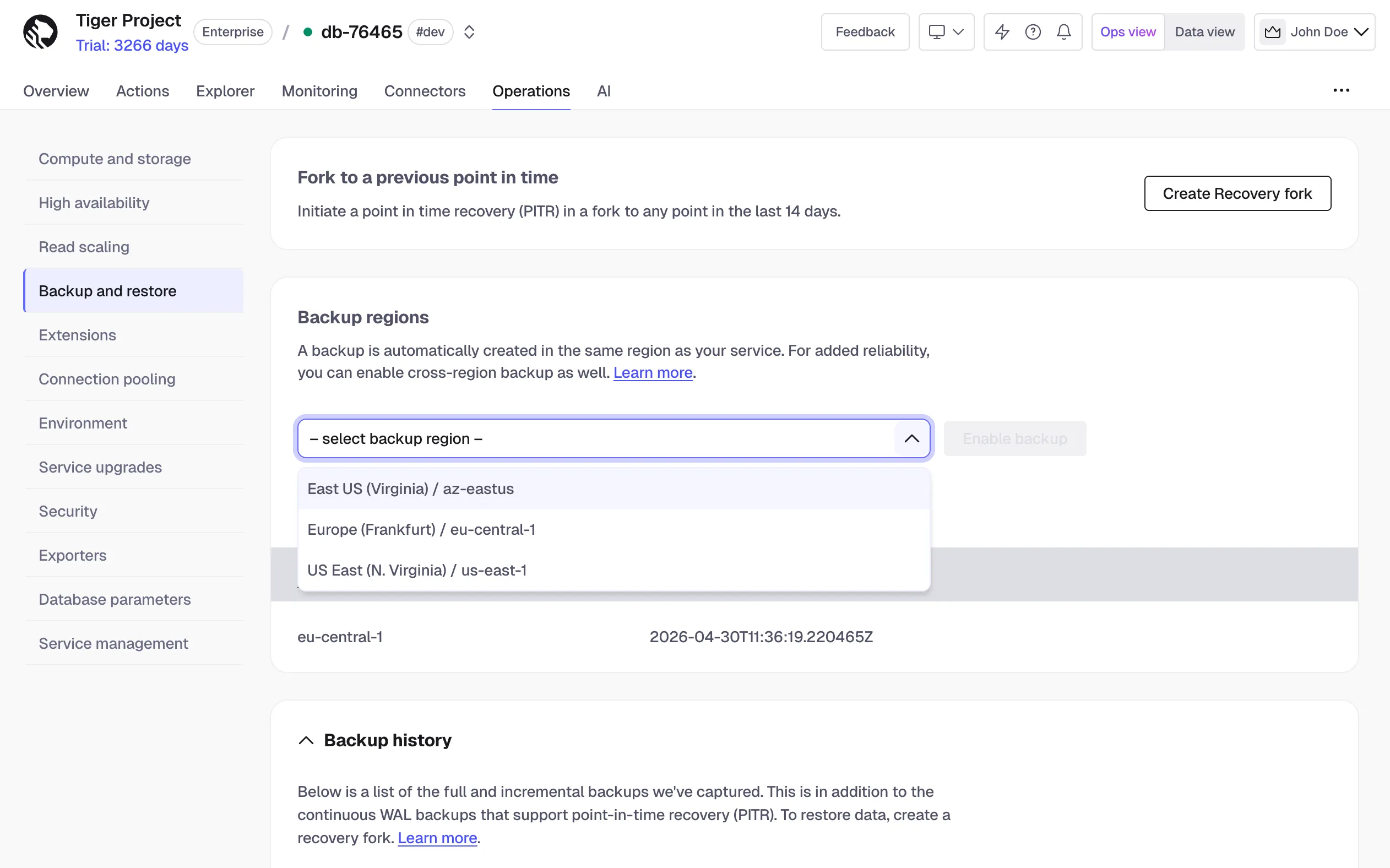
Cross-region backup protects data by copying backups to a separate, geographically distant region. Users subscribed to the Enterprise plan can now restore from a cross-region backup using the Tiger Console, ensuring business continuity in the event of a regional outage.
To learn more see cross-region backup and restore.
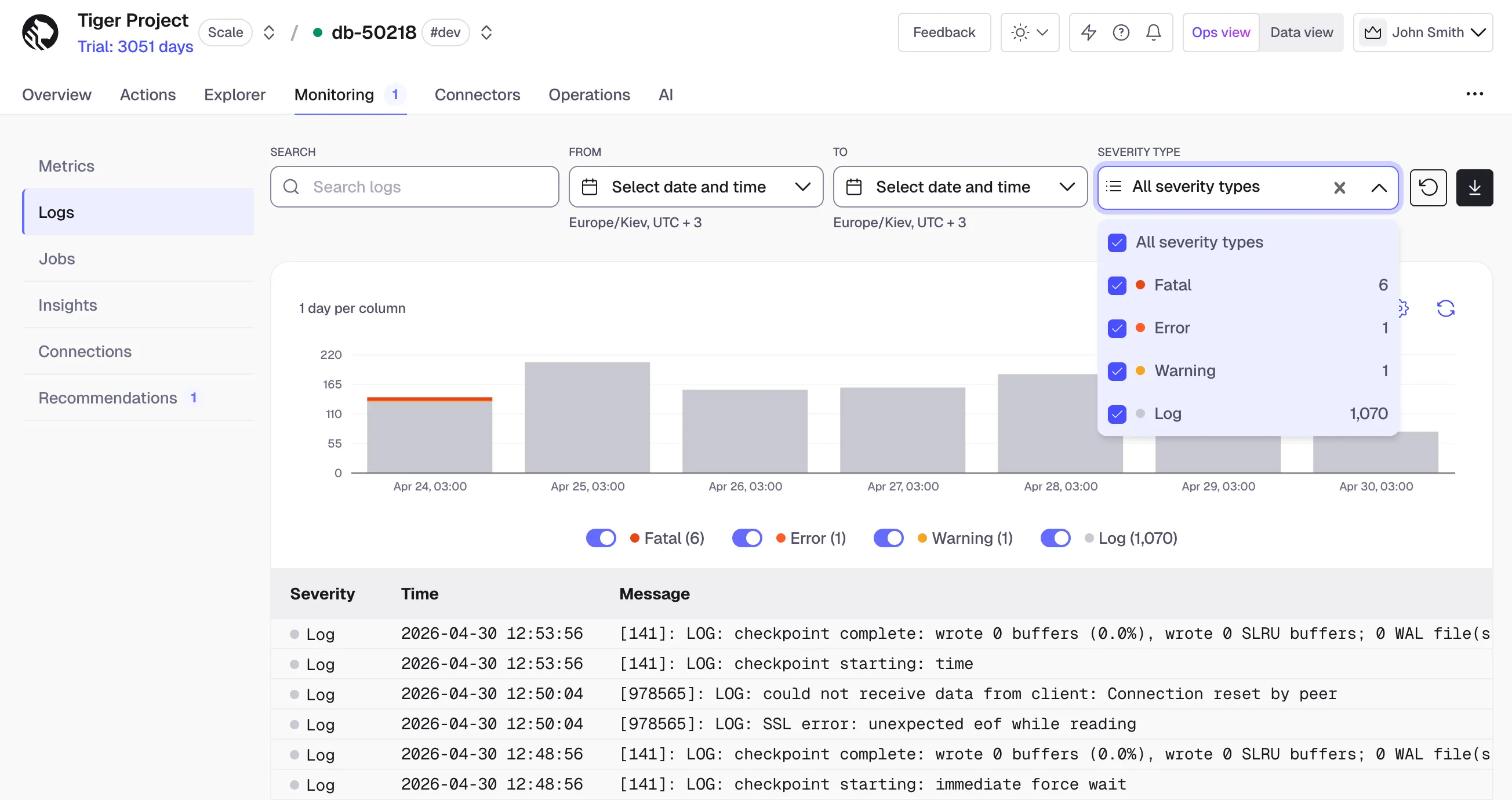
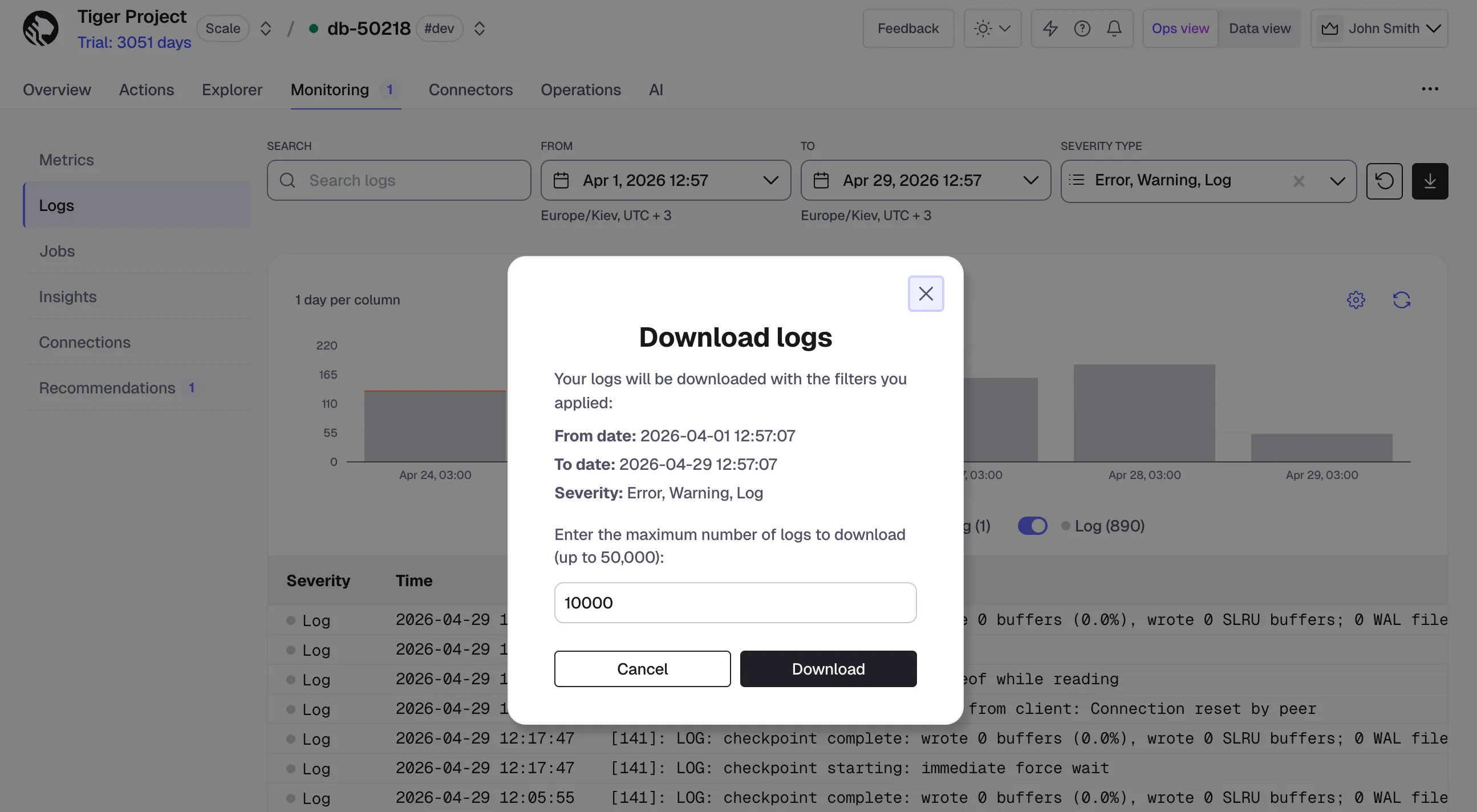
The Logs page in Tiger Console has been redesigned to make it easier to investigate and debug database issues. This release adds several new capabilities and improves the overall experience based on customer feedback.
The PostgreSQL Source Connector is now generally available (GA), completing its migration to the Tiger Connect architecture. This improves reliability, scalability, and consistency with other connectors.
What's new
Overview and Settings viewsNotes: This release marks the connector as stable and ready for production use.
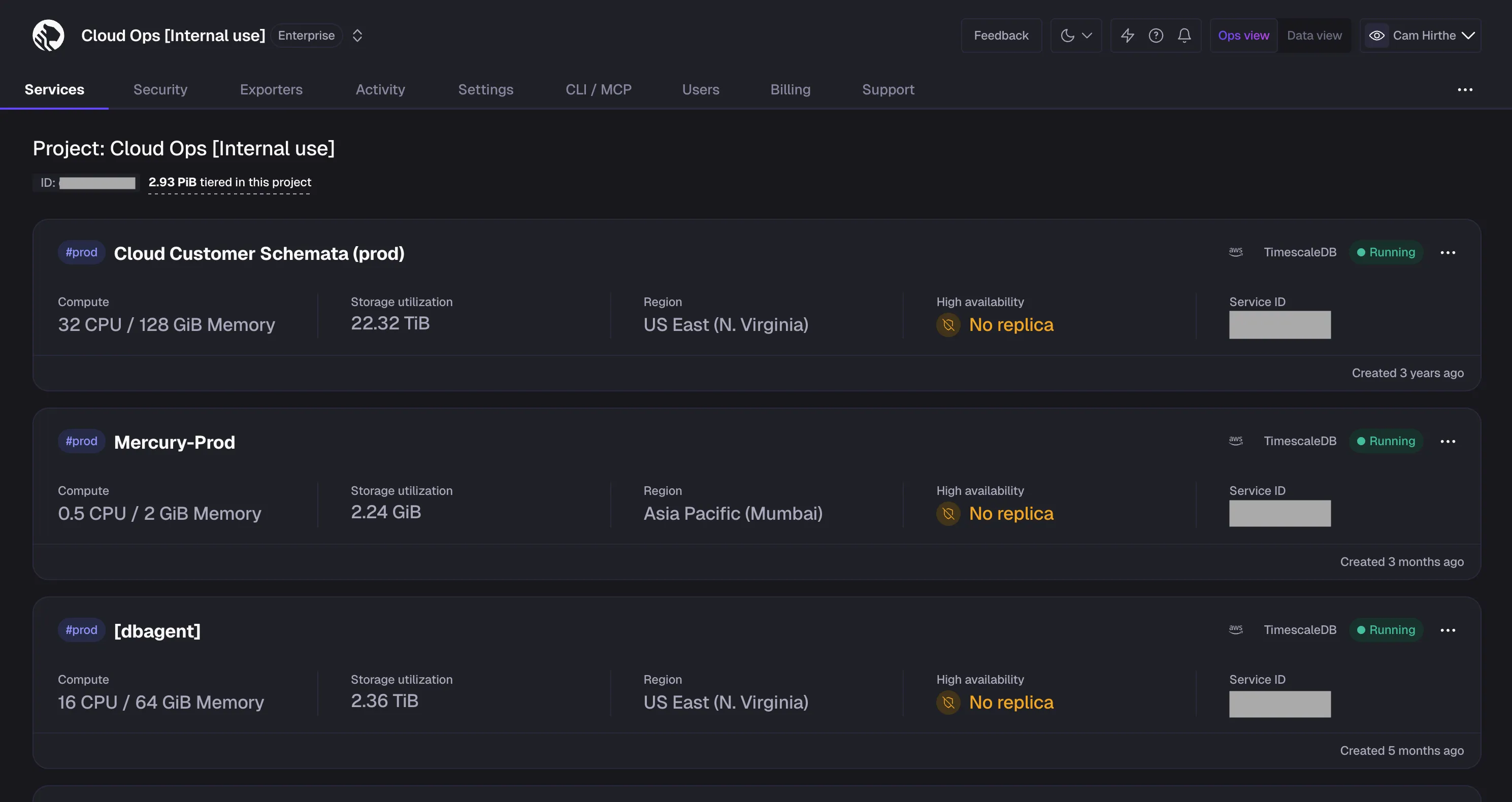
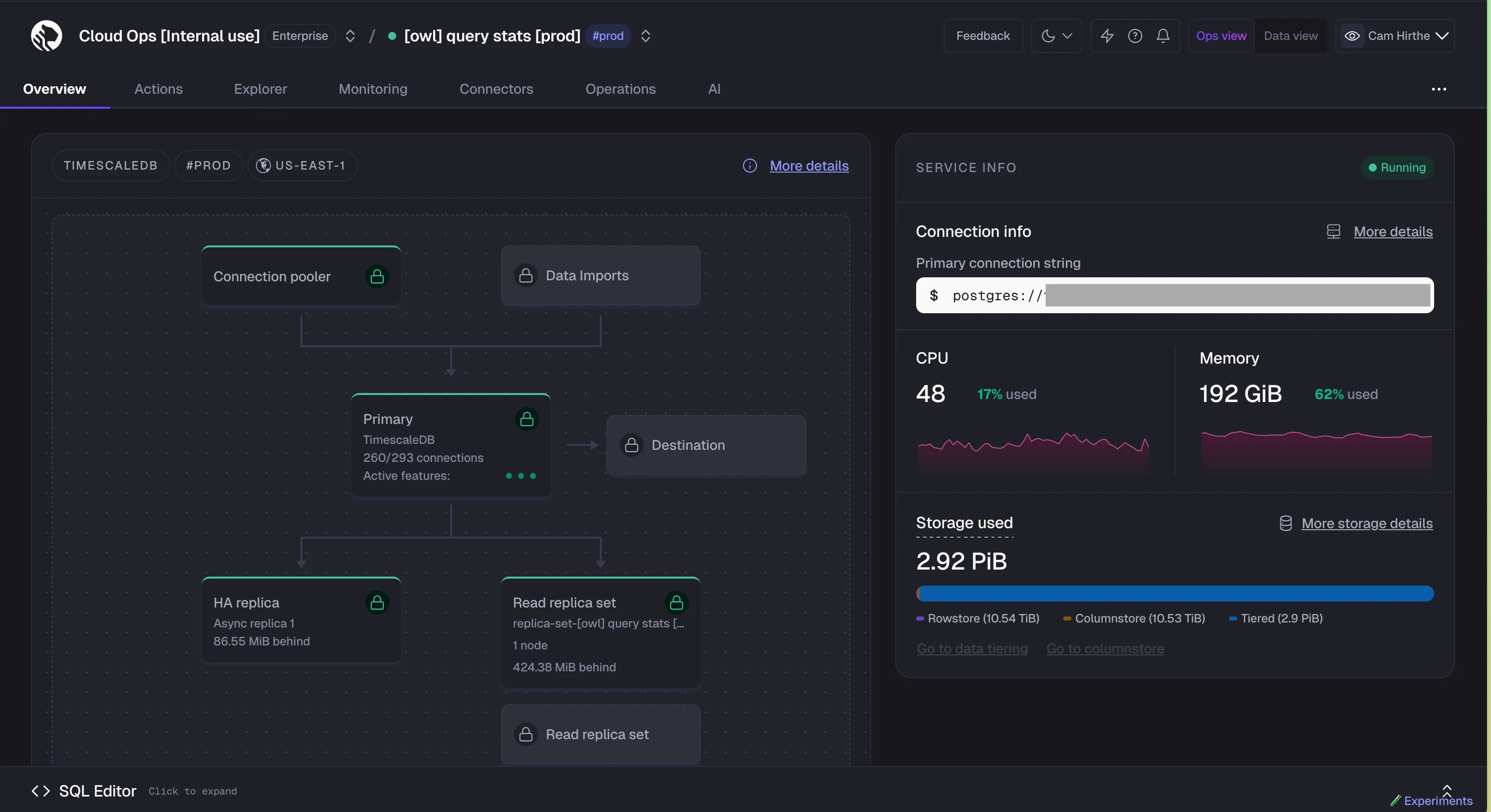
Dark mode is now live in Tiger Console for all customers. Switch themes from the theme toggle in the top navigation — choose Light, Dark, or System to match your OS preference.
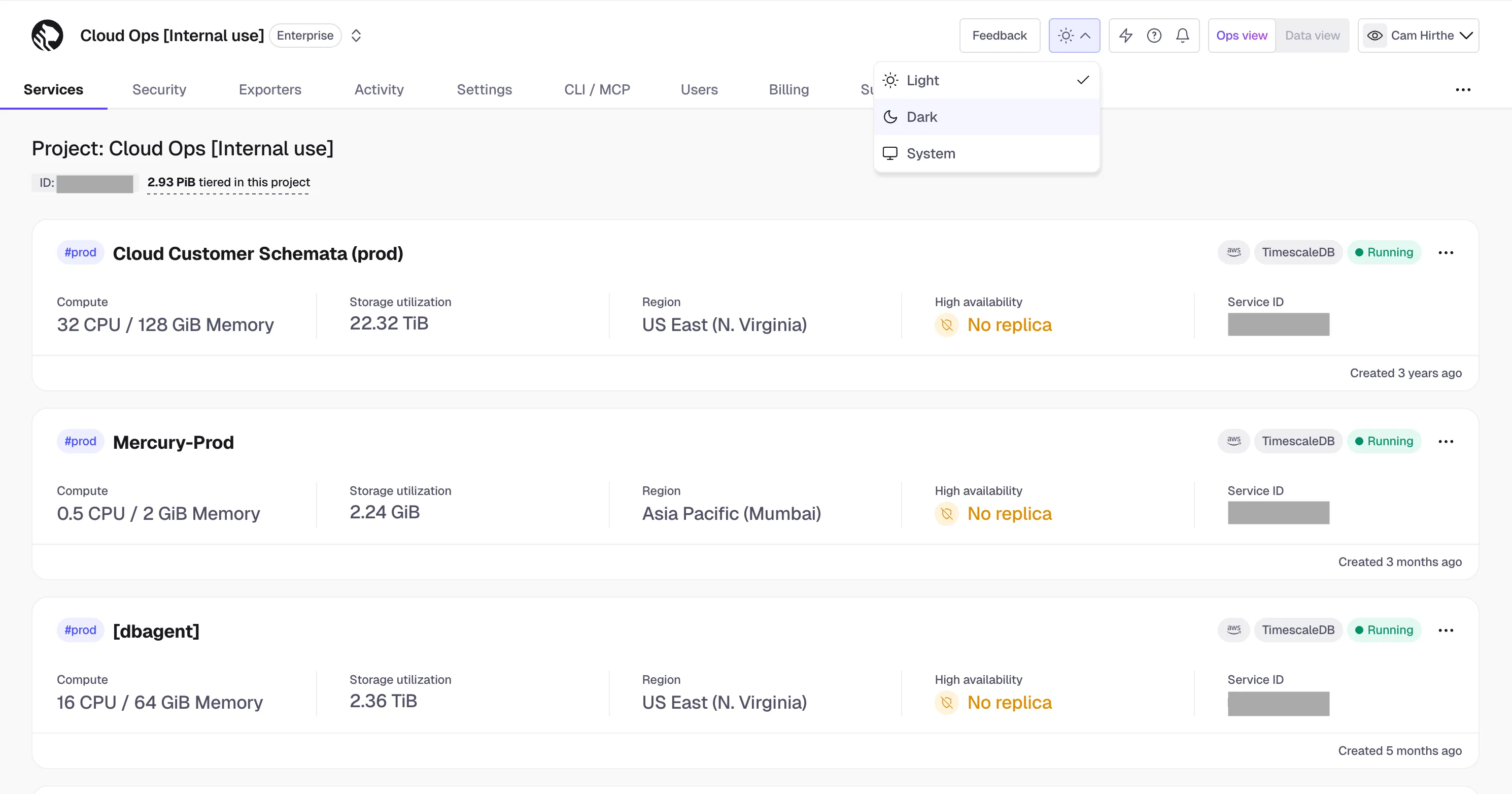
The default remains light mode for now, with an upcoming update planned to follow the user's system preference by default.
TimescaleDB v2.26.3 is a bug-fix release focused on operational reliability, with the most important improvement addressing concurrent refreshes of continuous aggregates. It was released on April 14, 2026, and was made available on Tiger Cloud right after release.
More reliable continuous aggregate refreshes
This release fixes concurrent refresh issues for continuous aggregates, an important improvement for production workloads that run overlapping or adjacent refreshes.
Fix concurrent refreshes of continuous aggregates: Resolves issues seen when multiple CAgg refreshes run at the same time. The underlying fix replaces the earlier intermediate queue model with a new registration-based approach for refresh windows, adds better overlap detection, uses lock-skipping to avoid deadlocks, and ensures cleanup happens correctly even when refreshes are cancelled or interrupted.
Why it matters: The previous design could lead to deadlocks between overlapping refreshes and leave stale ranges behind when refreshes were interrupted. The new model makes concurrent refresh behavior safer and more predictable.
Additional bug fixes
Fix alter_job for retention policies with drop_created_before: Resolves a failure case when updating retention policies with this argument.
Fix cleanup of orphaned compression_chunk_size entries during extension upgrade: Improves upgrade reliability.
Fix resource leaks during continuous aggregate refresh: Addresses error-path leaks during CAgg refresh processing.
Fix gapfill DST bucket ordering issue: Resolves out-of-order bucket creation during DST shifts in gapfill queries.
For complete details, refer to the TimescaleDB 2.26.3 release notes.
TimescaleDB v2.26.2 continues the 2.26 stabilization work with a broader set of fixes across query correctness, memory safety, chunk pruning, and continuous aggregates. It was released on April 7, 2026, and was made available on Tiger Cloud right after release.
Query correctness and planner fixes
This release improves correctness and stability for a number of query patterns introduced or expanded in recent releases.
Fix chunk exclusion with mutable expressions: Resolves a wrong-result issue when performing chunk exclusion using a mutable expression.
Fix chunk skipping with dropped columns: Improves correctness for chunk pruning in schemas that include dropped columns.
Fix GROUP BY ROLLUP on compressed continuous aggregates: Addresses an issue affecting this query pattern on compressed CAggs.
Reliability and memory-safety fixes
Fix WAL record tracking in EXPLAIN for direct compress: Corrects WAL tracking shown in EXPLAIN for direct compress workflows.
Fix several use-after-free issues: Includes fixes for invalidation handling, job owner validation, and reorder_chunk, improving overall runtime safety.
For complete details, refer to the TimescaleDB 2.26.2 release notes.
The Tiger Cloud platform status page has been migrated to status.tigerdata.com. The new status page is tightly integrated with our incident response workflows to provide better visibility into service health, including historical uptime. You can subscribe to be notified whenever an incident is created, updated, and resolved.
TimescaleDB v2.26.1 is a small follow-up release focused on stability. It was released on March 30, 2026, and was made available on Tiger Cloud right after release.
Stability improvements
This release is focused on a targeted fix to improve reliability for workloads using the new columnstore query paths introduced in 2.26.
ColumnarScan: Resolves a memory leak in ColumnarScan, improving stability for affected query workloads.For complete details, refer to the TimescaleDB 2.26.1 release notes.
TimescaleDB v2.26 continues improving how TimescaleDB scales for real-world analytical workloads, with major gains in columnstore query performance, better filtering efficiency on compressed data, and practical query-planning improvements that reduce unnecessary work. TimescaleDB 2.26.0 was released on March 24, 2026, and is available on GitHub and on Tiger Cloud as of March 30, 2026.
Faster analytical queries on the columnstore
This release expands the vectorized query path so more analytical queries can stay on the high-performance columnar execution engine instead of falling back to slower row-based processing.
time_bucket() in grouping or aggregation expressions can now continue running in the columnar pipeline. This delivers significantly faster performance for common analytical patterns, with benchmark examples showing roughly 3.5x faster execution on affected workloads.MIN()/MAX() on text columns: MIN() and MAX() on text columns using C collation now run natively in the vectorized aggregation path, avoiding row-based fallback and improving performance for workloads that use text values as tie-breakers or grouping outputs.Faster summary-style queries on compressed data
TimescaleDB 2.26 enables a new fast path for common aggregate and "latest/earliest value" queries on compressed chunks.
ColumnarIndexScan enabled by default: First introduced in 2.25.0 and now enabled by default in 2.26, this execution path allows queries using COUNT, MIN, MAX, and partial FIRST/LAST to read directly from sparse min/max metadata instead of decompressing full batches. This substantially improves performance for common summary queries on the columnstore, with benchmark examples showing speedups of up to 70x+.Better filtering and UPSERT performance with composite bloom filters
This release improves how TimescaleDB prunes compressed batches when queries or conflict checks involve multiple columns.
SELECT and UPSERT operations.EXPLAIN plans now surface more details to help you understand pruning effectiveness.Smarter chunk exclusion
This release improves query planning so TimescaleDB can skip more irrelevant chunks earlier.
IN/ANY on open time dimensions: Queries using these predicate patterns can now benefit from pruning as well, reducing wasted work on large datasets.Quality of life and operability
CREATE EXTENSION timescaledb now works correctly after DROP EXTENSION in the same session._timescaledb_catalog.chunk; if you query internal catalog tables directly, update any dependencies.For complete details, refer to the TimescaleDB 2.26.0 release notes.
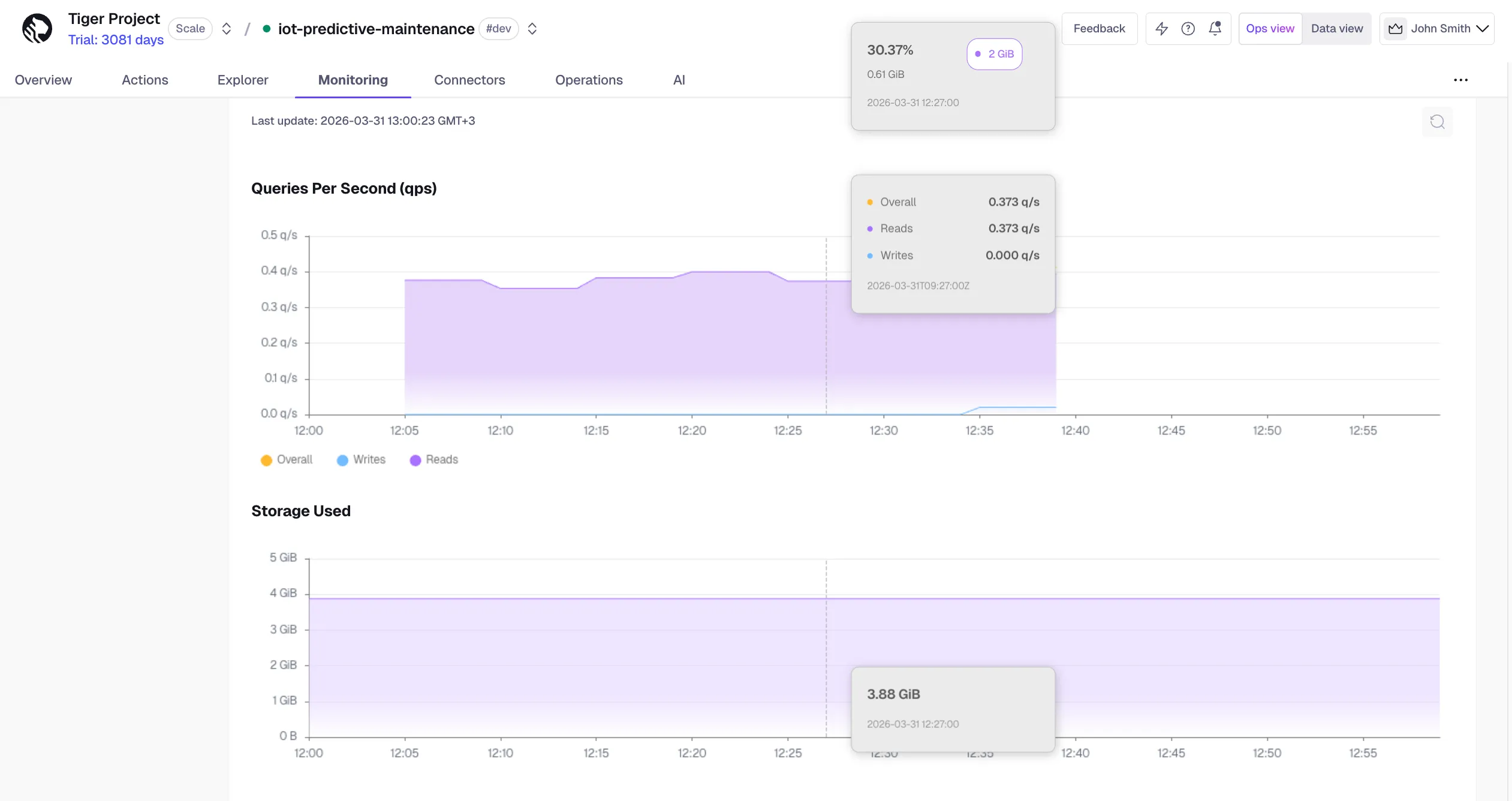
Several new graphs are now available to help you monitor database performance and resource usage over time.
In Metrics, a new Queries per Second graph gives you a real-time view of your database's throughput, making it easier to spot unexpected spikes or drops in query volume.
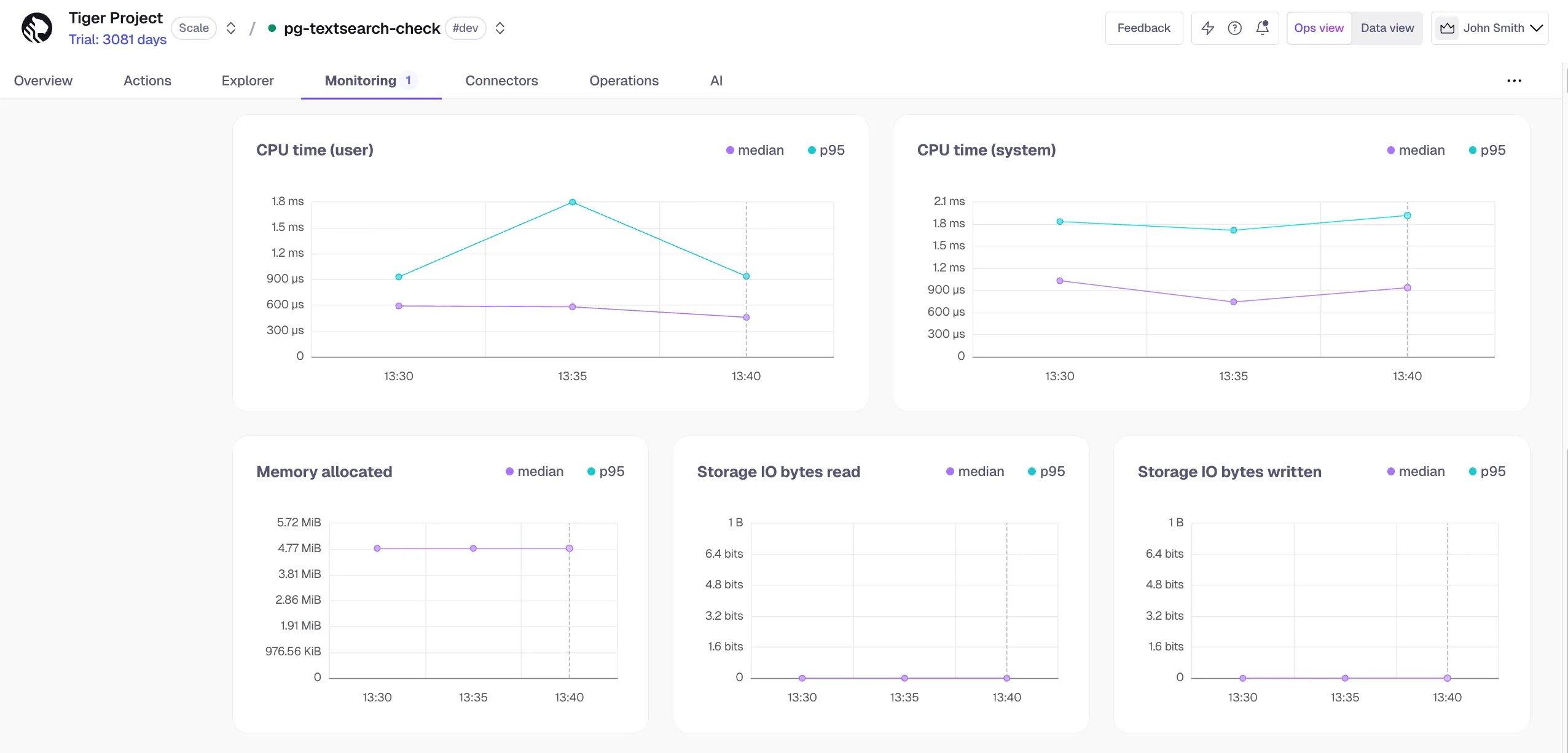
In Insights, the query deep dive page now includes resource consumption metrics — CPU, memory, and storage IO (read and write) — tracked over time. Use this to identify whether a query's performance is improving or degrading, and to understand the downstream impact of your queries on overall system health.
pg_textsearch v1.0.0 is generally available and production-ready on Tiger Cloud. This release marks BM25 full-text search as supported for production workloads, with documentation and operations guidance aligned to GA. This includes implicit <@> query syntax, bm25_force_merge() for segment consolidation, expanded configuration and limitations, and PostgreSQL 17–18 compatibility.
Learn more:
You can now enable the export of database metrics such as replication, cache usage, and background activity to Amazon CloudWatch, Datadog, and Prometheus by selecting PostgreSQL metrics when creating or modifying an exporter in Tiger Console. Additionally, system-level disk metrics such as IO and throughput are now being exported by default.
See Exported metrics for the full list of default and additional metrics, and Observability & Alerting for how to create exporters.
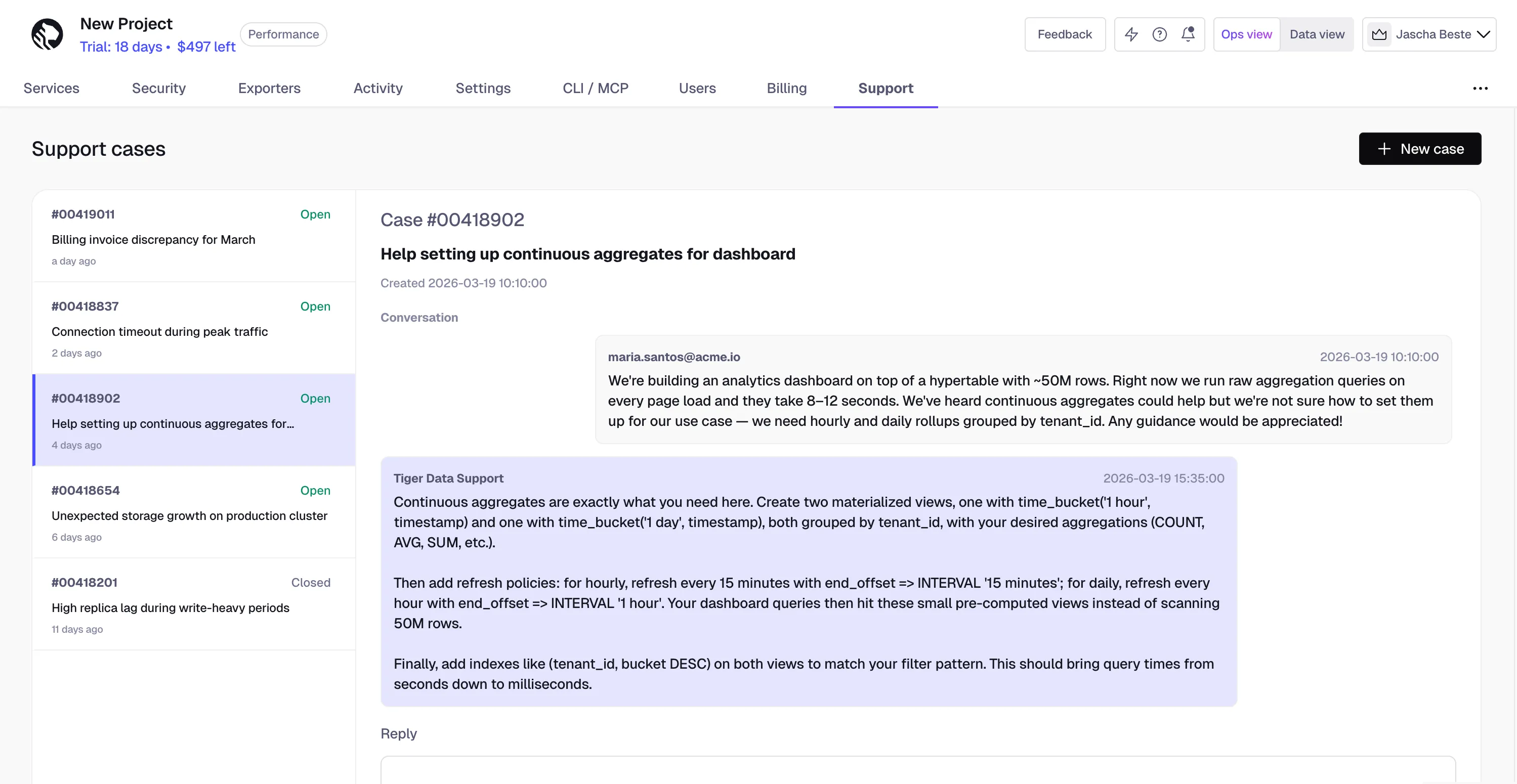
You can now view and manage your support cases directly in Tiger Console. Open the Support tab at the project level to:
Tiger Cloud now offers support for exporting telemetry data from your Tiger Cloud services with the time-series and analytics capability enabled to Azure Monitor. To learn more, see Integrate Azure Monitor with Tiger Cloud.
Tiger Cloud now offers automated chunk tuning in beta, taking the guesswork out of setting and maintaining chunk intervals for your hypertables. When enabled, the tuner monitors your workload and adjusts chunk intervals automatically, no manual intervention required.
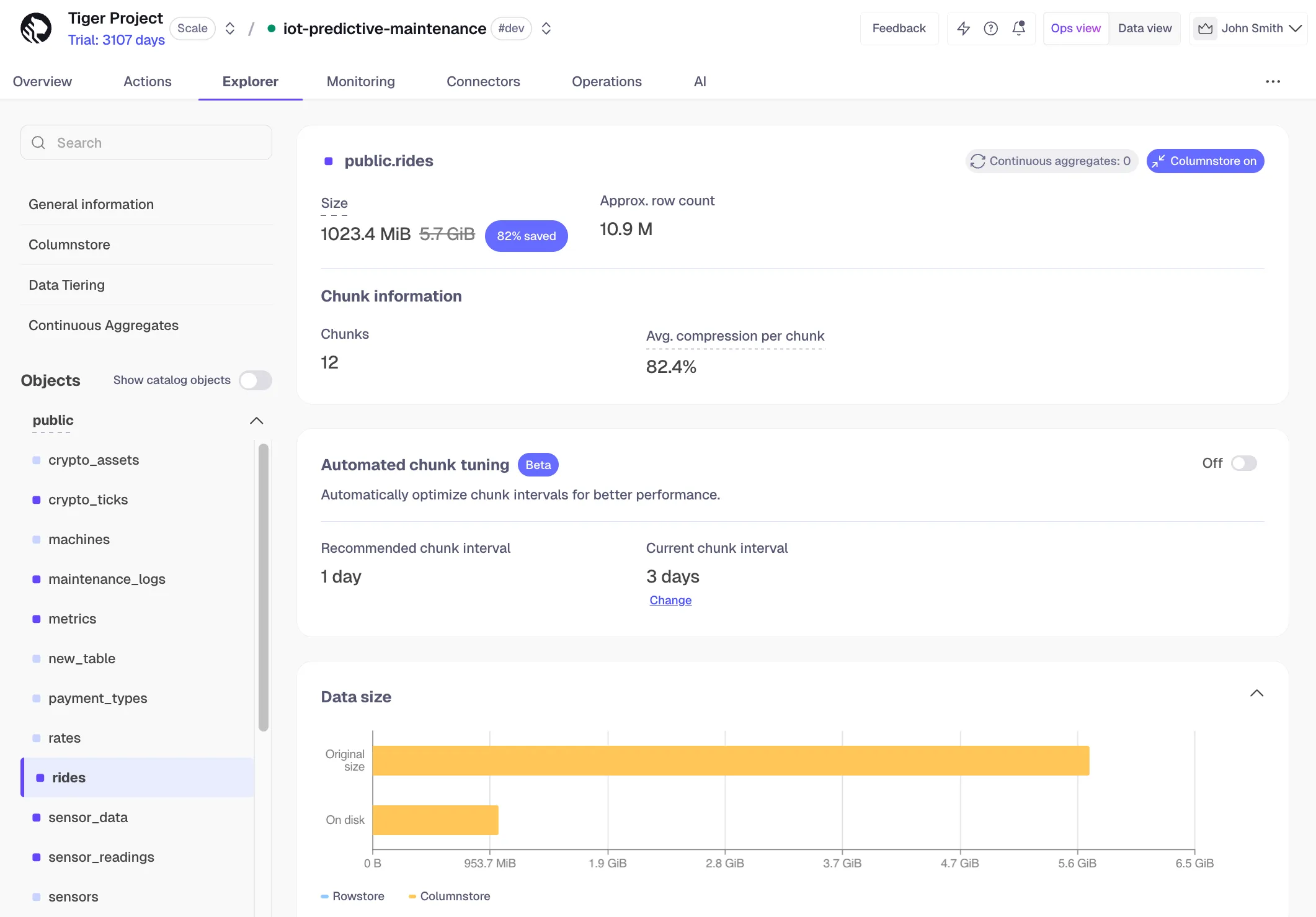
If you experience any negative impact, you can opt out at any time and manually reset the interval via the UI or SQL. Learn more about automated chunk tuning.
TimescaleDB v2.25 continues improving how PostgreSQL scales for time-series workloads, with major wins in query performance on compressed data, smoother continuous aggregate refresh behavior, and practical operational improvements as datasets and chunk counts grow. TimescaleDB 2.25 was released on January 29, 2026, and is now available to all users on Tiger Cloud.
This release includes the following highlights:
Faster queries on compressed data
A new ColumnarIndexScan execution path uses columnar metadata to accelerate common aggregates and FIRST/LAST queries on compressed chunks. The feature is currently disabled by default due to a known issue with partial aggregations, but can be enabled by setting the GUC enable_columnarindexscan to true. It will be enabled by default in 2.26.
MIN/MAX/FIRST/LAST on compressed data can take fast paths and avoid scanning full chunks (reported up to 289× faster in the example).COUNT(*) with time filters can often skip reading the time column entirely (reported up to 50× faster in the example), reducing CPU and memory pressure.Continuous aggregates
This release reduces contention and refresh overhead for continuous aggregates, especially when using the columnstore.
DELETEs on compressed hypertables: when conditions allow, it can delete whole batches without decompressing and deleting row-by-row. Previously, this path was disabled for tables with continuous aggregates because it didn't emit the invalidation details needed to trigger the right refresh ranges. In 2.25, that support is added, so hypertables using the columnstore and continuous aggregates can benefit from faster, lower-I/O deletes.buckets_per_batch is now 10 (previously 1, effectively no batching).segmentby for columnstore CAggs (effectively using no segmentby) and sets the orderby column to the bucketing timestamp to improve refresh behavior.Quality of life/operability
Estimate original size for columnstore chunks to support workflows that depend on pre-compression sizing (for example, tiering/billing and Console reporting), especially as direct compress becomes more common and raw-size stats may not exist. This also improves accuracy versus older "frozen" compression stats that didn't reflect subsequent DML (like deletes).
Example:
SELECT _timescaledb_functions.estimate_uncompressed_size('<schema>.<chunk_name>');Option to auto-add newly created chunks to a publication (GUC, off by default) to simplify logical replication workflows.
Configurable work_mem for background worker jobs when jobs need more memory to avoid spooling to disk. You can set it per job via the job config JSON.
Example:
SELECT add_job('my_proc', '1 hour', config => '{"work_mem": "256MB"}'::jsonb);Update an existing job:
SELECT alter_job(id, config := jsonb_set(config,'{work_mem}','"256MB"')) FROM _timescaledb_catalog.bgw_job WHERE id = <job_id>;For complete details, refer to the TimescaleDB 2.25 release notes.
We have added a new panel in Tiger Console that walks you through setting up:
There are walkthroughs for MacOS, Linux, and Windows. Find the actions in the project view under the CLI/MCP tab.
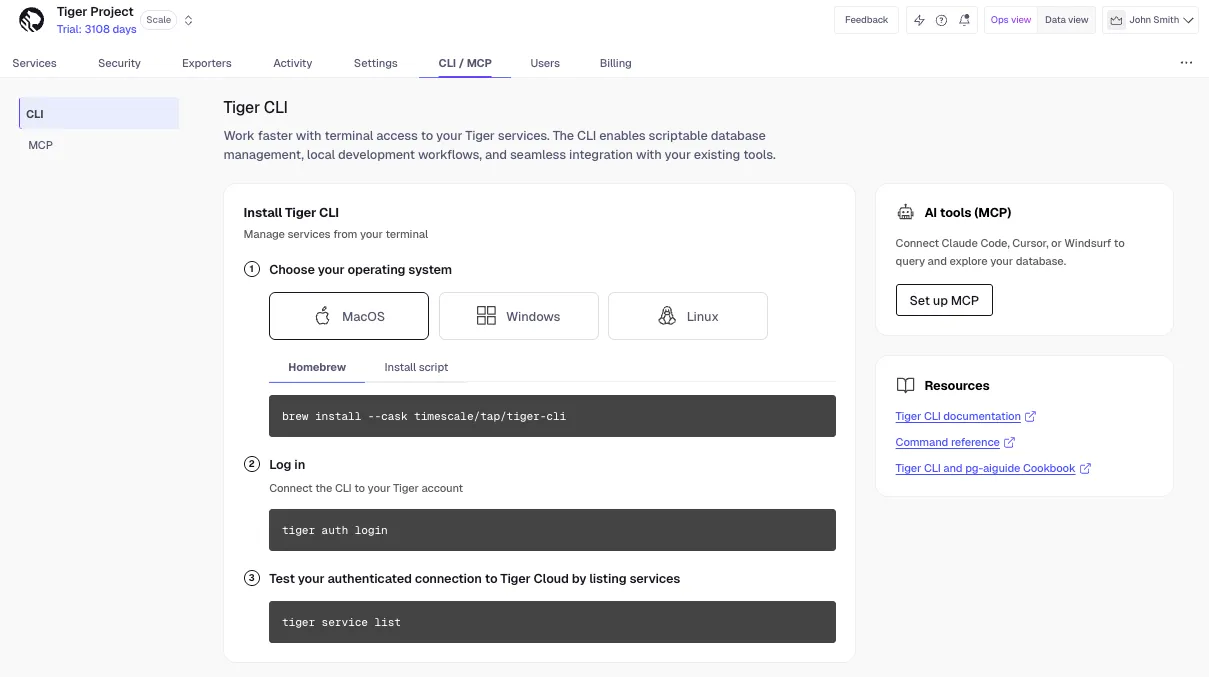
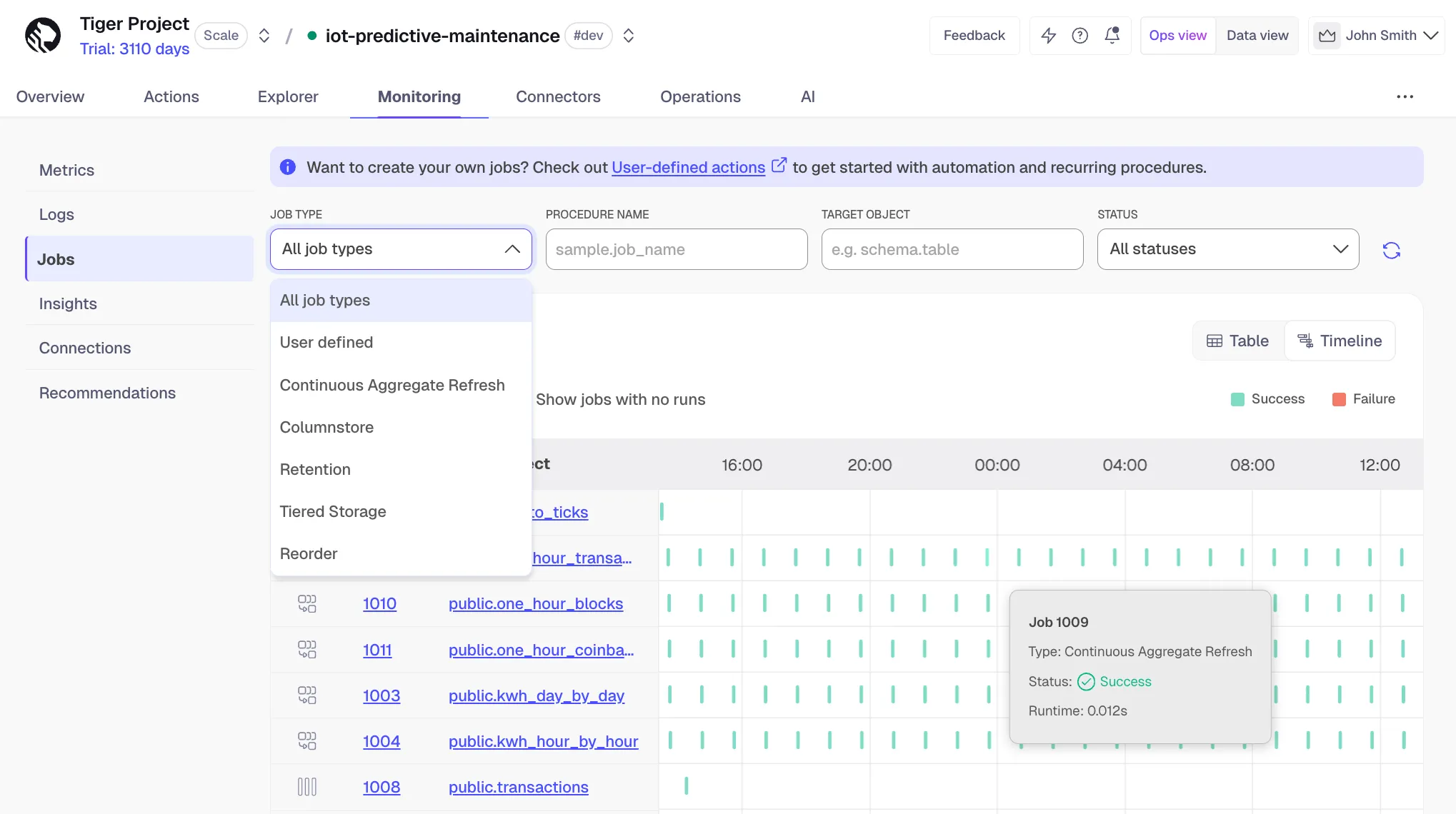
We have added a timeline view to the Jobs page so you can easily see the status of all of your recent job runs at a glance. Hover over each run for more detail, or click on a specific job to go into the deep dive jobs view. See Monitor your Tiger Cloud services.
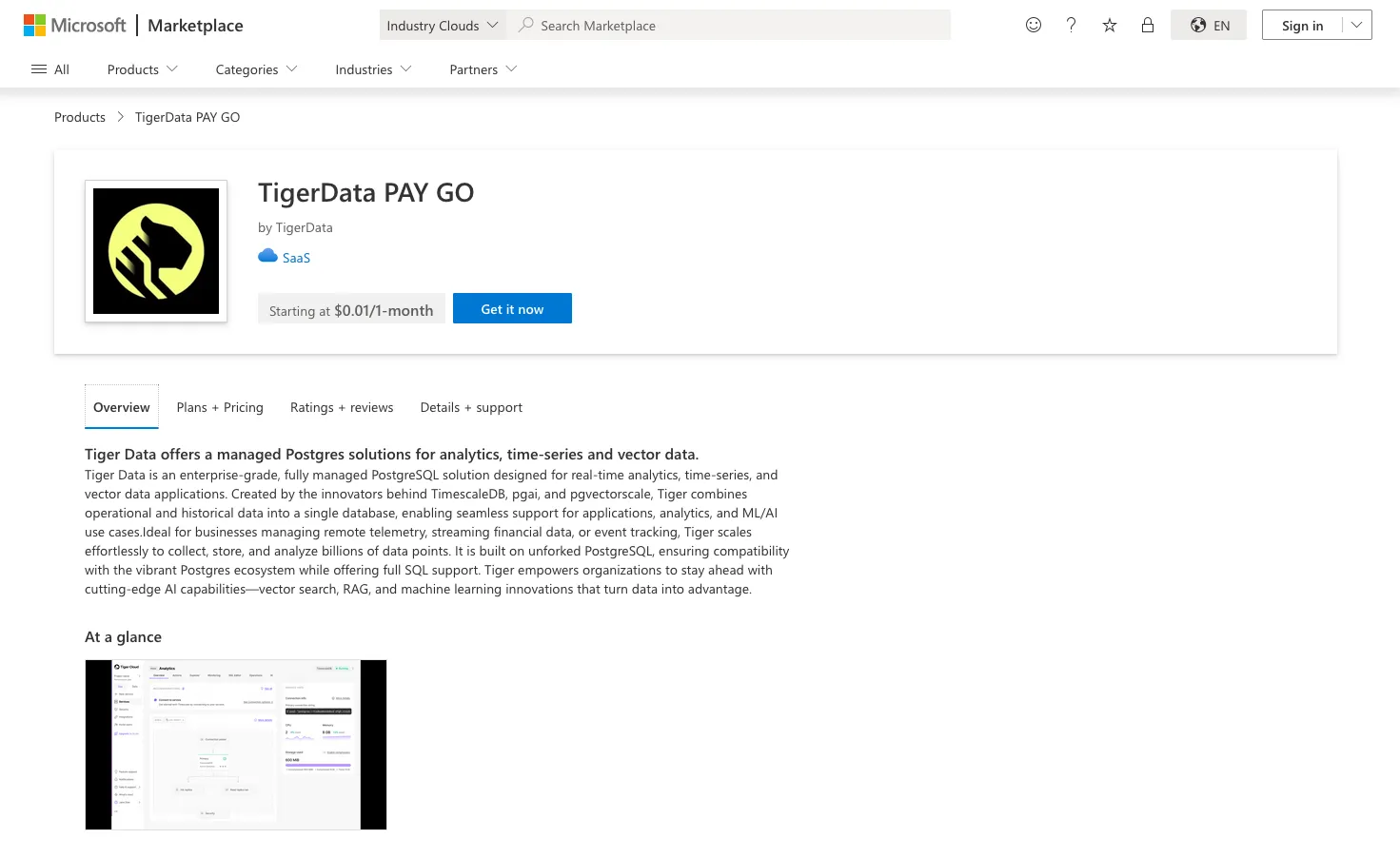
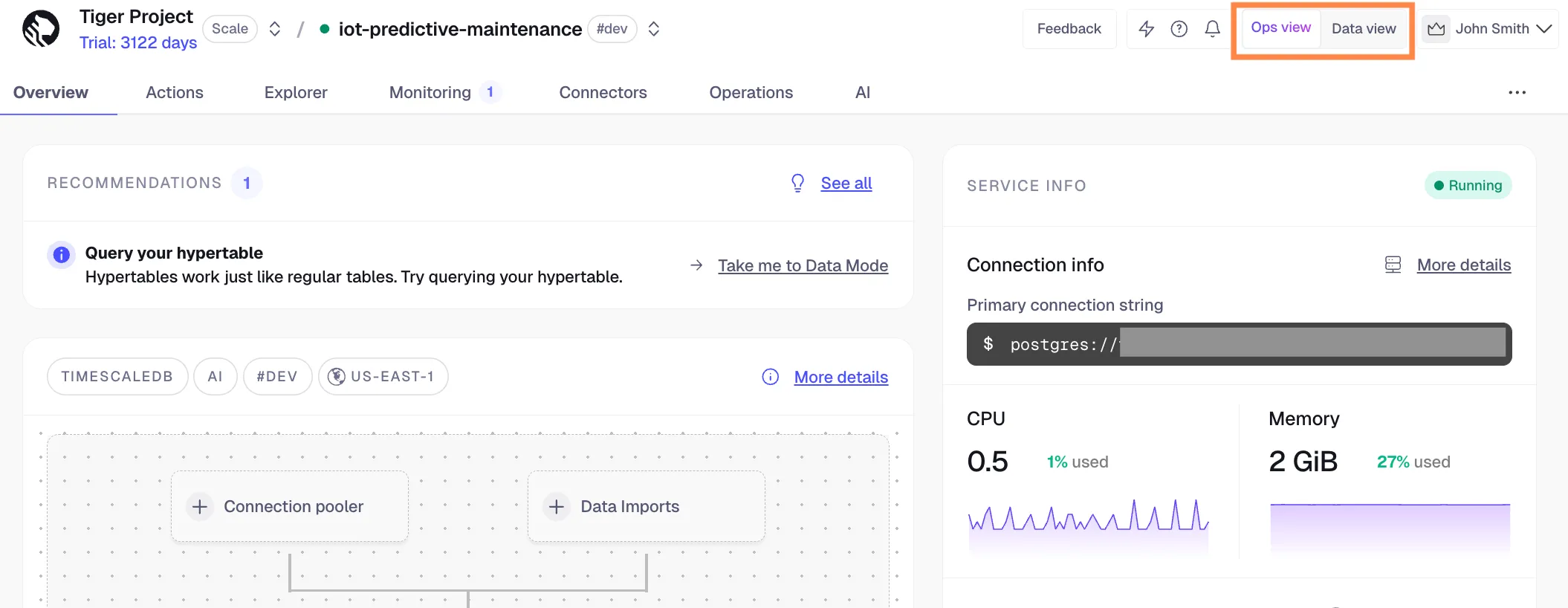
Microsoft customers can quickly sign up for Tiger Cloud through Azure Marketplace, enabling streamlined procurement and consolidated billing. Previously the signup process was manual, requiring help from us at Tiger Data. Now it's completely self-serve! You can find the product under the annual commit and pay as you go pricing options at the marketplace.
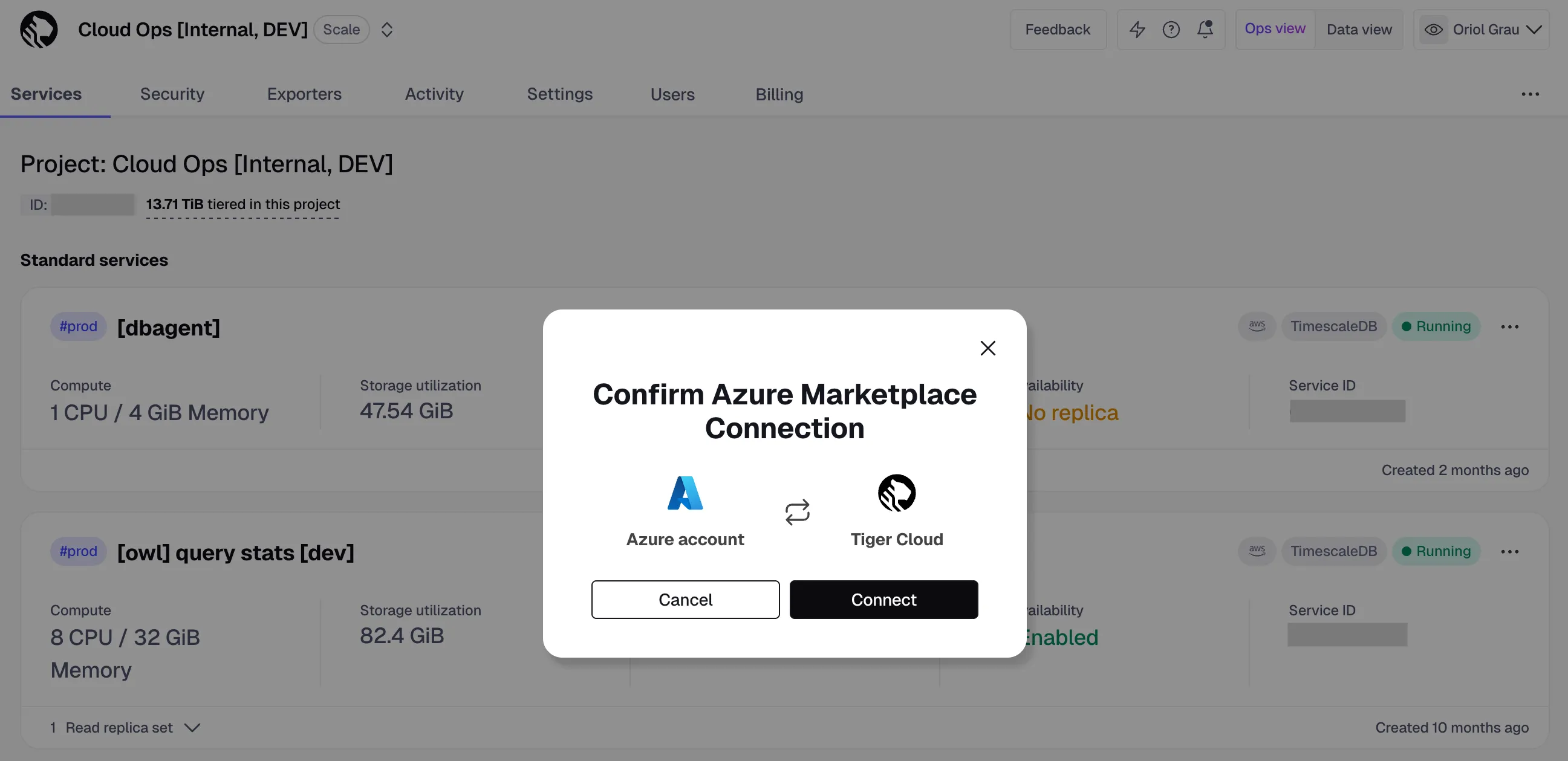
We have changed the interface for the SQL editor to be floating, as opposed to a dedicated tab. Now SQL editor follows you as you navigate around the UI within an individual service. This change improves the usability and allows you to easily reference your schema (through Explorer) when writing SQL queries.
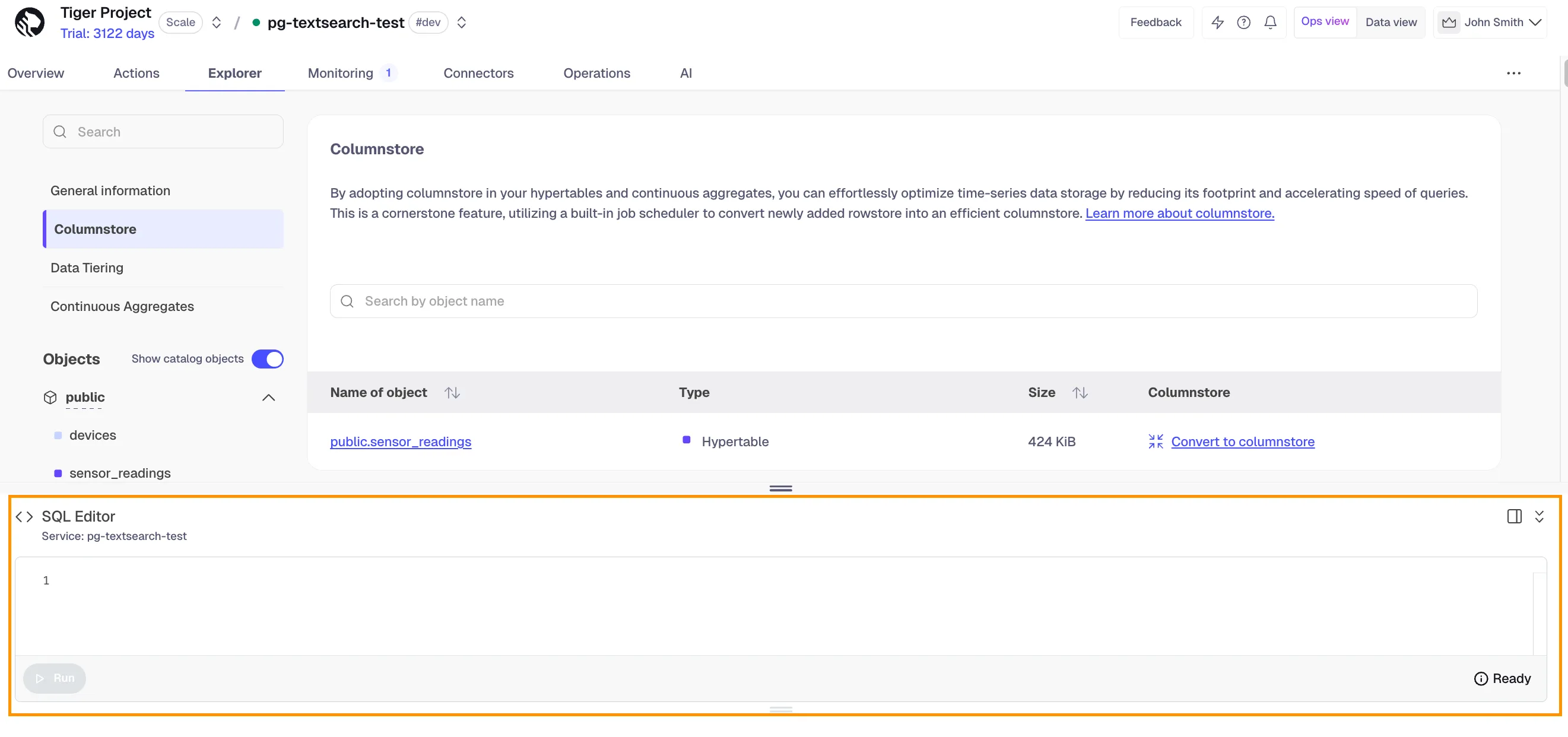
We brought back the toggle between the Ops view and Data view within the context of a service. You can now easily switch to Data view from inside an individual service. The toggle is available above the top navigation in the UI.
pg_textsearch v0.5.0 is now available on Tiger Cloud.
This release includes the following highlights:
CREATE INDEX now uses multiple workers for faster indexing of large tables. PostgreSQL automatically allocates workers based on the table size and the max_parallel_maintenance_workers setting.See Optimize full text search with BM25 for how to use it.
Tiered Storage is now available for Tiger Cloud services running on Microsoft Azure, bringing cost-effective data management to our Azure customers. This feature enables you to automatically move rarely accessed data to low-cost storage on Azure Blob Storage while maintaining the ability to query it seamlessly with standard SQL. Customers typically see a reduction of 2-5x in storage costs depending on data compression rates.
Azure Tiered Storage works just like the AWS version: enable it in Tiger Console, set tiering policies on your hypertables, and Tiger Cloud handles the rest. With this release, Tiger Cloud Services on Azure offer the same powerful data lifecycle management capabilities as those running on AWS.
Starting today, you can use Tiger Cloud in the AWS Europe (Zurich) Region. This enables applications to have low-latency access to Tiger Cloud services while meeting data residency requirements. To create your first service, see Get started with Tiger Data. For a complete list of regional availability, see available regions.
Tiger Cloud now includes significant improvements to pg_textsearch, bringing major gains in query performance, index size, and scalability.
What's new:
pg_textsearch indexes smaller and more efficient.Later releases added parallel index builds (v0.5.0) and further refinements; see the pg_textsearch changelog and v1.0.0 GA for current status.
Learn more:
Tiger Cloud now supports PostgreSQL 18. All new services are created with PostgreSQL 18 by default, and existing services can upgrade to PostgreSQL 18.
PostgreSQL 18 highlights include:
pg_upgrade capabilitiesuuidv7() function for better UUID handlingFor more details about PostgreSQL 18, see the official announcement.
We've added a new timescale_connector_s3 resource to the Tiger Data Terraform provider, enabling full Infrastructure as Code management of S3 source connectors. Teams can now declaratively create, update, and manage S3 connectors supporting CSV and Parquet files, multiple auth methods, and configurable sync options.
Available in Terraform provider v2.7.0+.
The newest version of pg_textsearch has automated benchmark infrastructure, groundwork for storage and query optimizations in upcoming releases, and numerous bugfixes.
See more details in the pg_textsearch GitHub release notes.
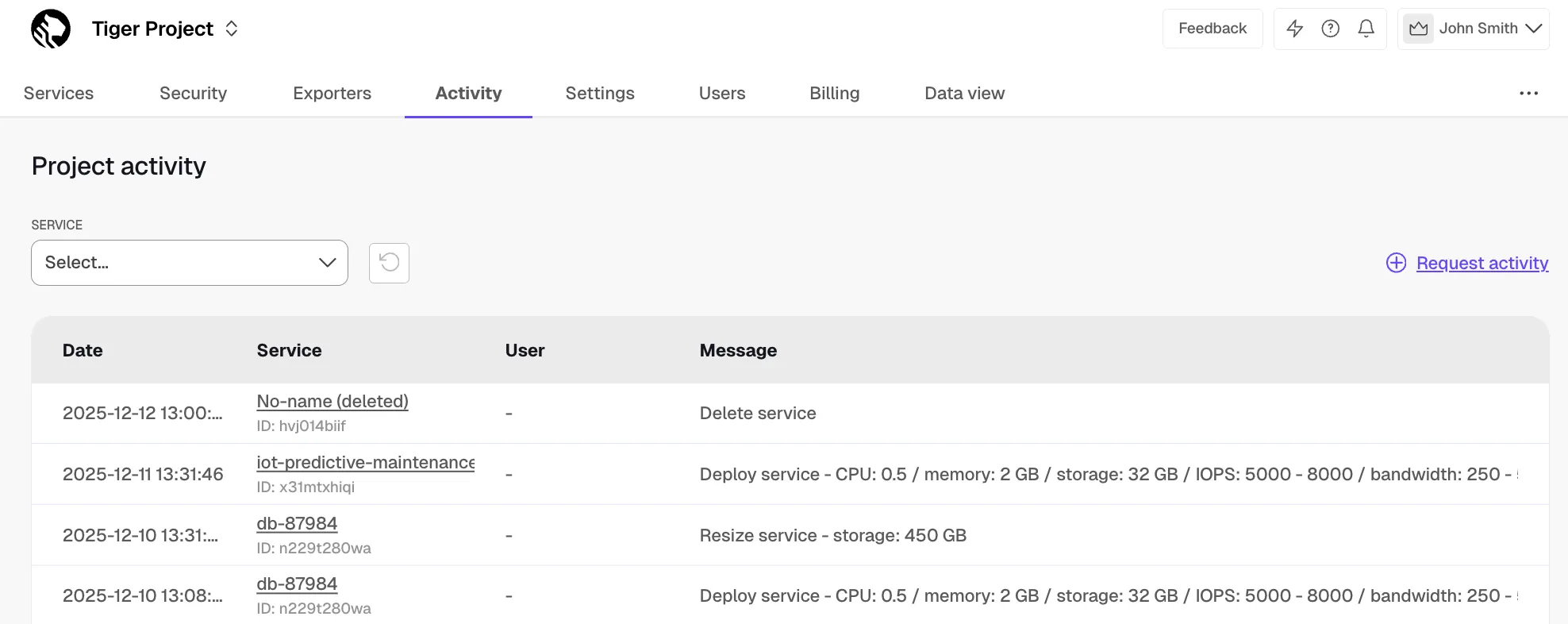
Tiger Cloud Console now offers the Activity tab that displays the activity log for all your services. This serves as a record of actions that have happened to your services and Tiger Cloud account, such as service resizes and project invitations. The activity log includes the corresponding service, the user who performed the action, and a description of the action itself.
TimescaleDB 2.24 delivers more efficient recompression operations, expanded use of continuous aggregates, and better invalidation behavior.
Highlighted features:
recompress := true option for convert_to_columnstore() performs batch compaction entirely in memory, offering 4–5x faster performance compared to the previous spill-to-disk method.For complete details, see the TimescaleDB 2.24 release notes.
We have updated the design of the navigation in Console to improve consistency, reduce distractions, and make it easier and faster to navigate through the different menus.
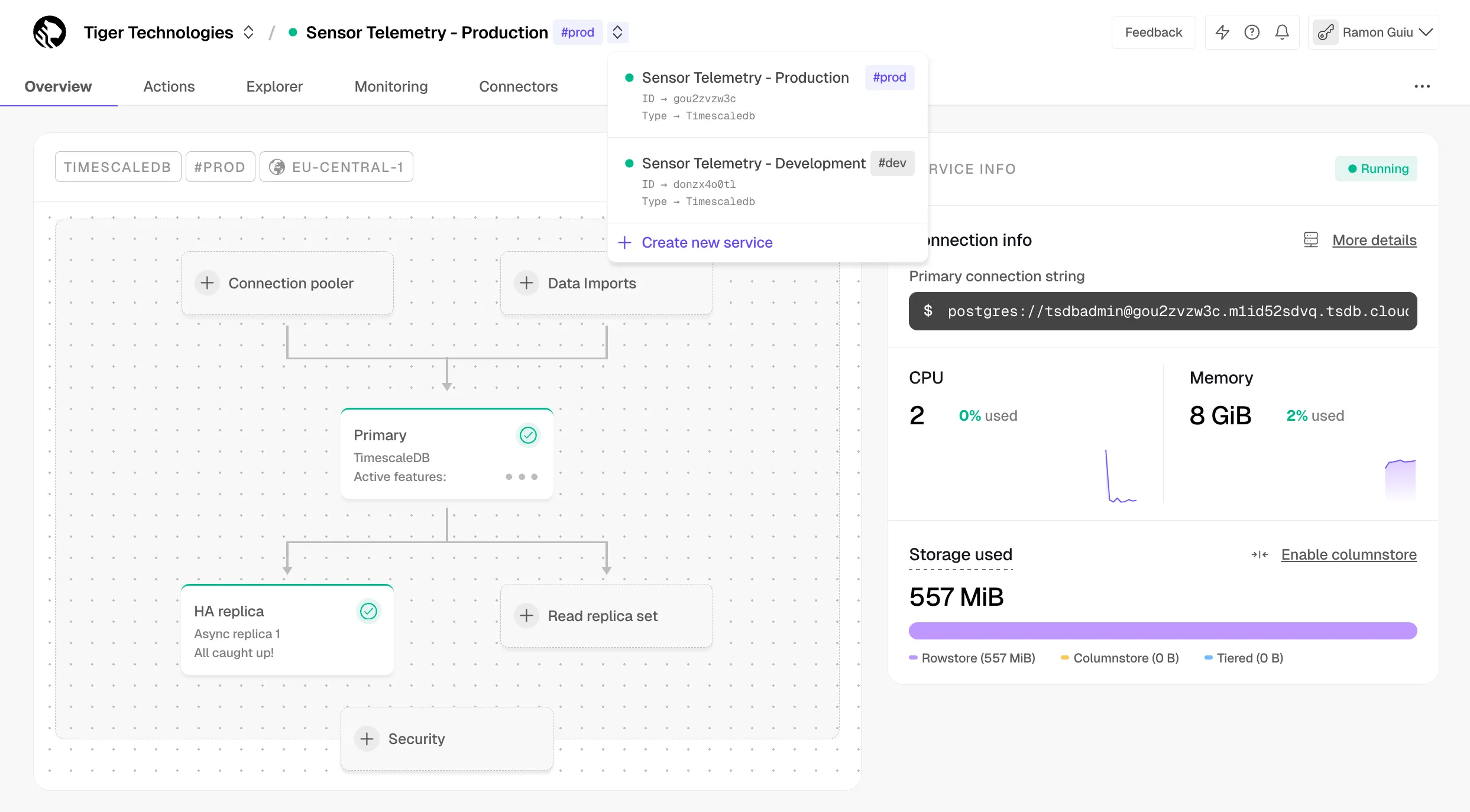
The S3 source connector is now production-ready, delivering major improvements in reliability, performance, and correctness across the entire ingestion pipeline.
TigerLake is now available in public beta with full DML support, high-performance ingestion, enhanced resilience and self-healing, and improved deployment experience.
Read the documentation to get started.
For more details on simplified hypertable creation, see Create a hypertable. To learn more about Direct-to-Columnstore, see the documentation and this blog post. For currently supported TimescaleDB versions, see Supported platforms. For a comprehensive list of changes, see the TimescaleDB 2.23 release notes.
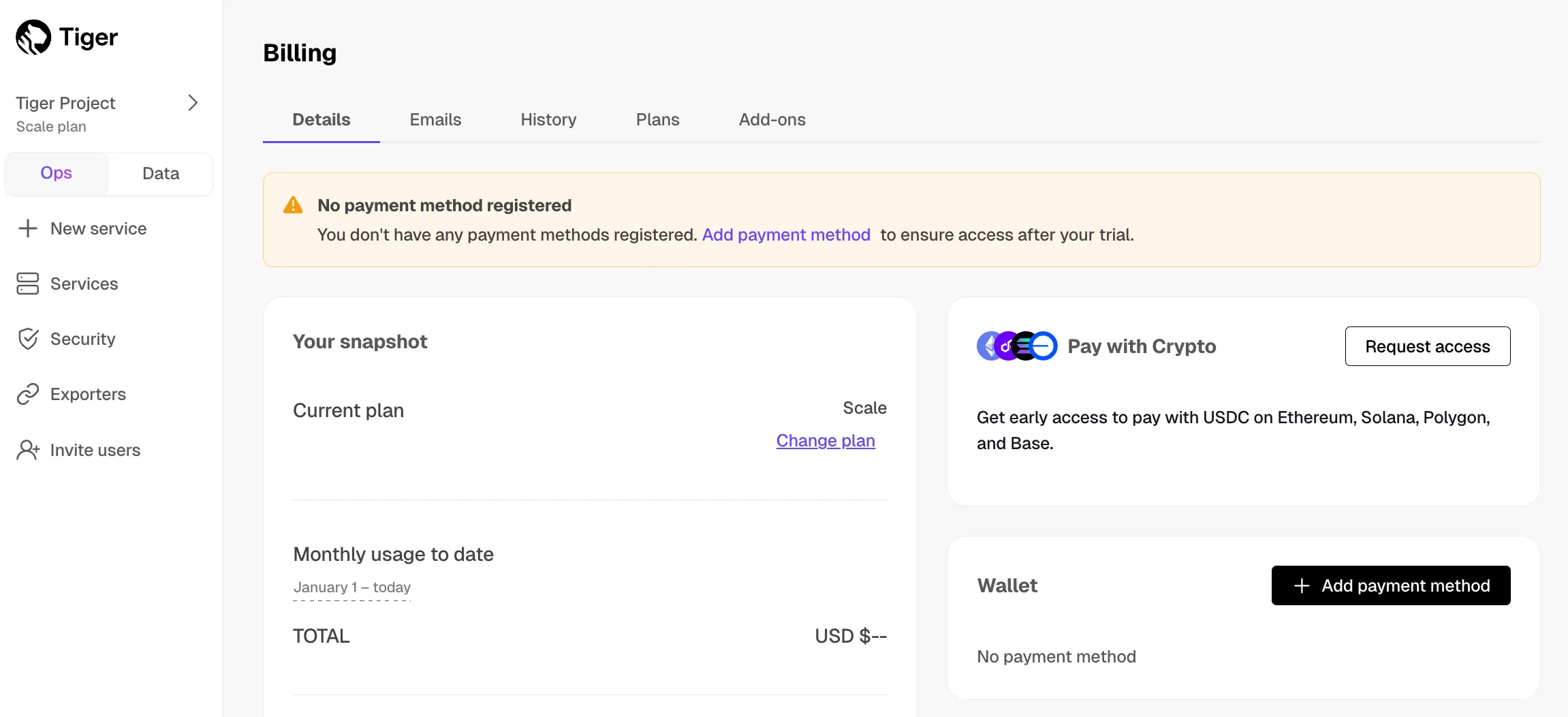
You can now pay Tiger Cloud invoices with stablecoins (USDC, USDP, USDG) through Stripe's crypto payments.
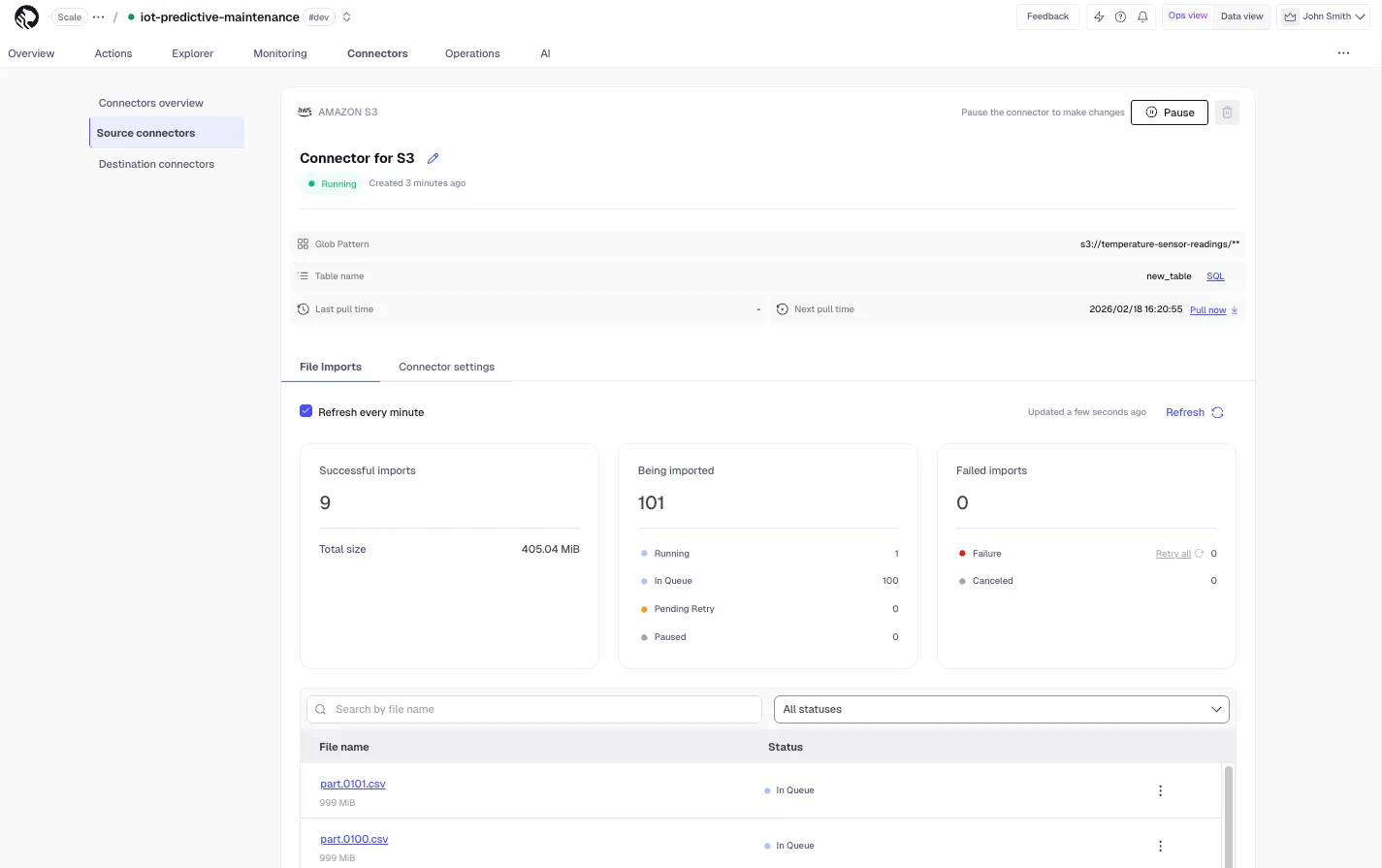
Major improvements to the S3 source connector with better observability including cumulative summary, search, detailed file statuses, filtering, bulk retry, lifecycle history, and auto-refresh.
New Free plan with up to two free services for prototyping.
New CLI tool to control Tiger Cloud from the terminal for signing up, spinning up services, and executing SQL.
New MCP server enabling AI agents to interact with the database with built-in master prompts and high-level tools.
New distributed storage layer for instant forks, snapshots, and automatic scaling with over 100,000 IOPS throughput.
New extension enabling BM25 on PostgreSQL for significant improvements in text search.
DISTINCT ON queries across billions of rows. Learn more in our blog post and documentation.segmentby and orderby settings are now applied at compression time for each chunk, automatically adapting to evolving data patterns for better performance. This was previously set at the hypertable level and fixed across all chunks.For a comprehensive list of changes, refer to the TimescaleDB 2.22 and 2.22.1 release notes, as well as TimescaleDB 2.22.1.
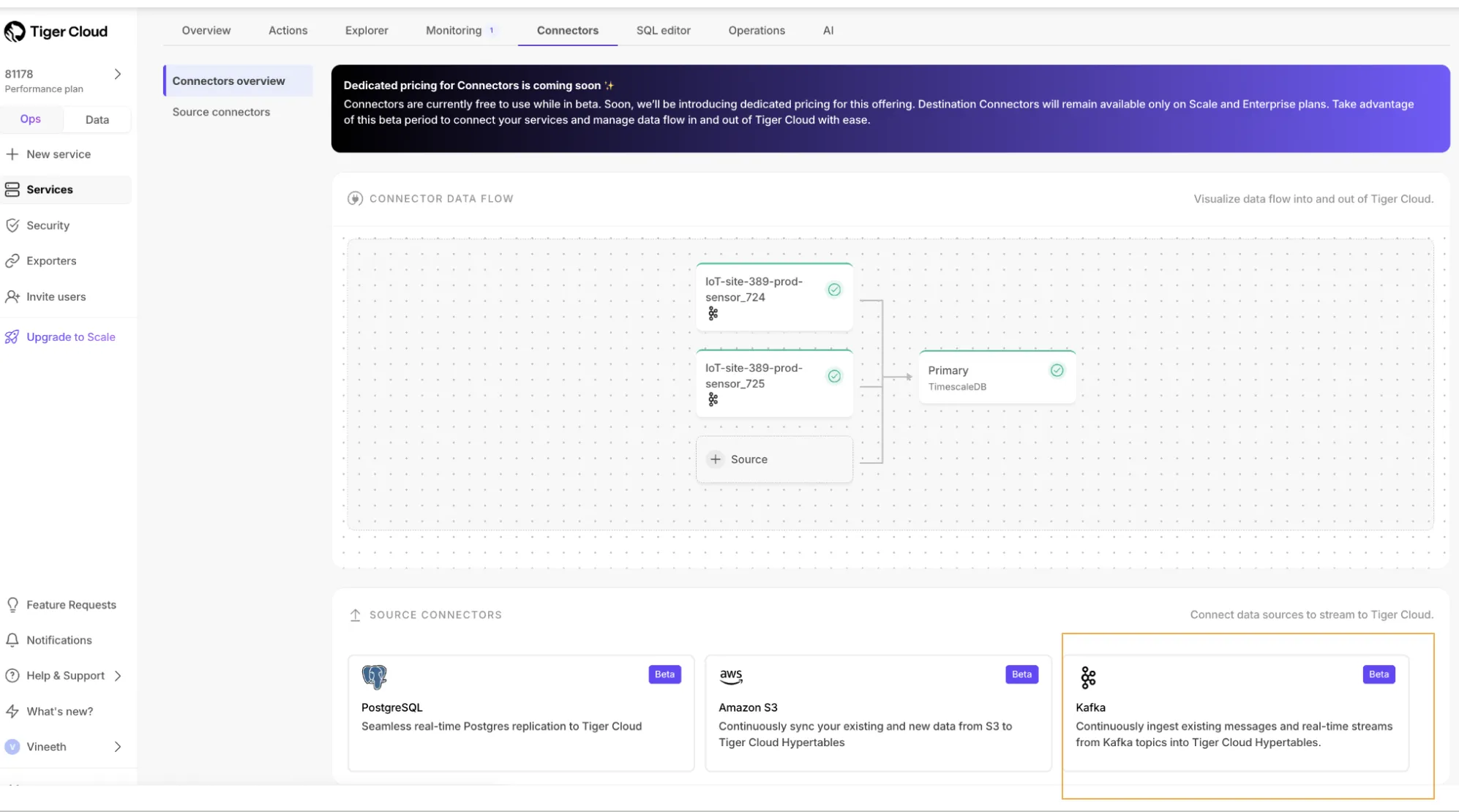
Learn more in the Kafka Source Connector docs.
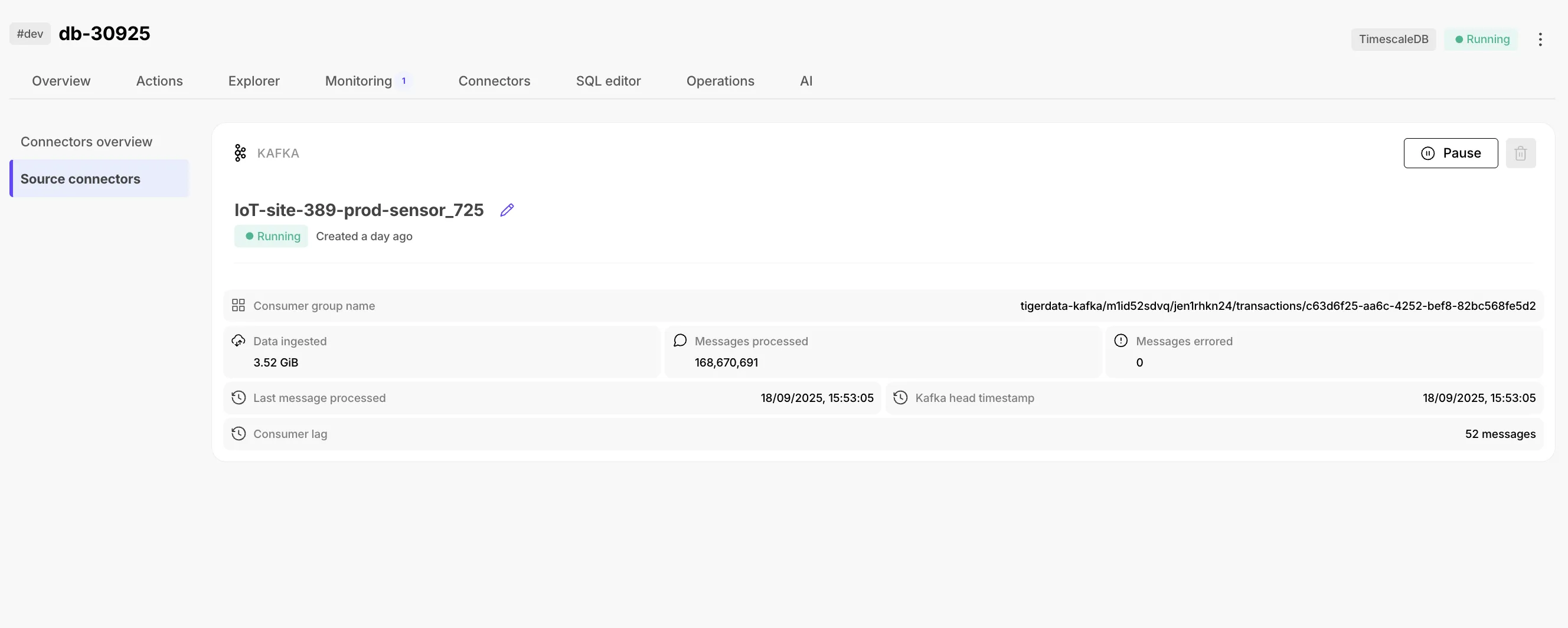
Starting with TimescaleDB 2.22.0, minor releases roll out in phases, dev services first, followed by prod after 21 days. See Maintenance and upgrades for details.
pg_cron is now available on Tiger Cloud for scheduling SQL commands automatically.
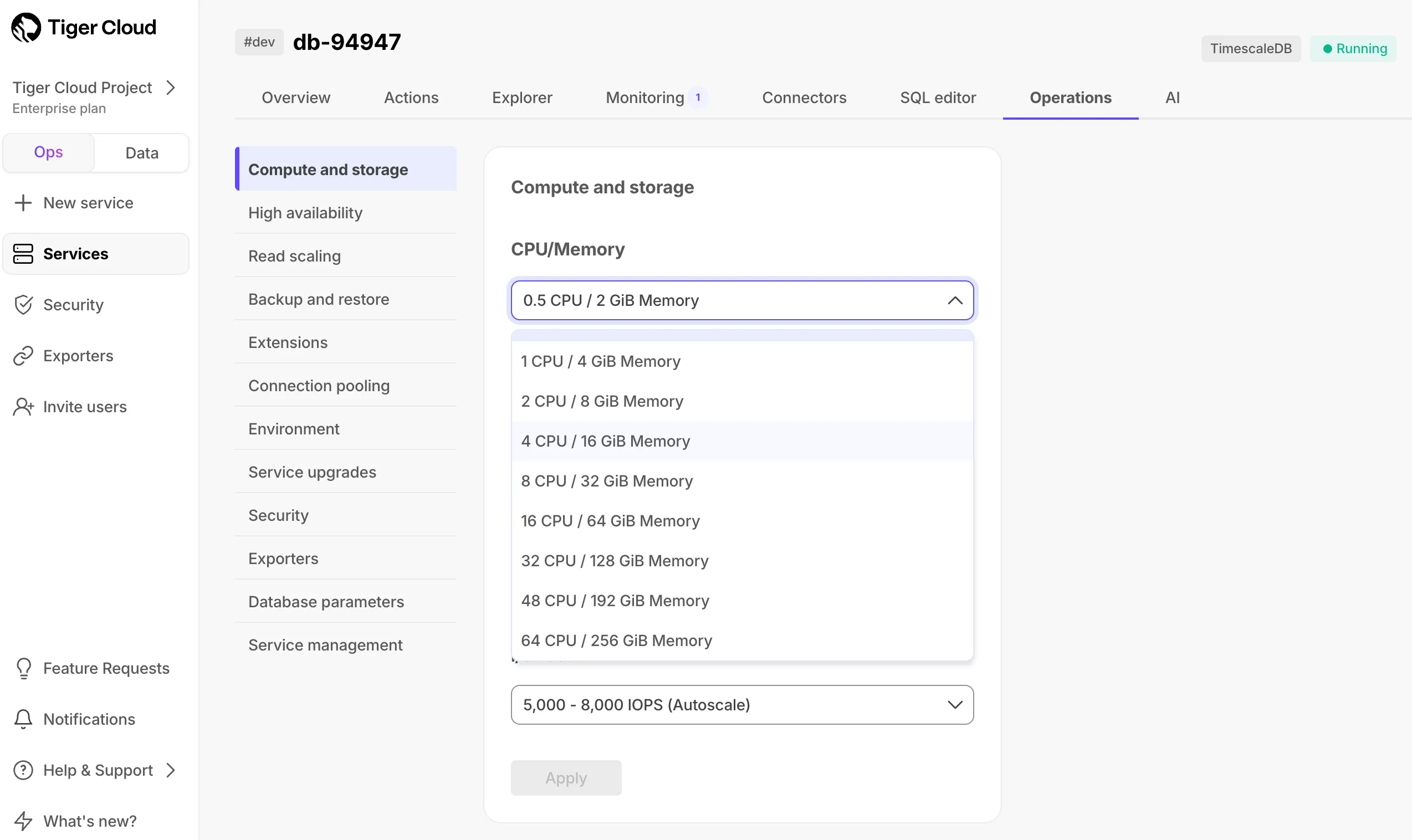
New compute options with 48 and 64 CPUs available on Enterprise plan.
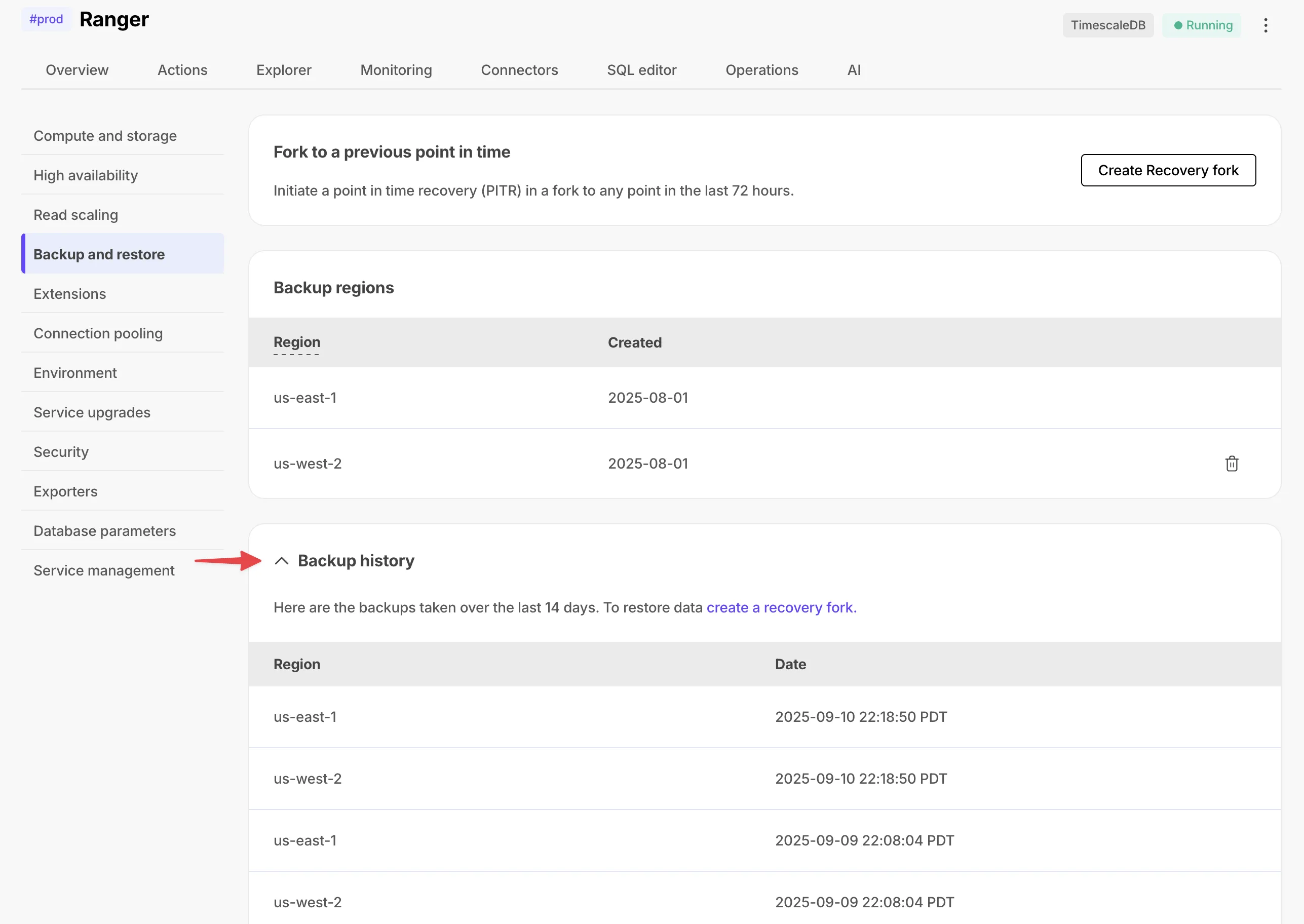
Scale and Enterprise customers can now view backup lists for compliance needs.
Cleaner, more intuitive UI for data import with recommended options and clear categories.
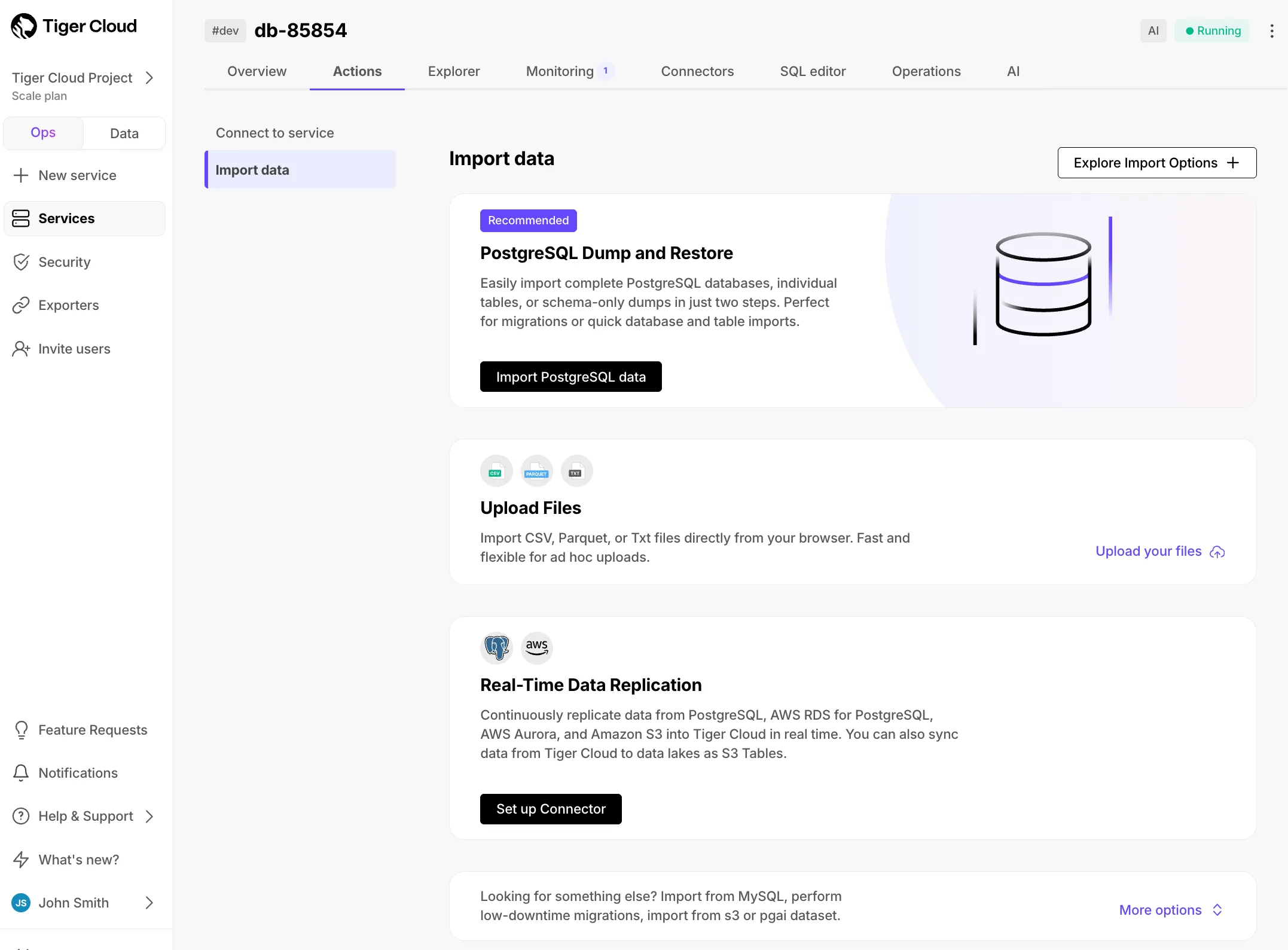
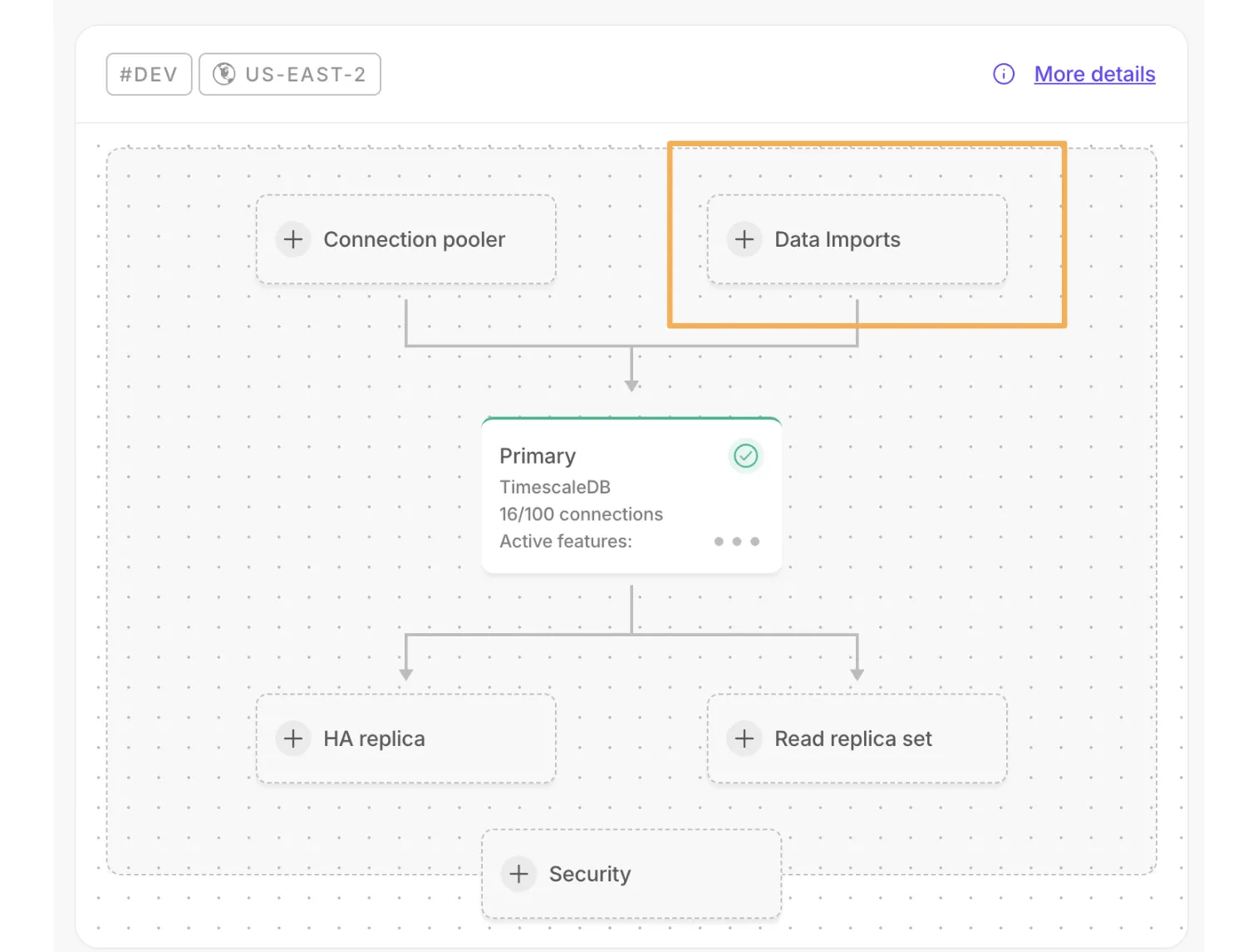
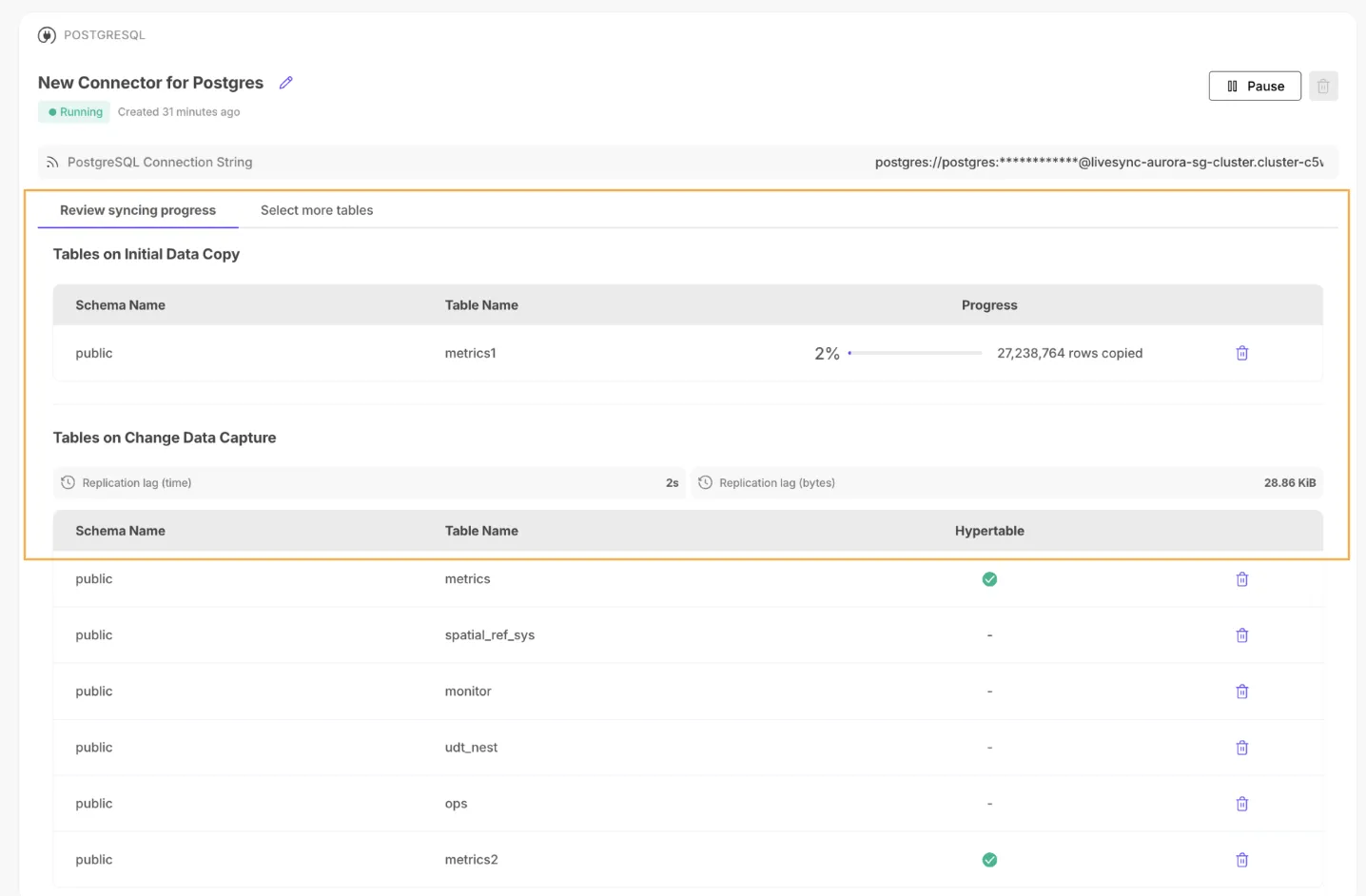
A new data import component has been added to the overview dashboard:
Project-scoped permission set for technical users to build, operate services, create or modify resources, and use observability.
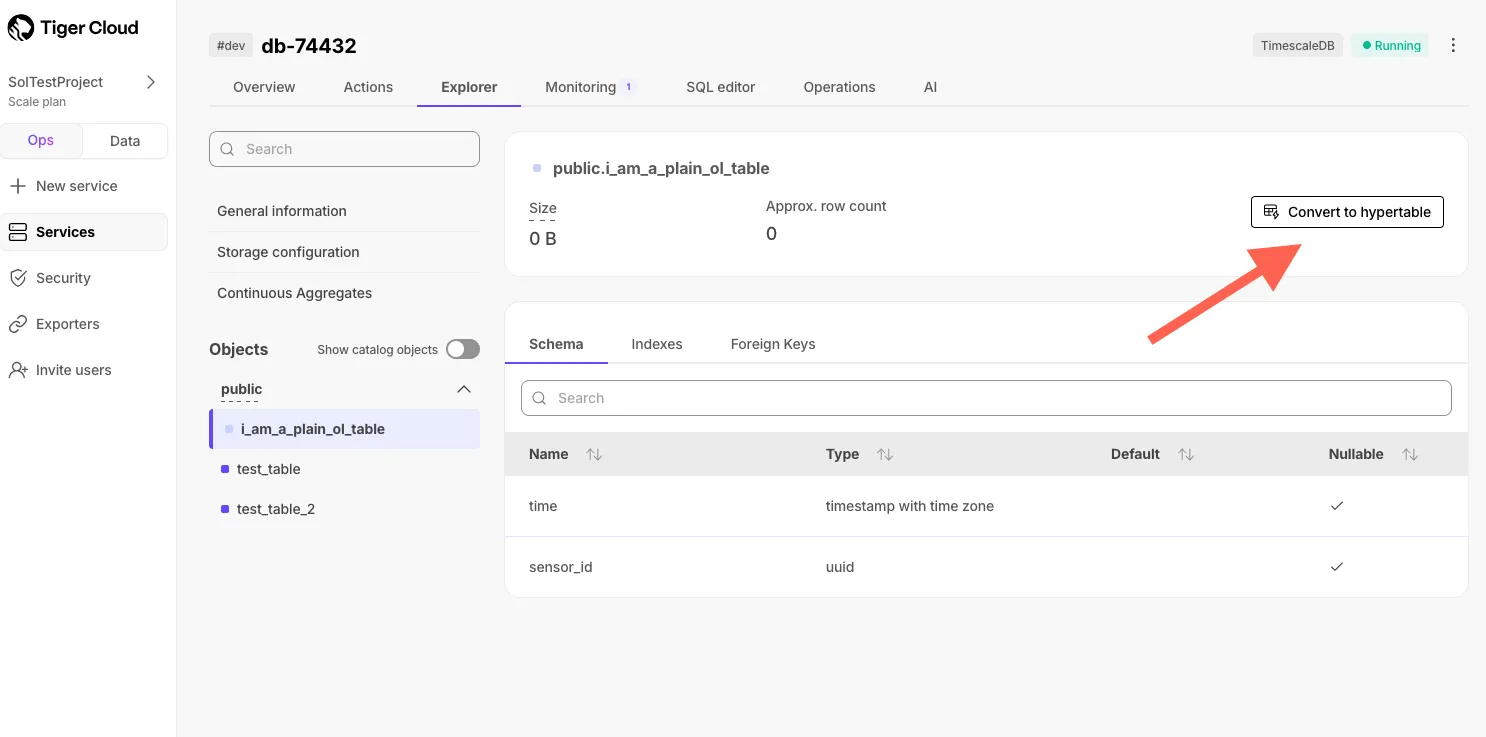
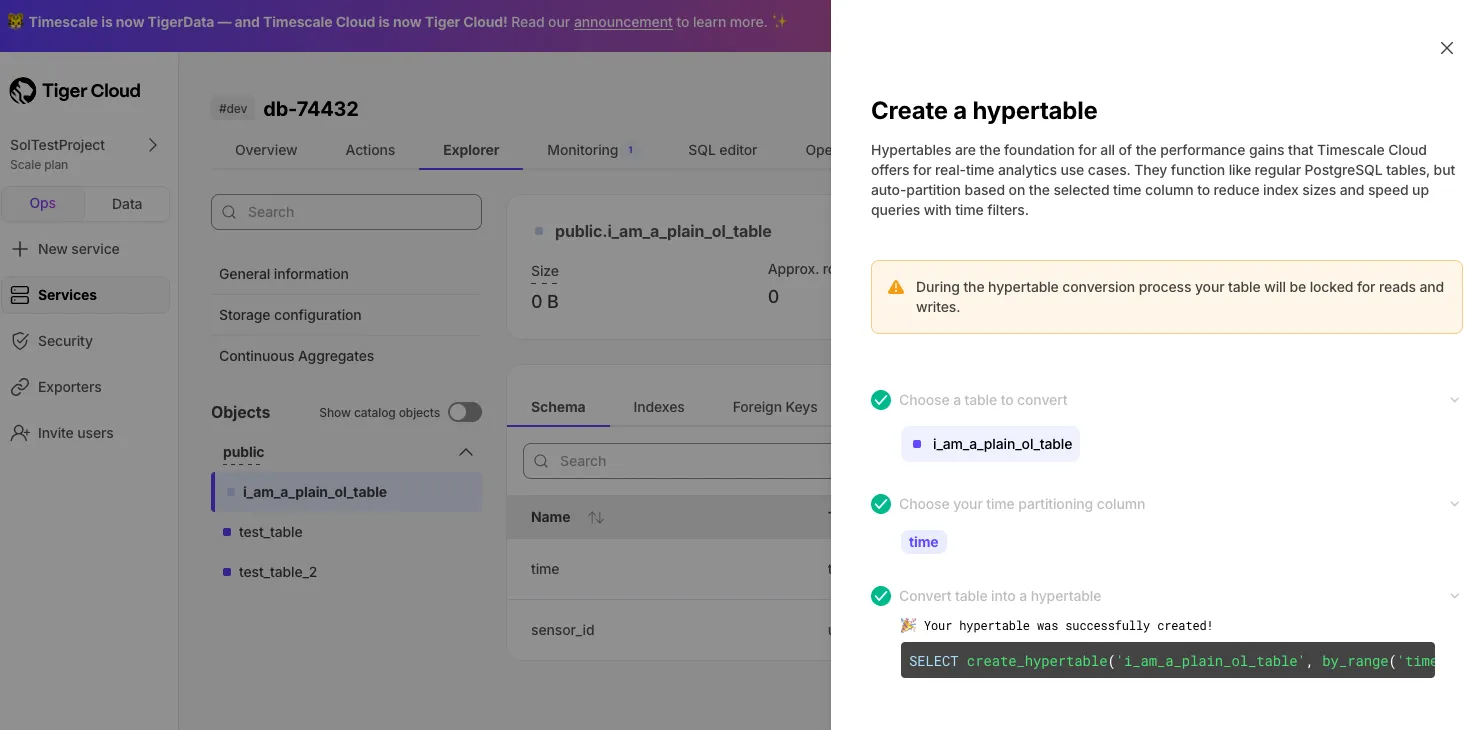
Easy hypertable creation directly from the Explorer for regular PostgreSQL tables.
Store backups in a different region than your service for improved resilience.
Basic instructions for INSERT, UPDATE, DELETE commands in the Import Data page.
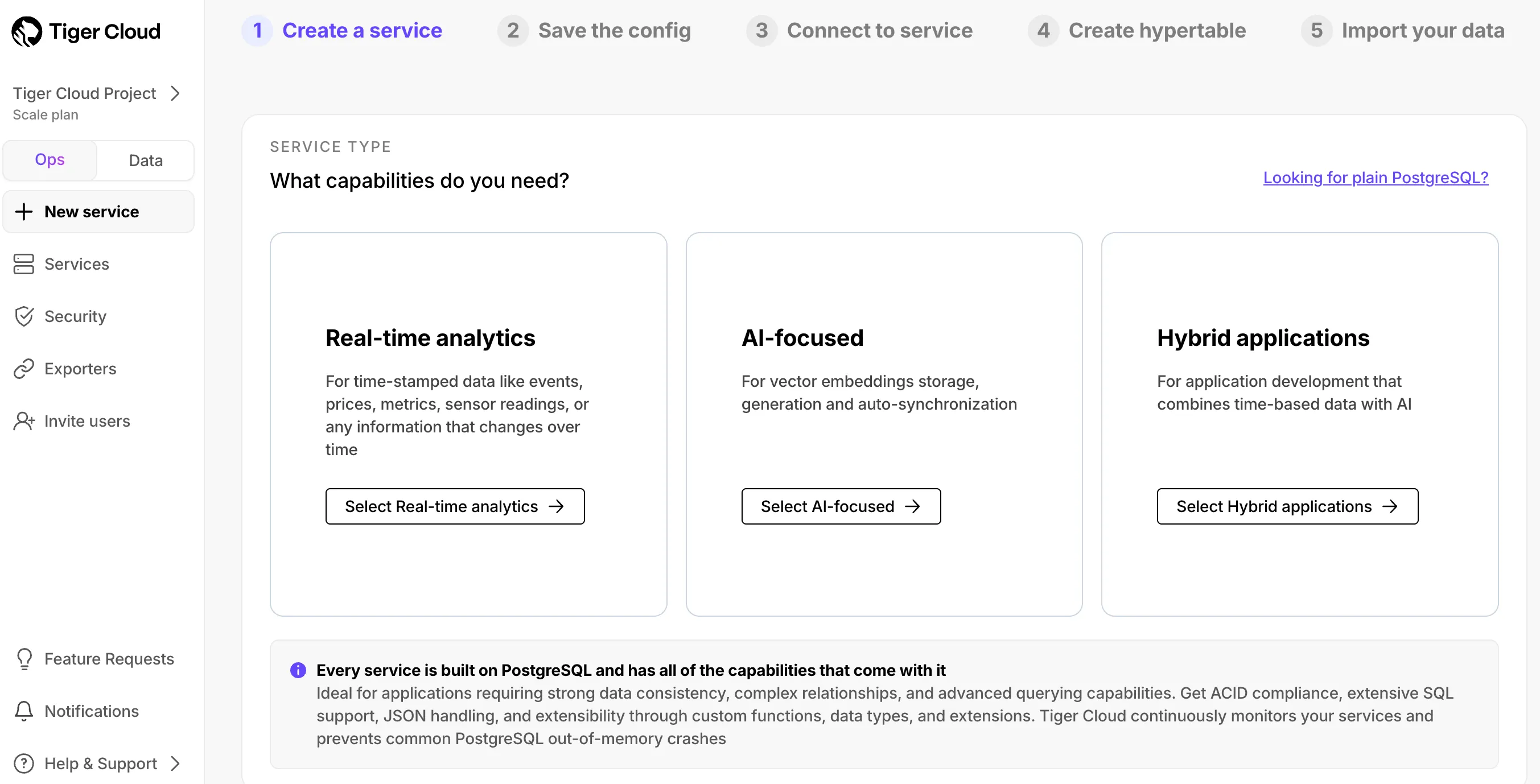
Option to choose PostgreSQL-only in the service creation flow.
Read-only access to services, metrics, and logs without modify permissions.
Automatically generated EXPLAIN plans for queries taking longer than 10 seconds.
Find the index size of hypertable chunks in the Explorer.
For a comprehensive list of changes, see the TimescaleDB v2.21 release notes.
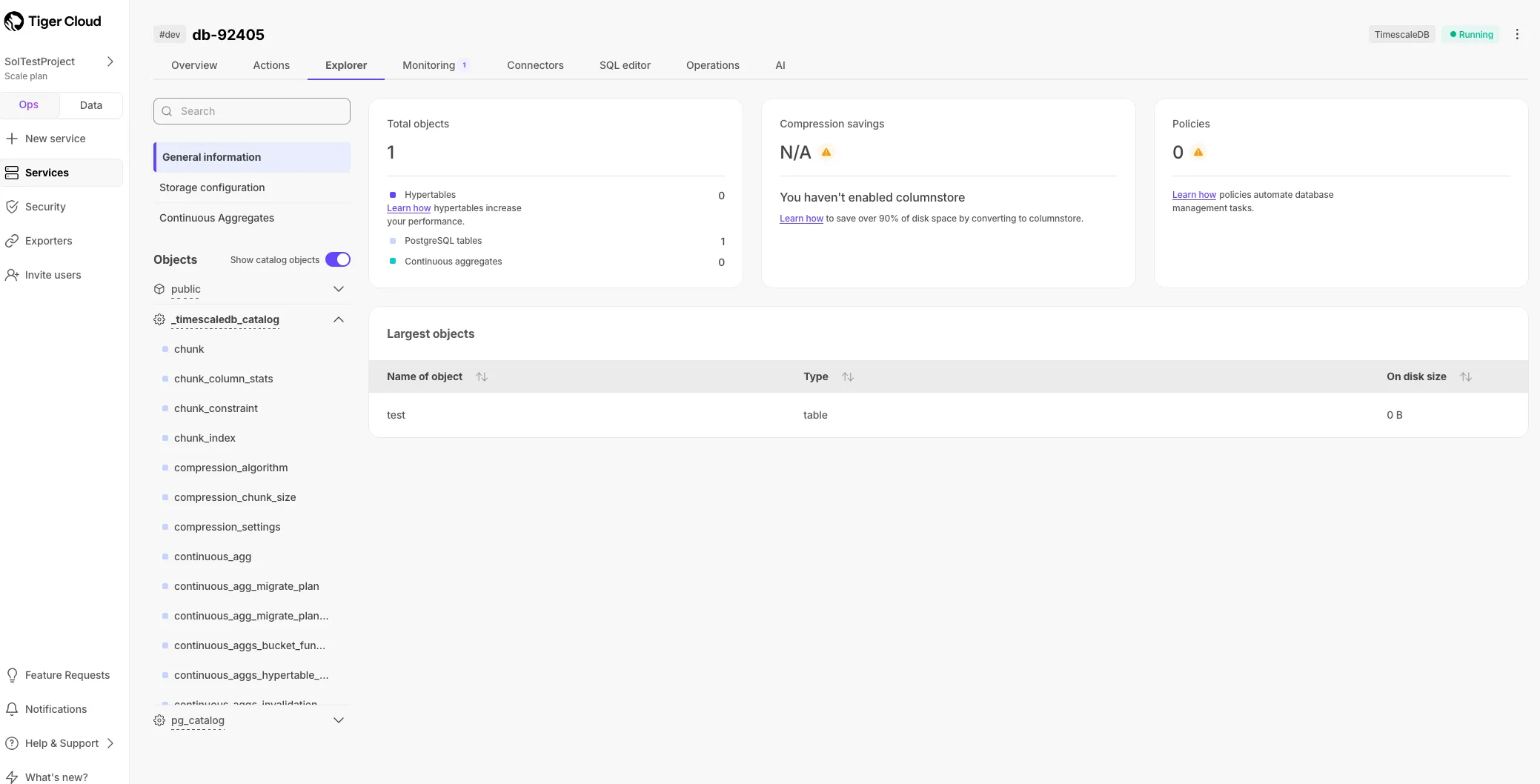
View catalog objects in the Console Explorer to understand database inner workings.
Beta Iceberg destination connector enables Scale and Enterprise users to integrate Tiger Cloud with Amazon S3 tables. For setup details, see the Iceberg destination connector documentation.
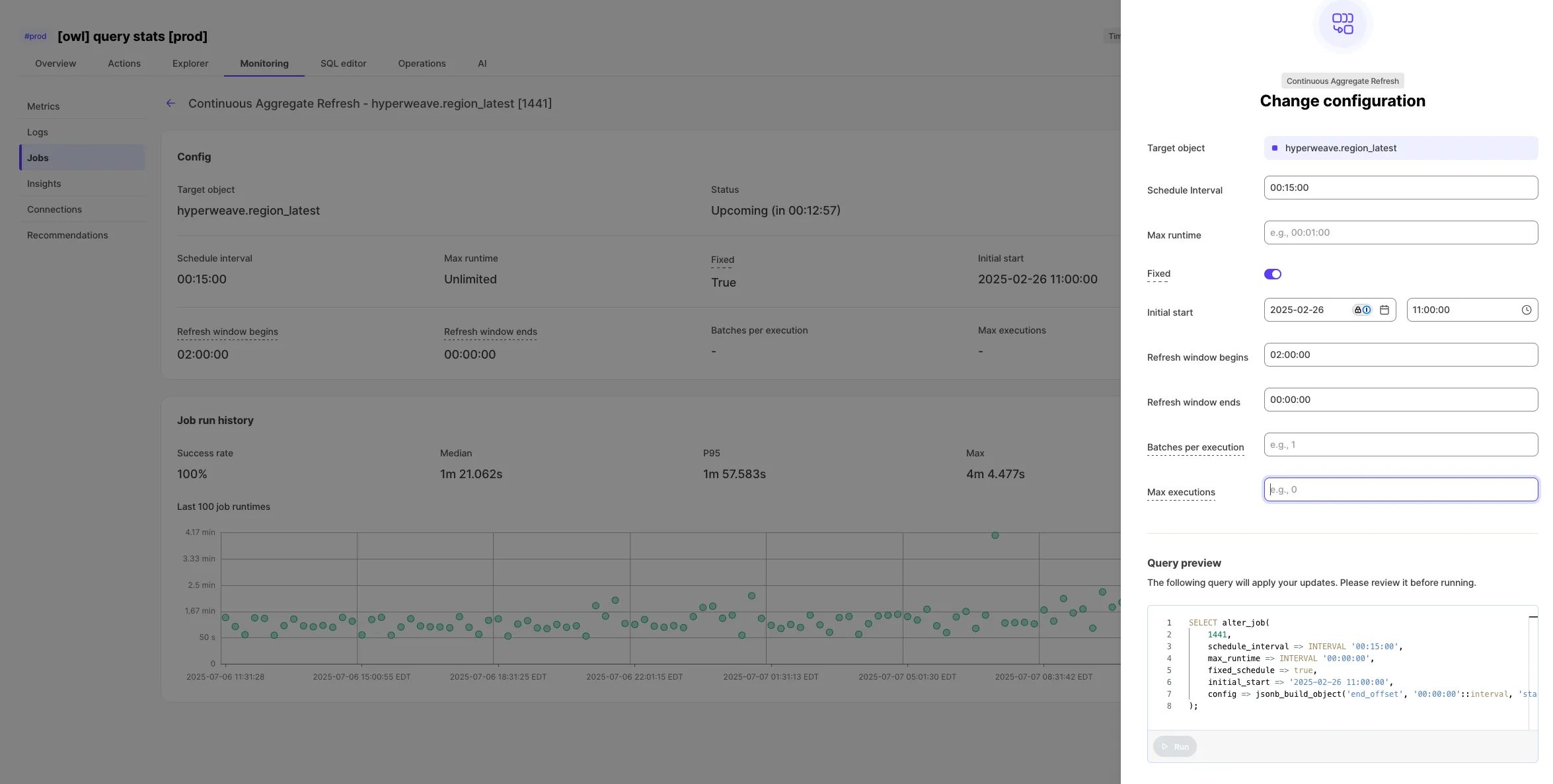
Edit jobs directly in Console with custom wizards for Tiger Cloud job types.
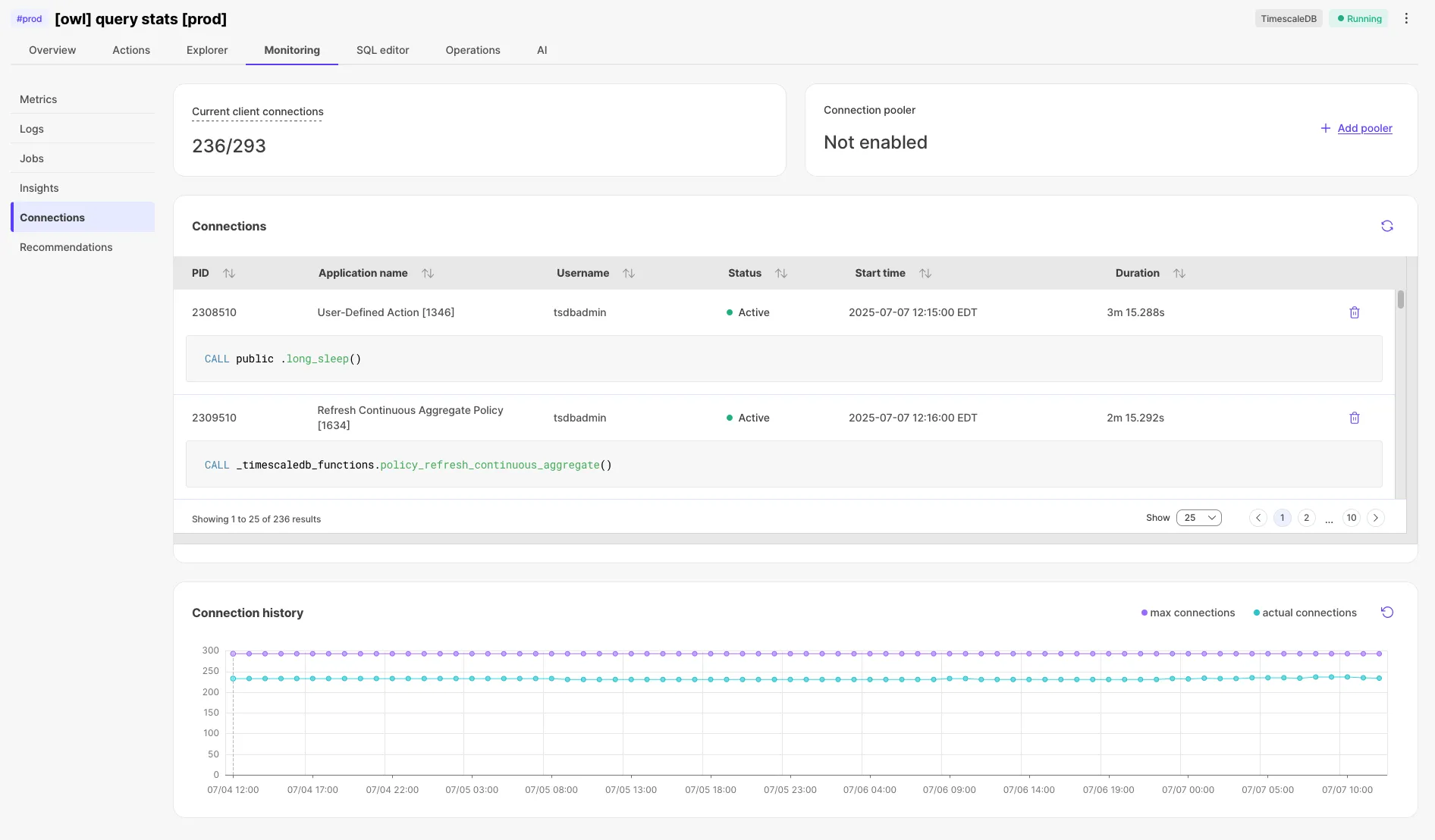
View historical connection counts in the Connections tab.
New viewer-only permissions for users who need visibility without modify access.
Clarified step-by-step procedures for setting up livesync with more detailed examples.
Added the refresh_newest_first argument to control incremental refresh order.
Execute complex queries with multiple commands in a single run.
Start new discussion threads from any point in SQL assistant chat.
Individual job pages now display their configuration for TimescaleDB job types.
Connect multiple AWS Transit Gateways with overlapping CIDRs.
Clearer service type options for PostgreSQL extensions.
Latest version adds support for creating and attaching observability exporters and AWS Transit Gateway configuration. Check the Timescale Terraform provider documentation for more details.
Patch release with bug fixes including SkipScan costing adjustments and dump/restore operation fixes. For a comprehensive list of changes, see the TimescaleDB 2.20.3 release notes.
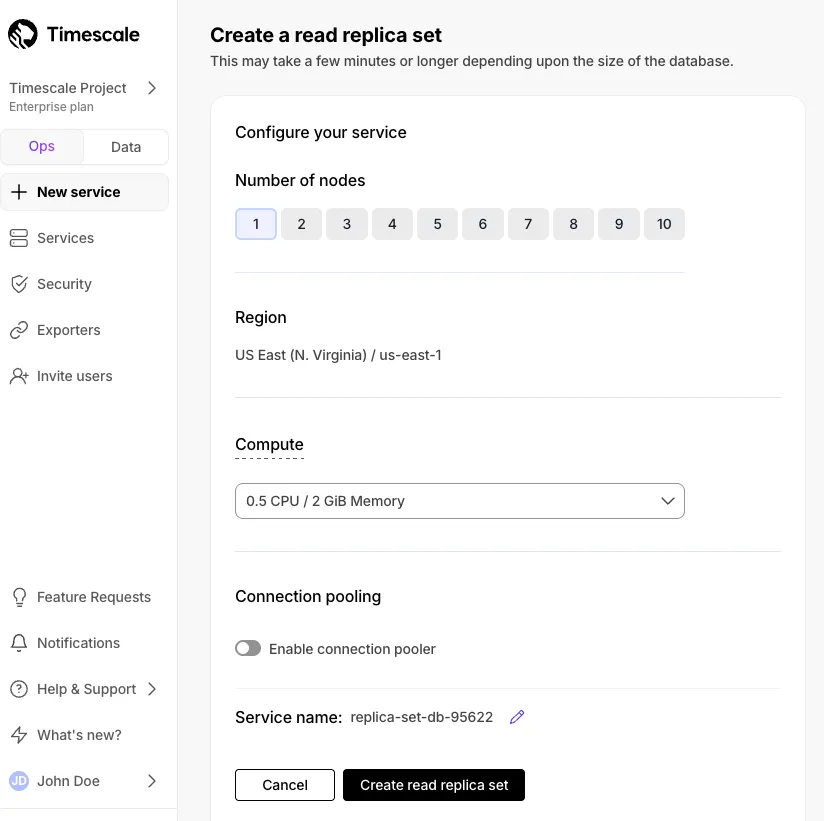
Read replica sets let you scale reads horizontally by creating up to 10 replica nodes behind a single read endpoint.
Completely rebuilt query results display with smooth scrolling, custom settings preservation, and better filtering.
Support for Sonnet 4, Sonnet 4 (extended thinking), Opus 4, and Opus 4 (extended thinking).
Expanded passwordless data mode functionality to services using a VPC.
Consolidated service information tabs into a single Monitoring tab.
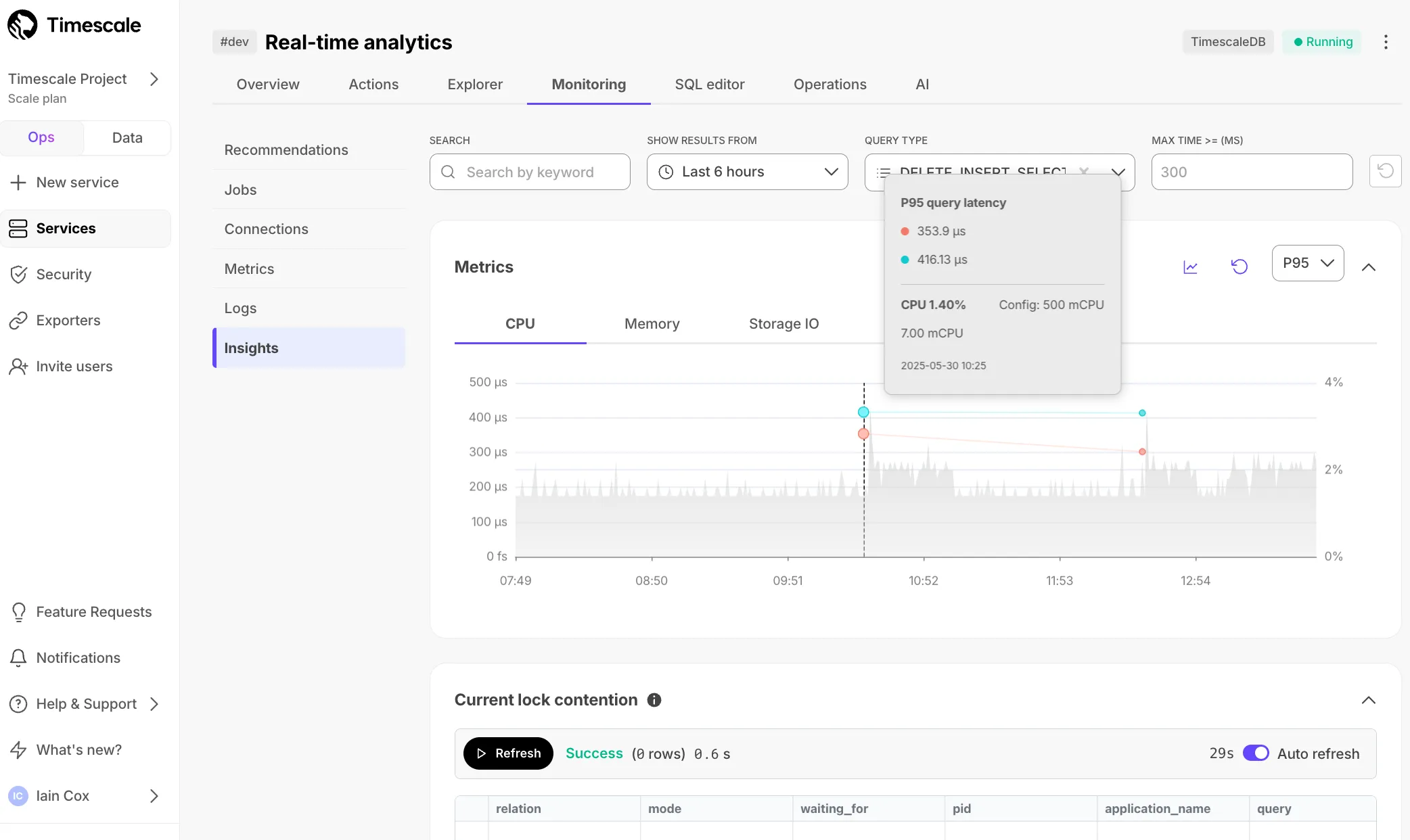
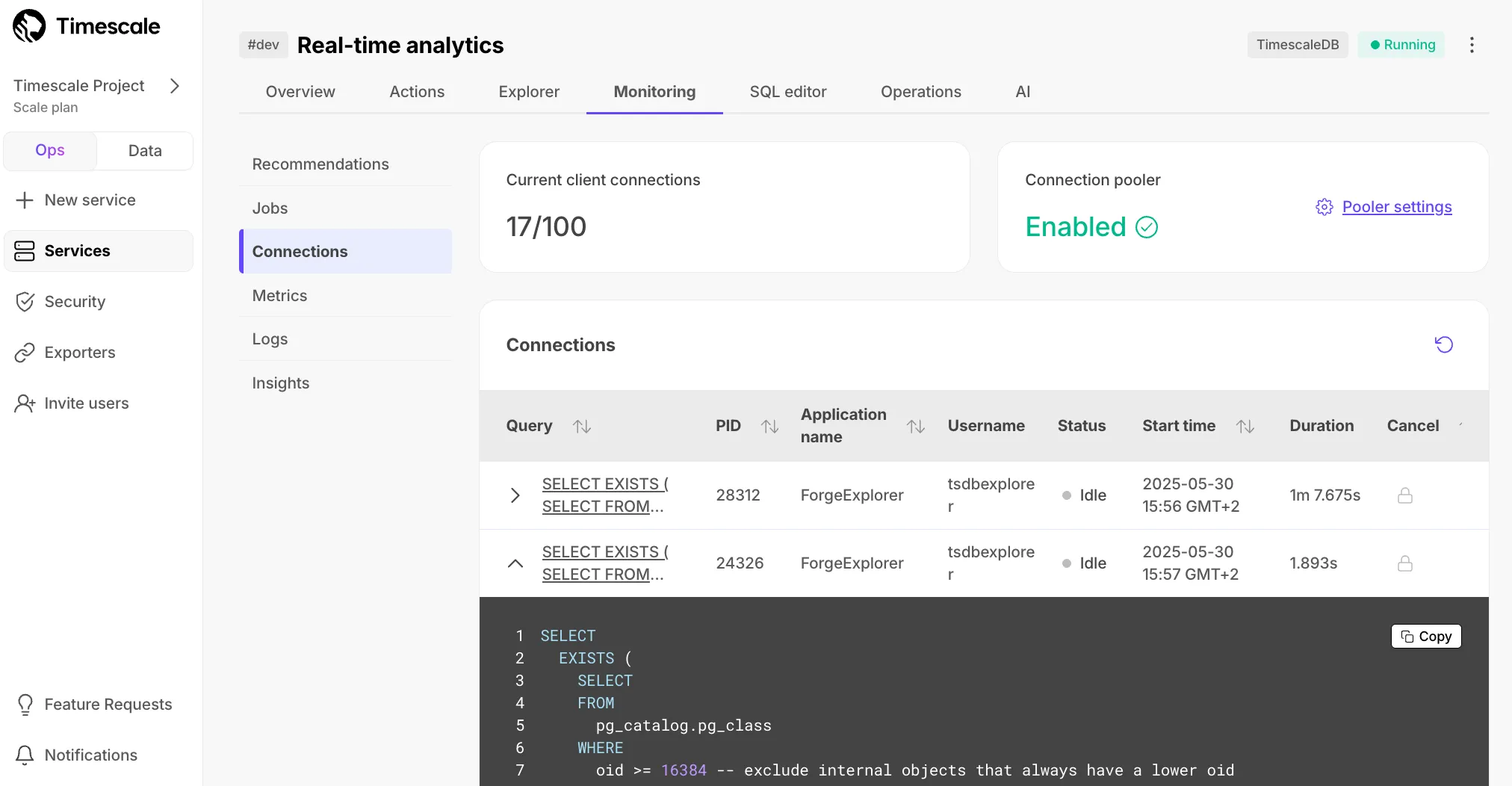
View information about active connections including queries, application names, and duration.
All new services use TimescaleDB v2.20 with significant performance improvements:
For details, see the TimescaleDB v2.20 release notes.
TimescaleDB 2.20 requires PostgreSQL 15+. Upgrade required by September 15, 2025.
For setup steps, see Livesync for PostgreSQL.
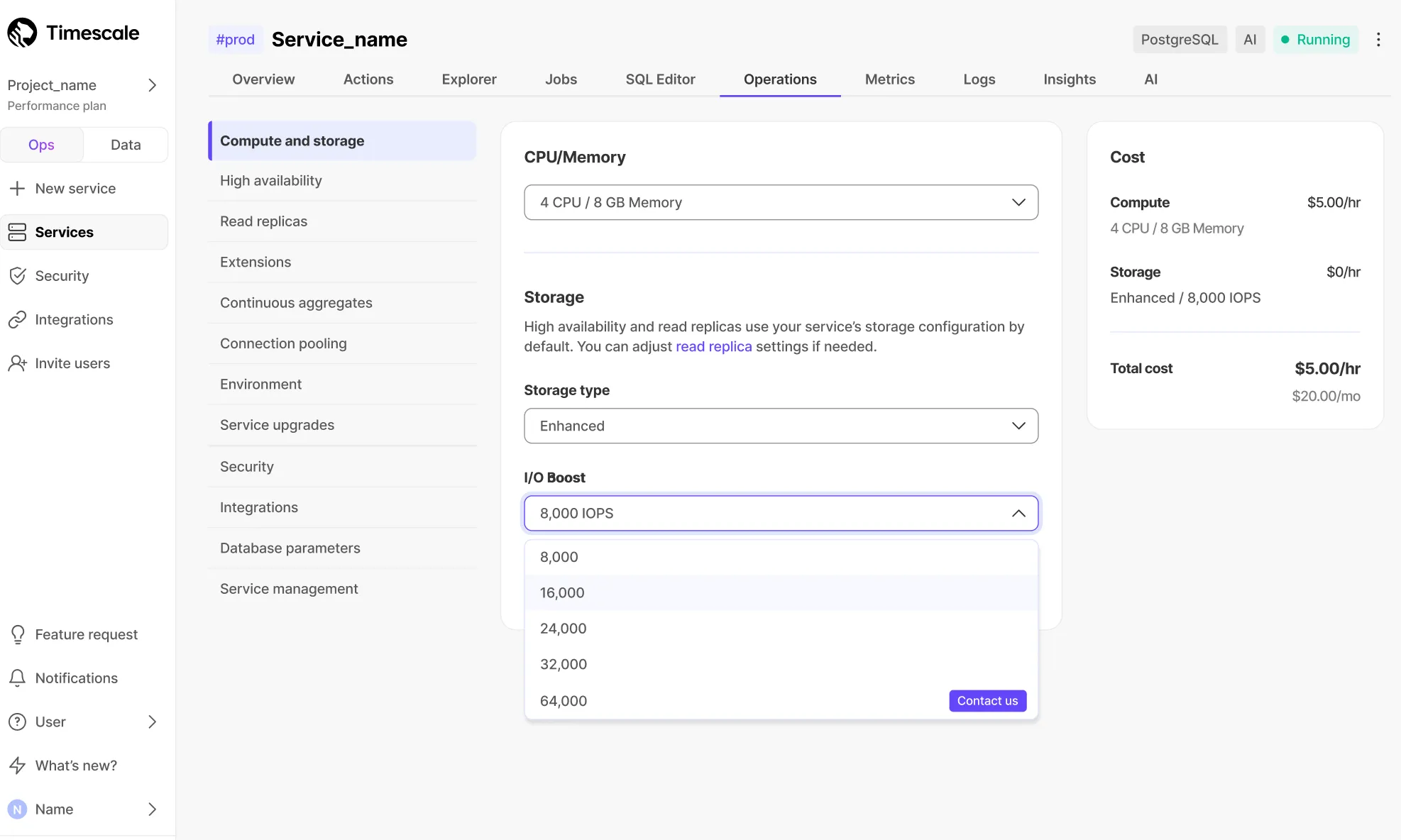
New storage type supporting up to 64 TB capacity and 32,000 IOPS per service, powered by AWS io2 volumes.
Learn more in the data tiering documentation.
Prometheus Exporter for Tiger Cloud enables shipping of TimescaleDB metrics with custom Grafana dashboards and alerting. For configuration details, see metrics to Prometheus.
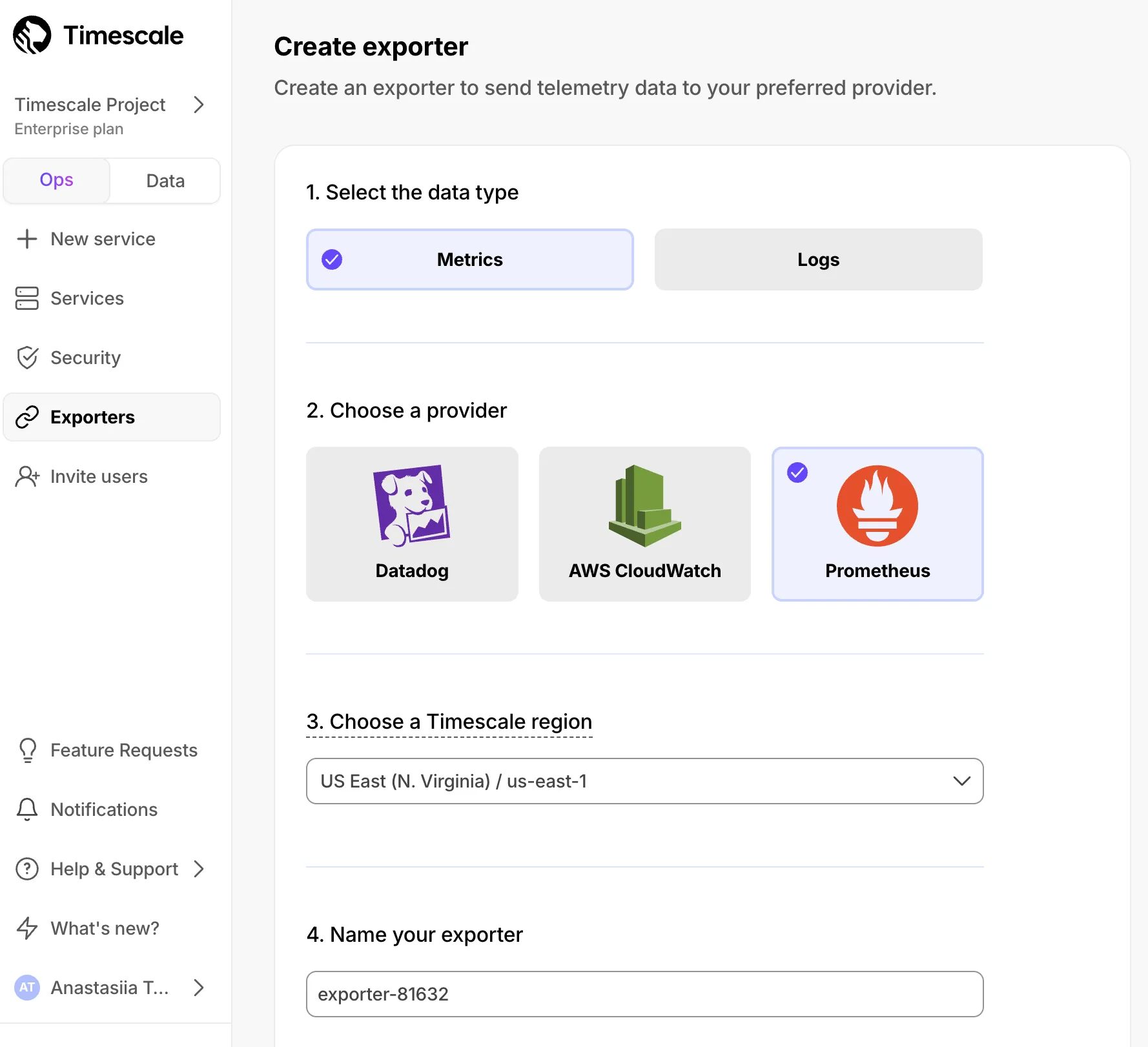
New import option for local text files for use with Vectorizers, available from Service → Actions → Import Data in Timescale Console.
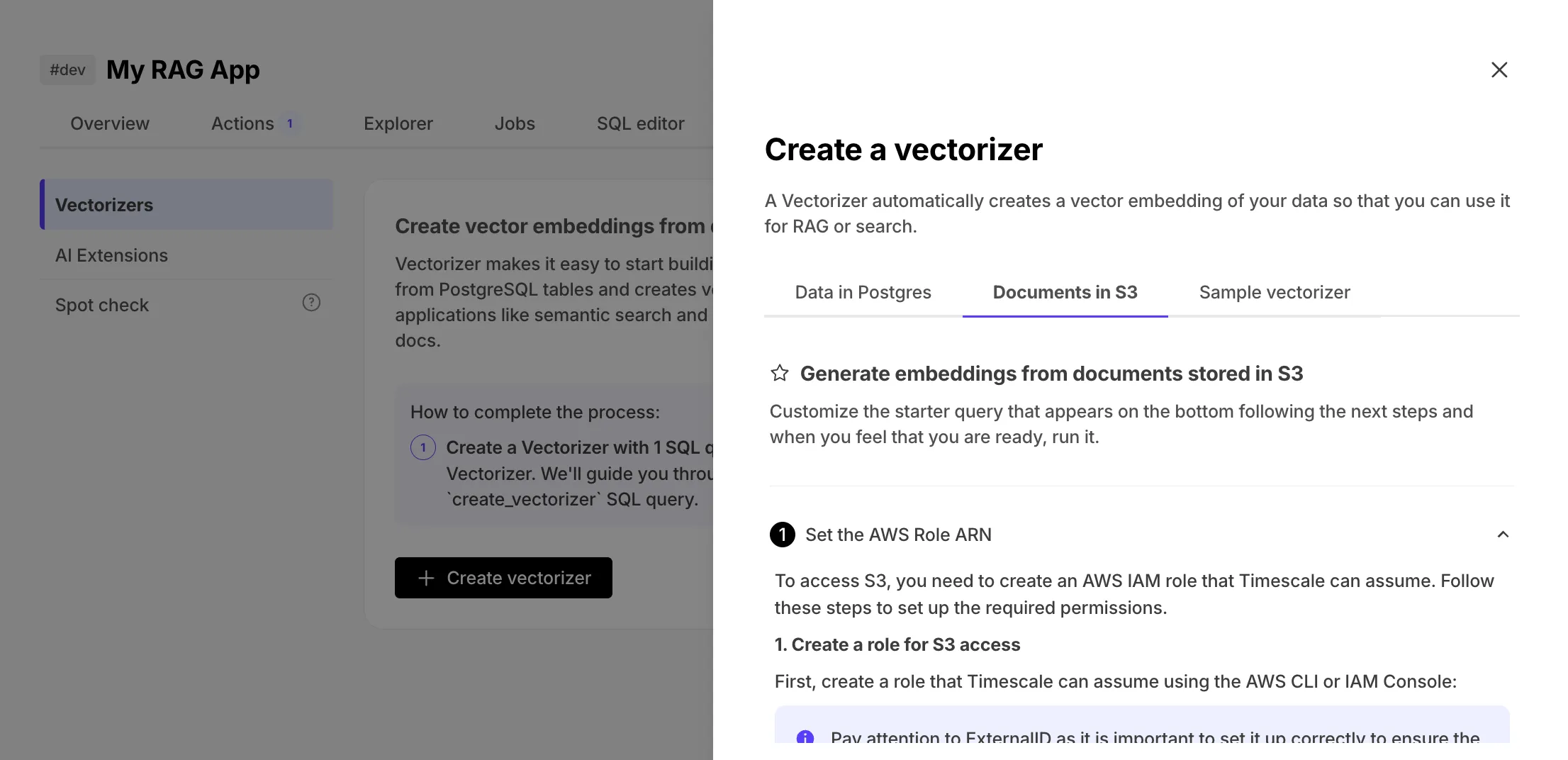
pgai vectorizer now supports automatic document vectorization from S3 with support for PDFs, DOCX, XLSX, HTML, and more.
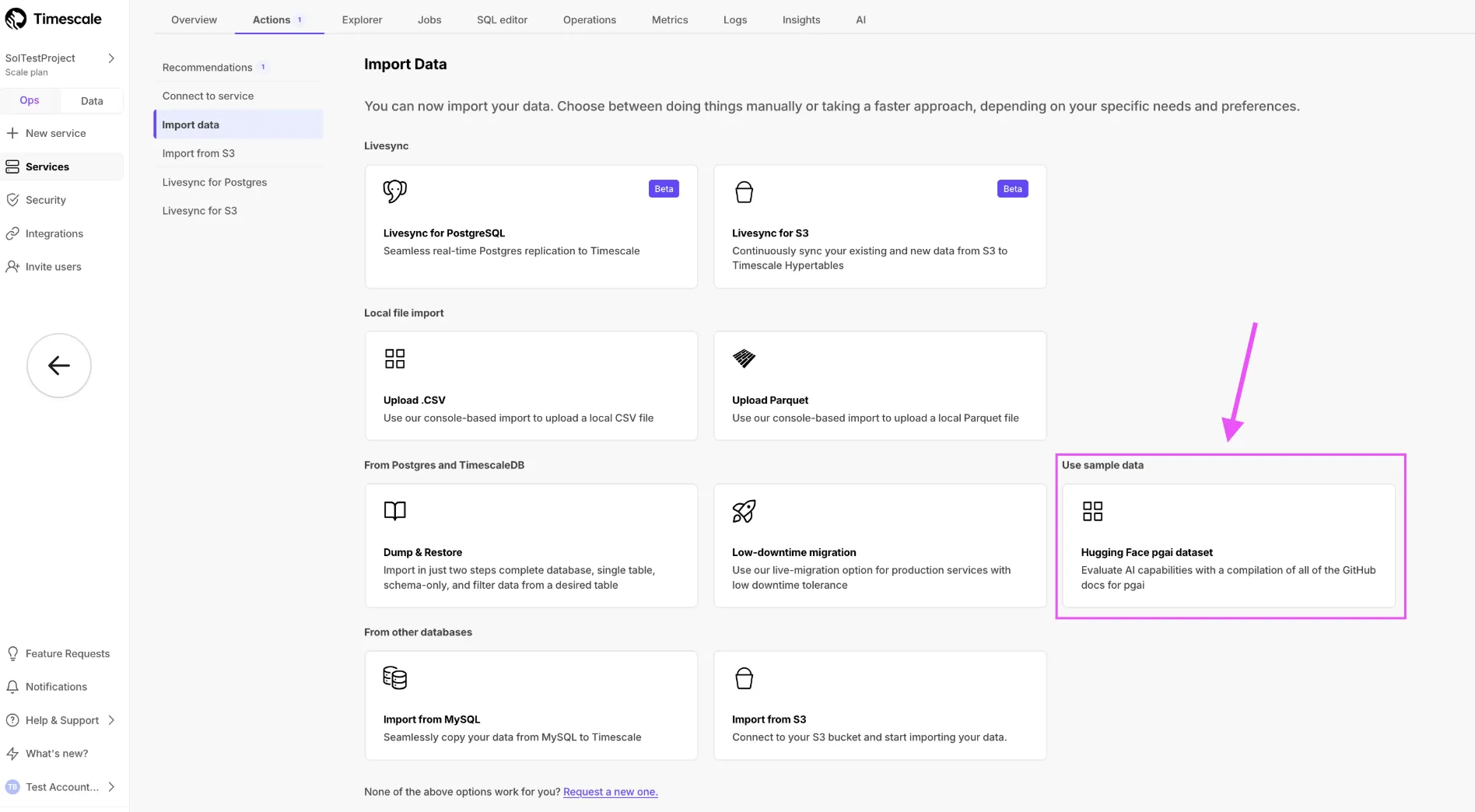
Import a dataset directly from Hugging Face using Tiger Console.
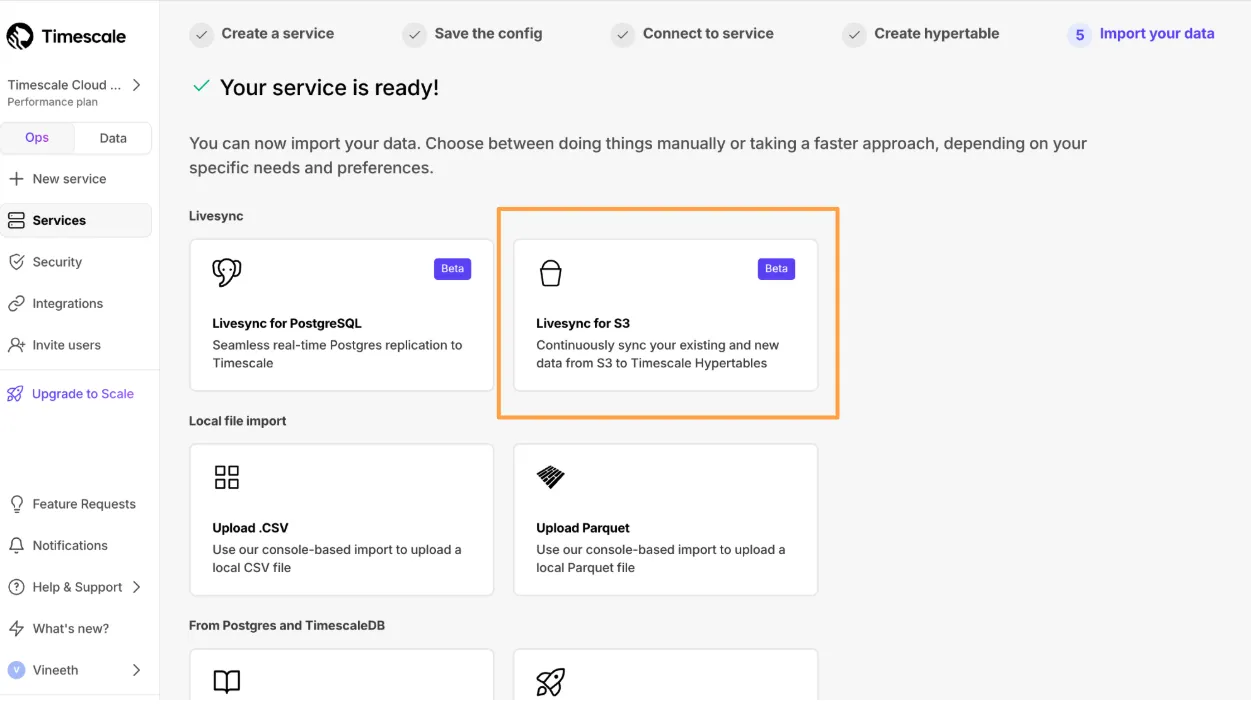
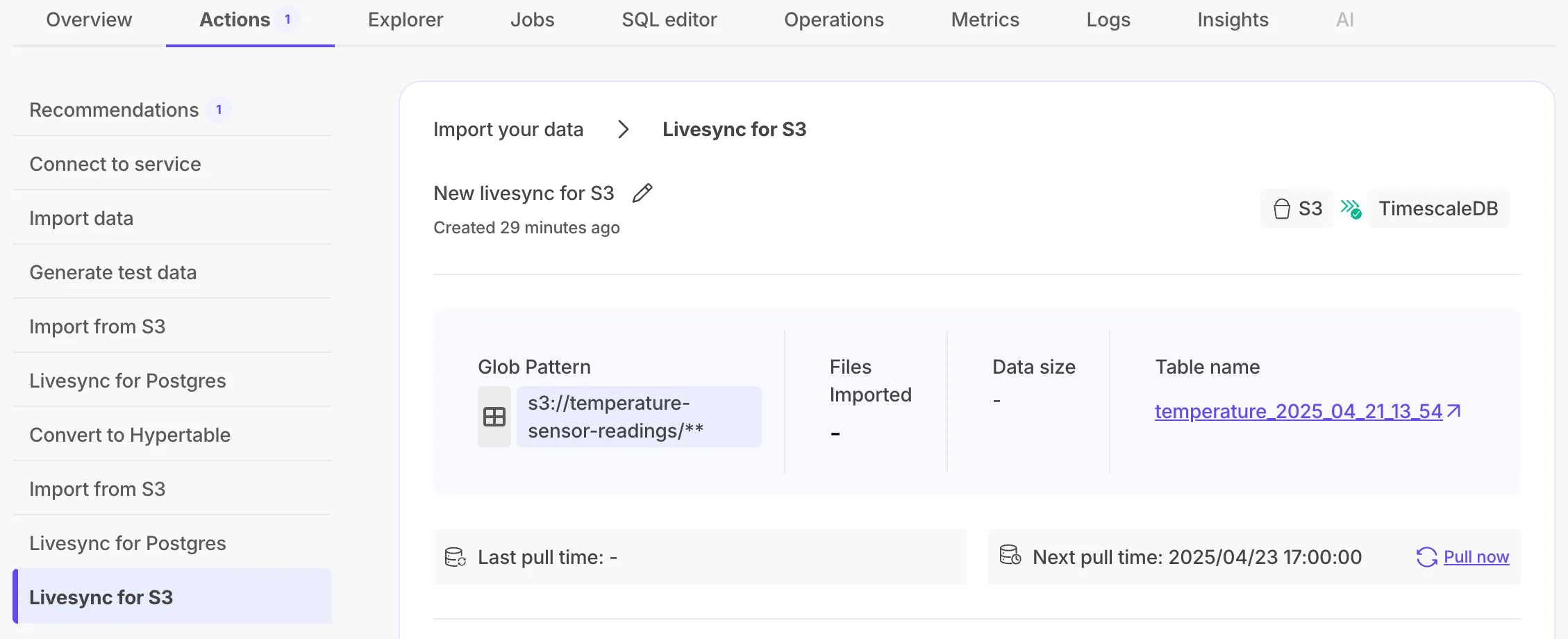
Livesync for S3 syncs data in S3 buckets to a Tiger Cloud service, handling both existing and new data in real time.
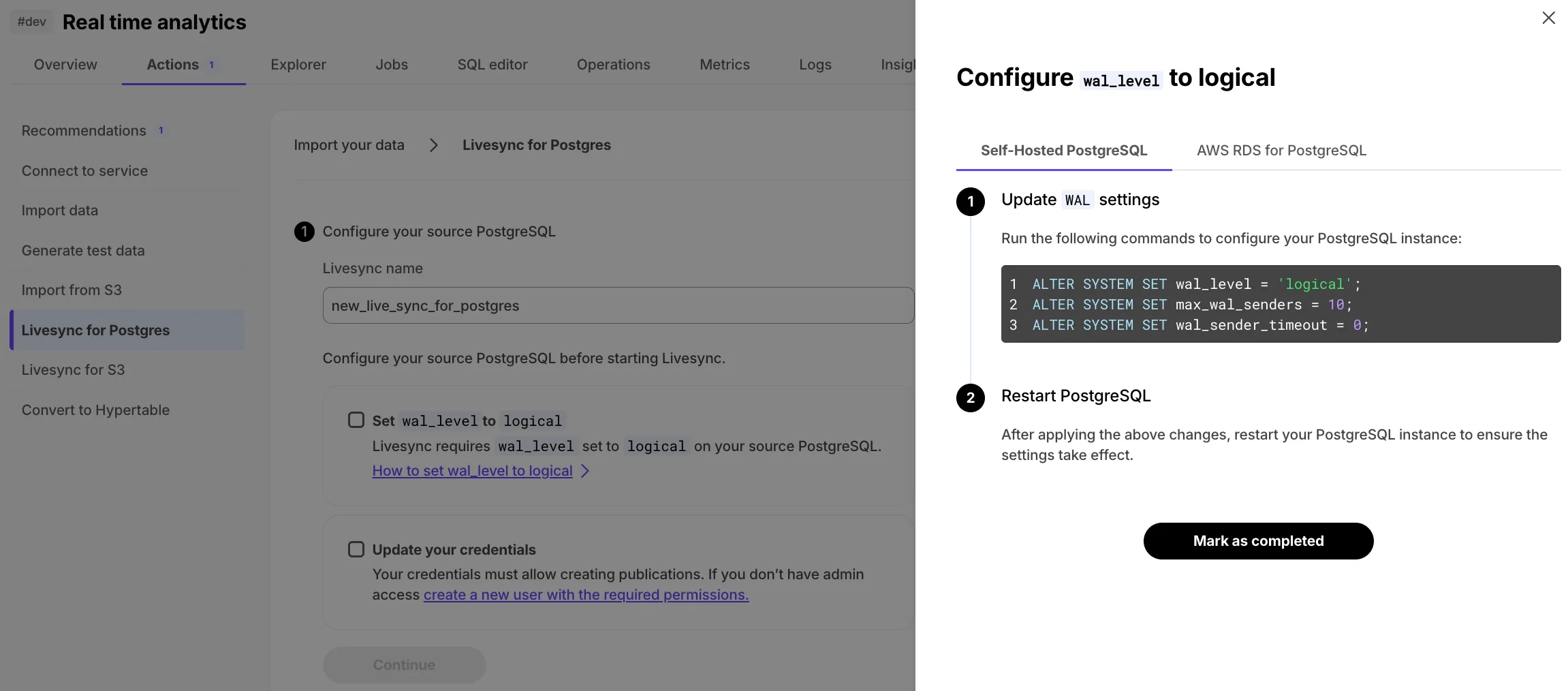
Added a detailed two-step checklist with configuration instructions to Tiger Console, building on livesync for PostgreSQL.
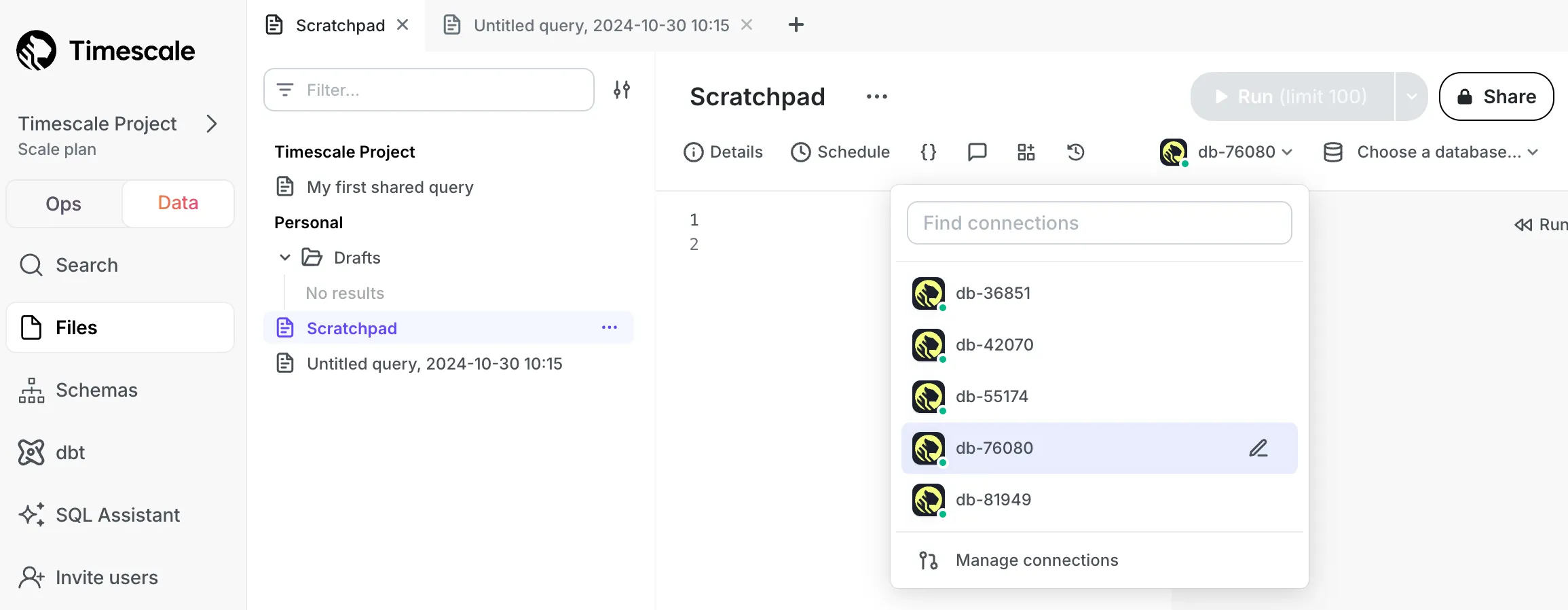
All new services created in Tiger Cloud are now automatically accessible from data mode without credentials.
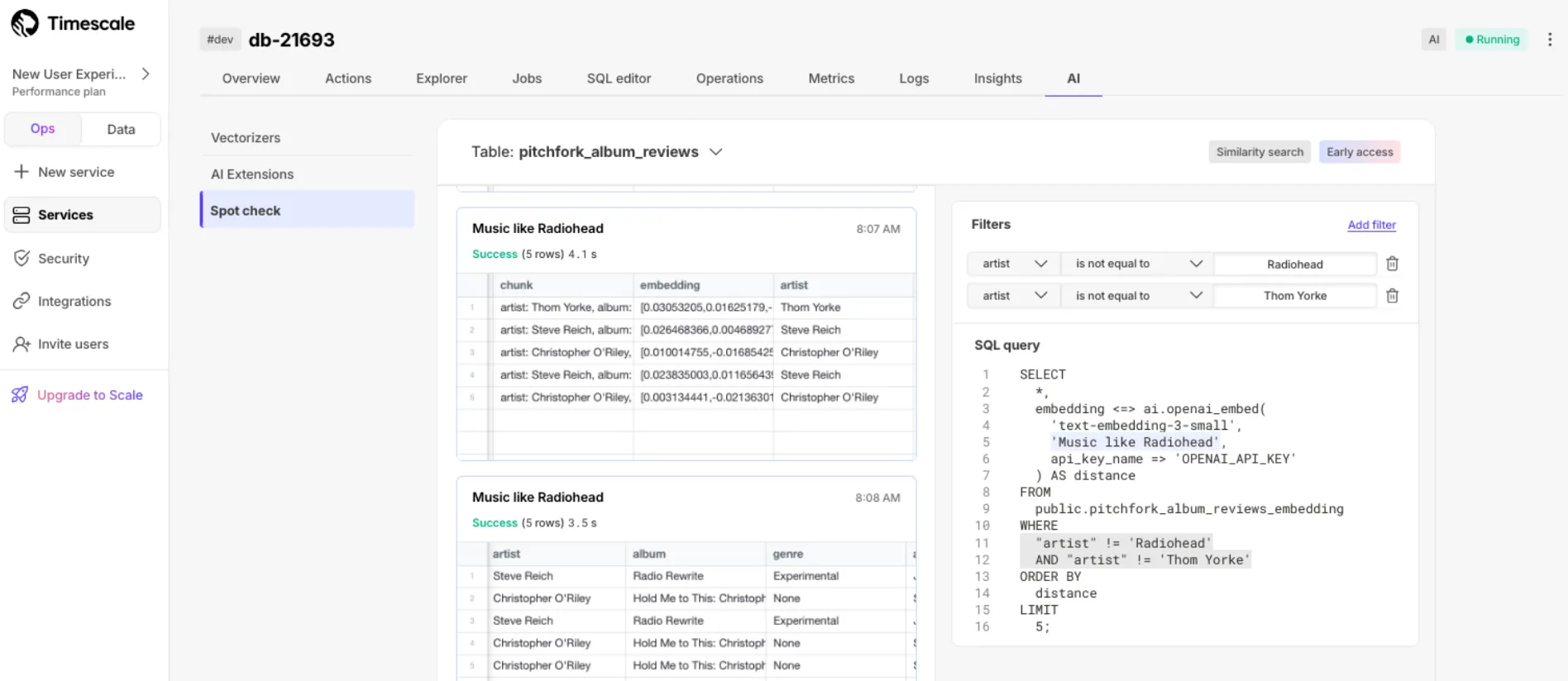
Quickly check embedding quality from vectorizers' outputs using a simple UI.
New services use TimescaleDB v2.19.3 with bug fixes for columnstore queries and hypercore table access.
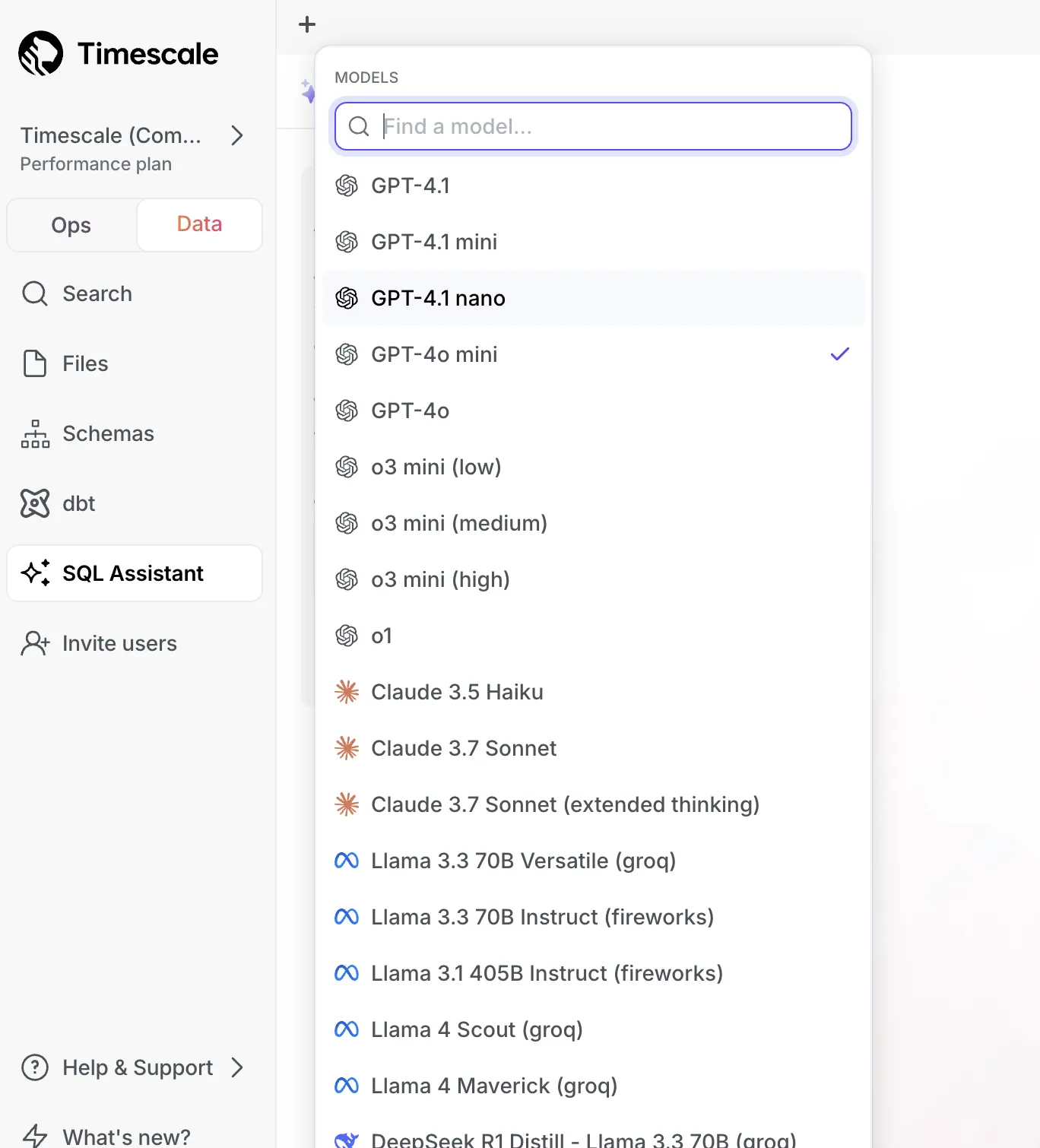
SQL Assistant now supports GPT-4.1, Llama 4, and Gemini models.
See the TimescaleDB v2.19 release notes for more details.
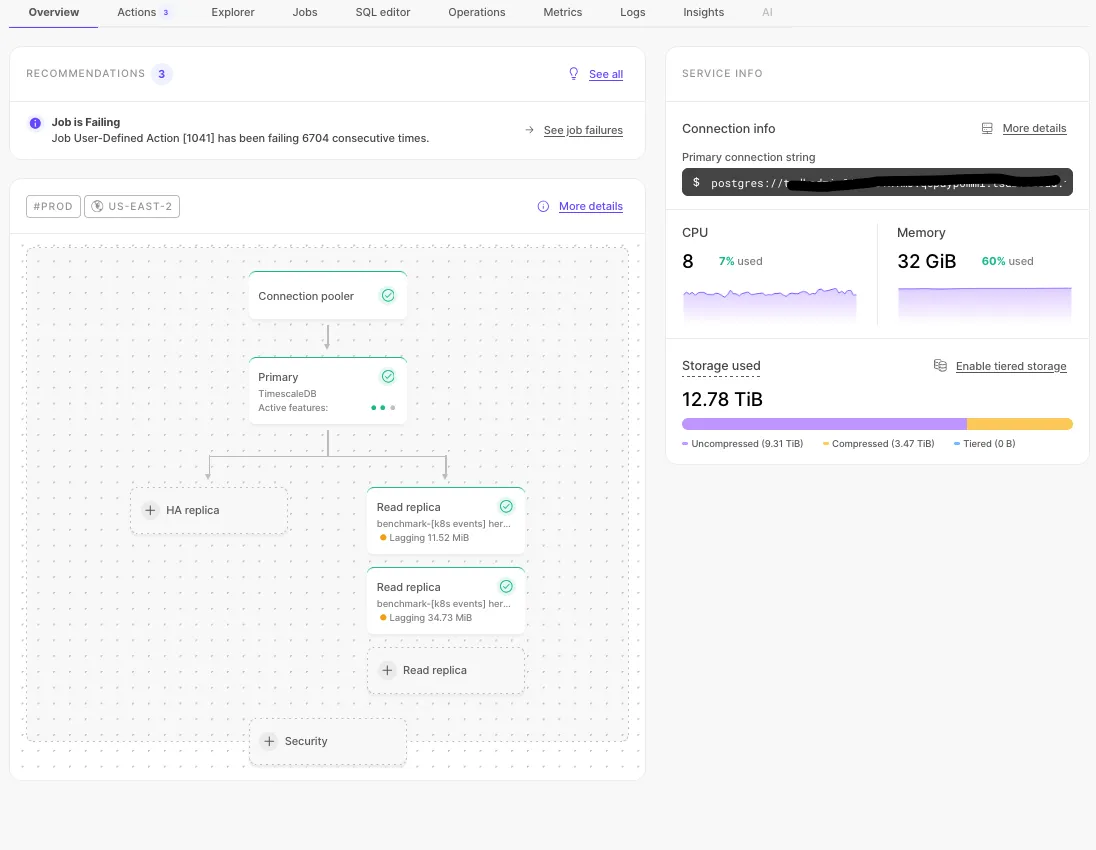
Overhauled service overview with architecture diagram and general information with recommendations.
Added date, time, and timezone picker for quick log navigation.

Label-based filtered vector search with filtered indexes for StreamingDiskANN. For details, see the pgvectorscale 0.7.0 release notes and the usage example.
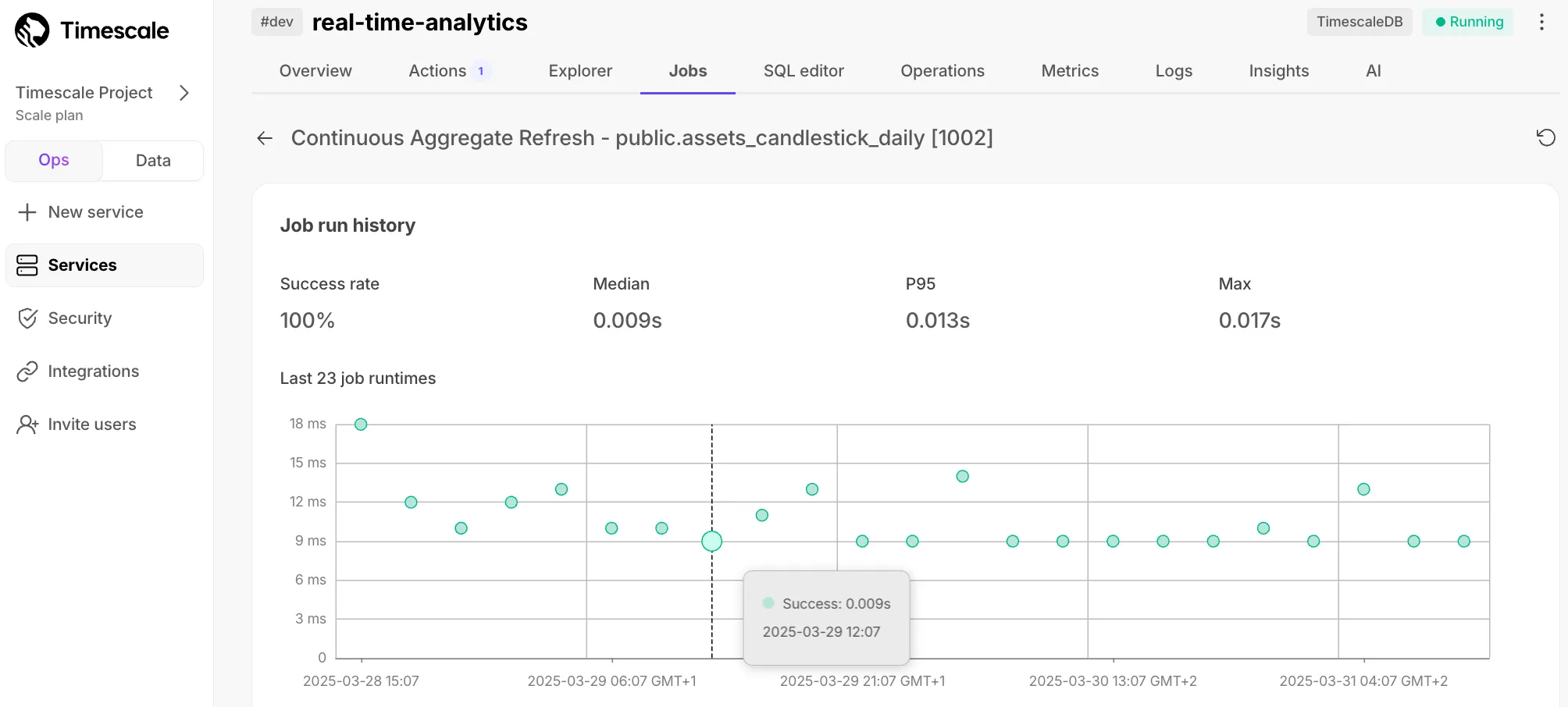
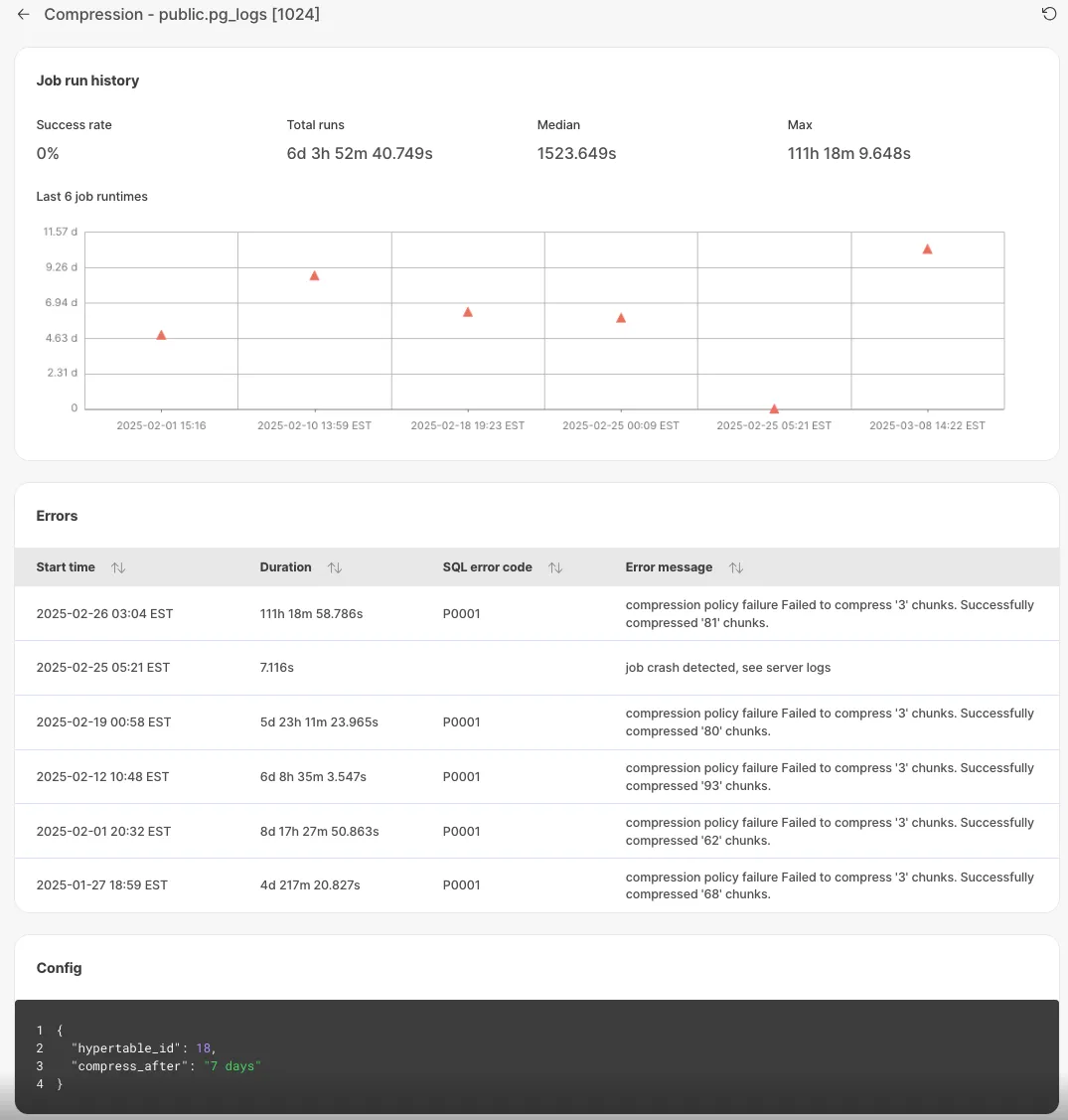
Each job has individual page with detailed error information for debugging.
Successful jobs:
Unsuccessful jobs with errors:
Set up active data ingestion with livesync for PostgreSQL in Tiger Console.
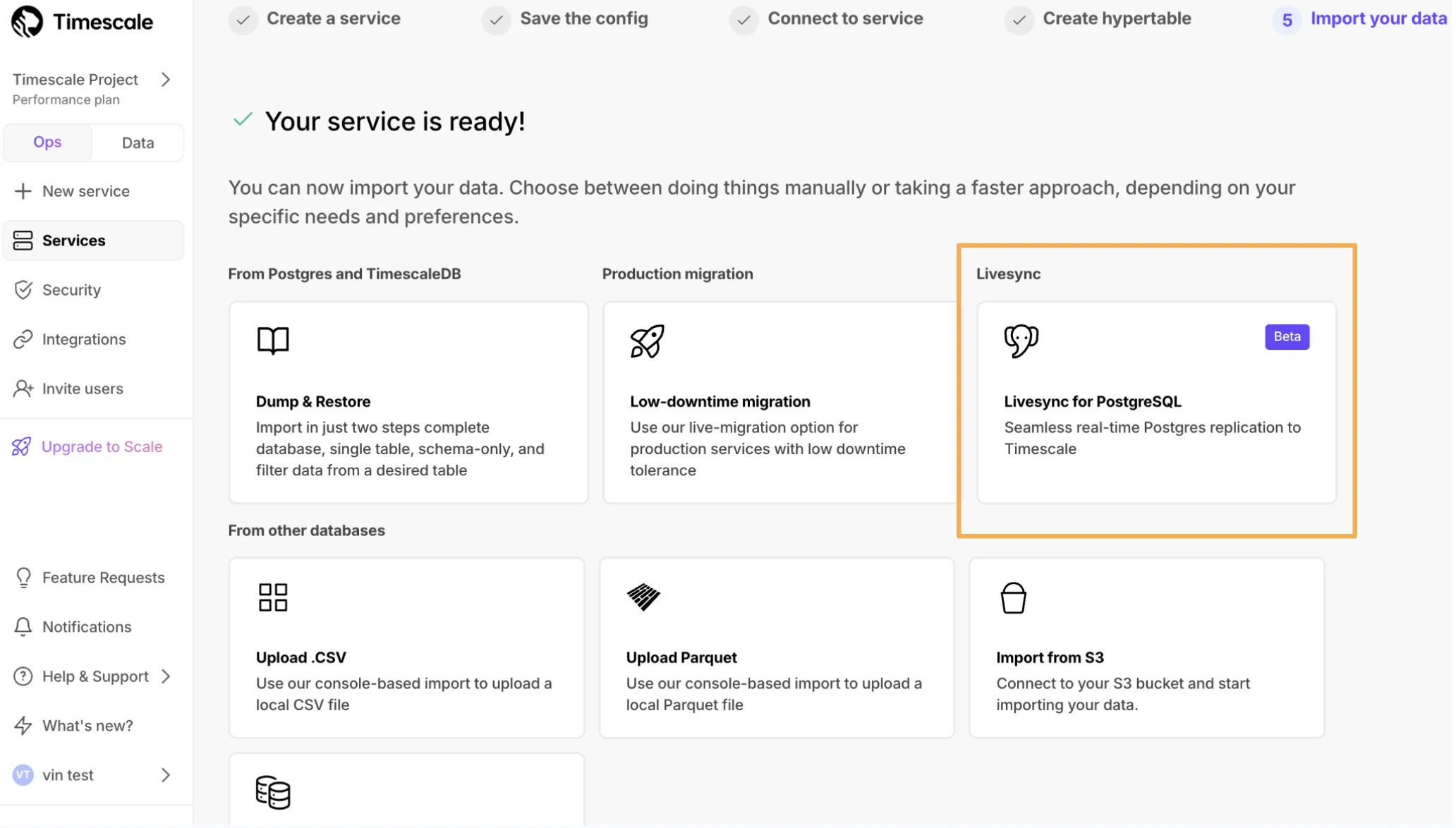
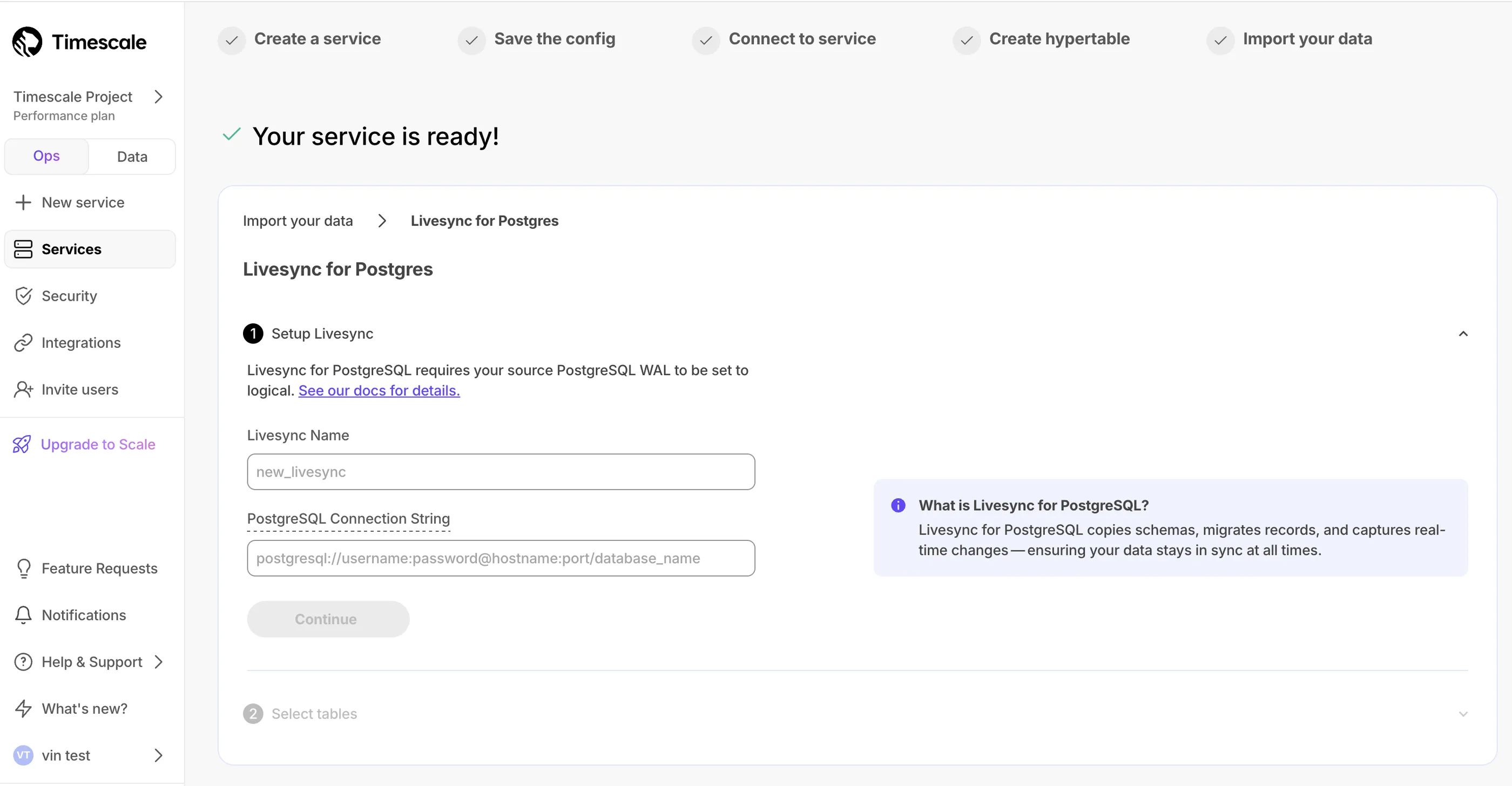
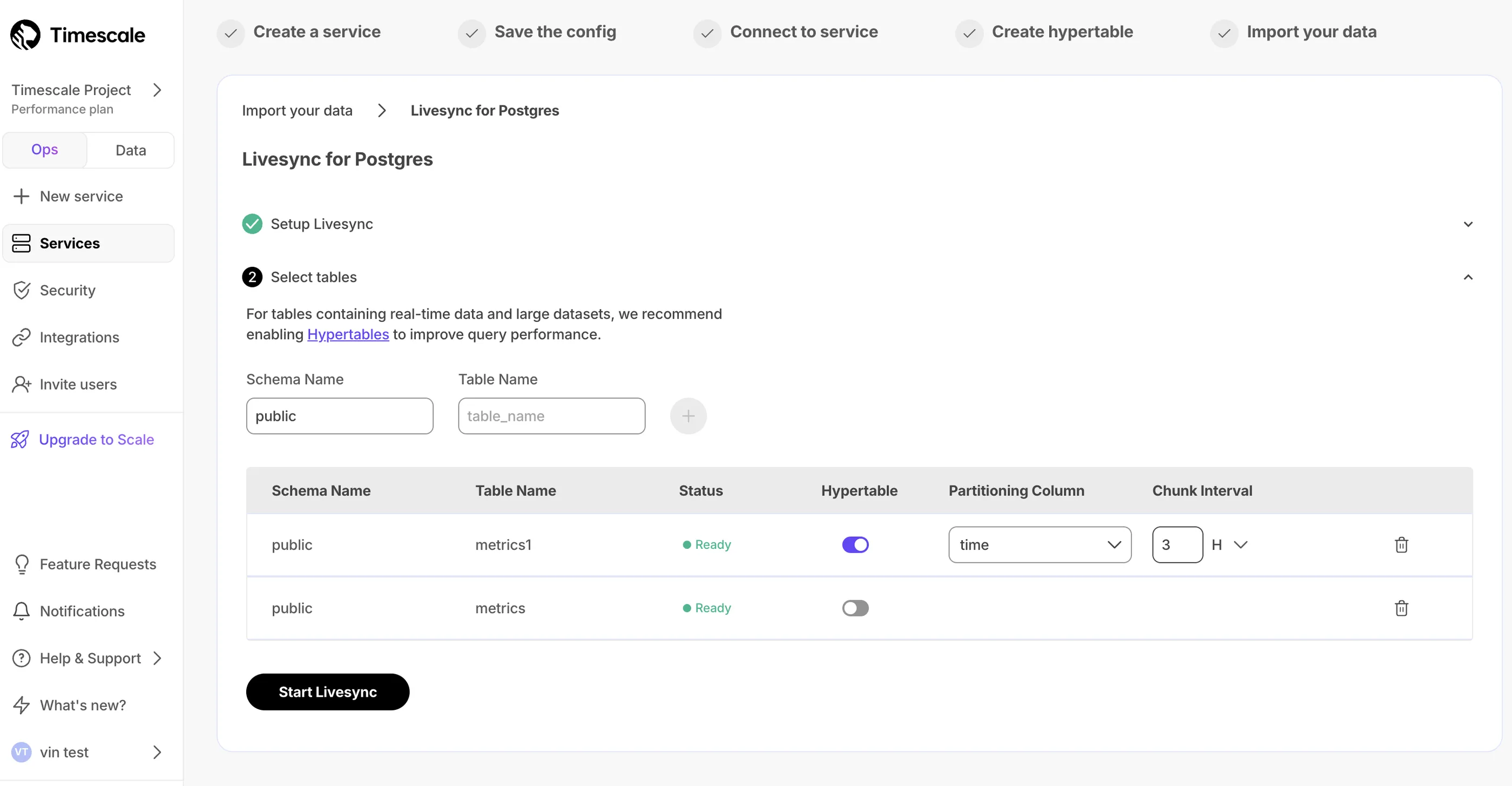
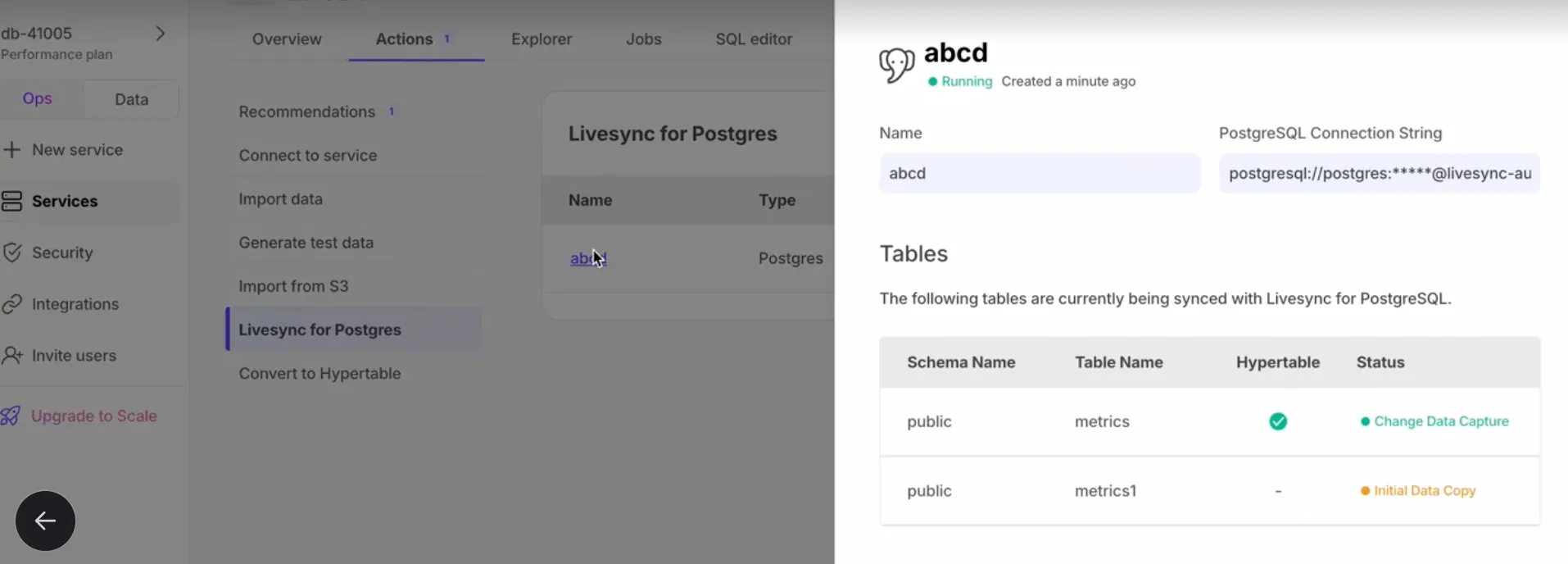
Support for vectors with up to 16,000 dimensions. NEON support for SIMD distance calculations on aarch64 processors. See the pgvectorscale 0.6.0 release notes for details.
Access embedding models from popular cloud model hubs.
SQL Assistant automatically adjusts and executes queries without intervention.
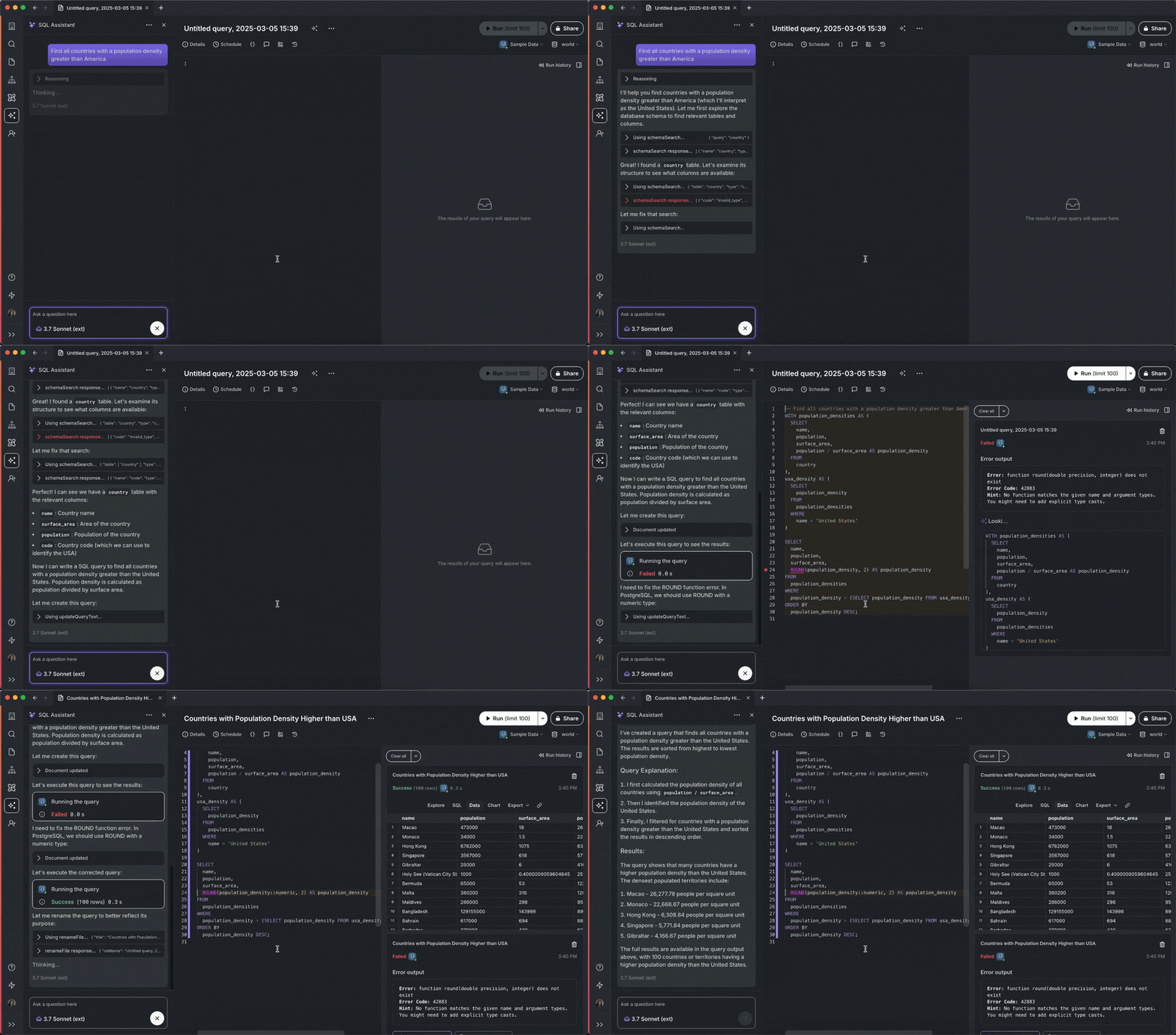
Enhanced AWS Marketplace workflow with full automation and seamless billing integration.
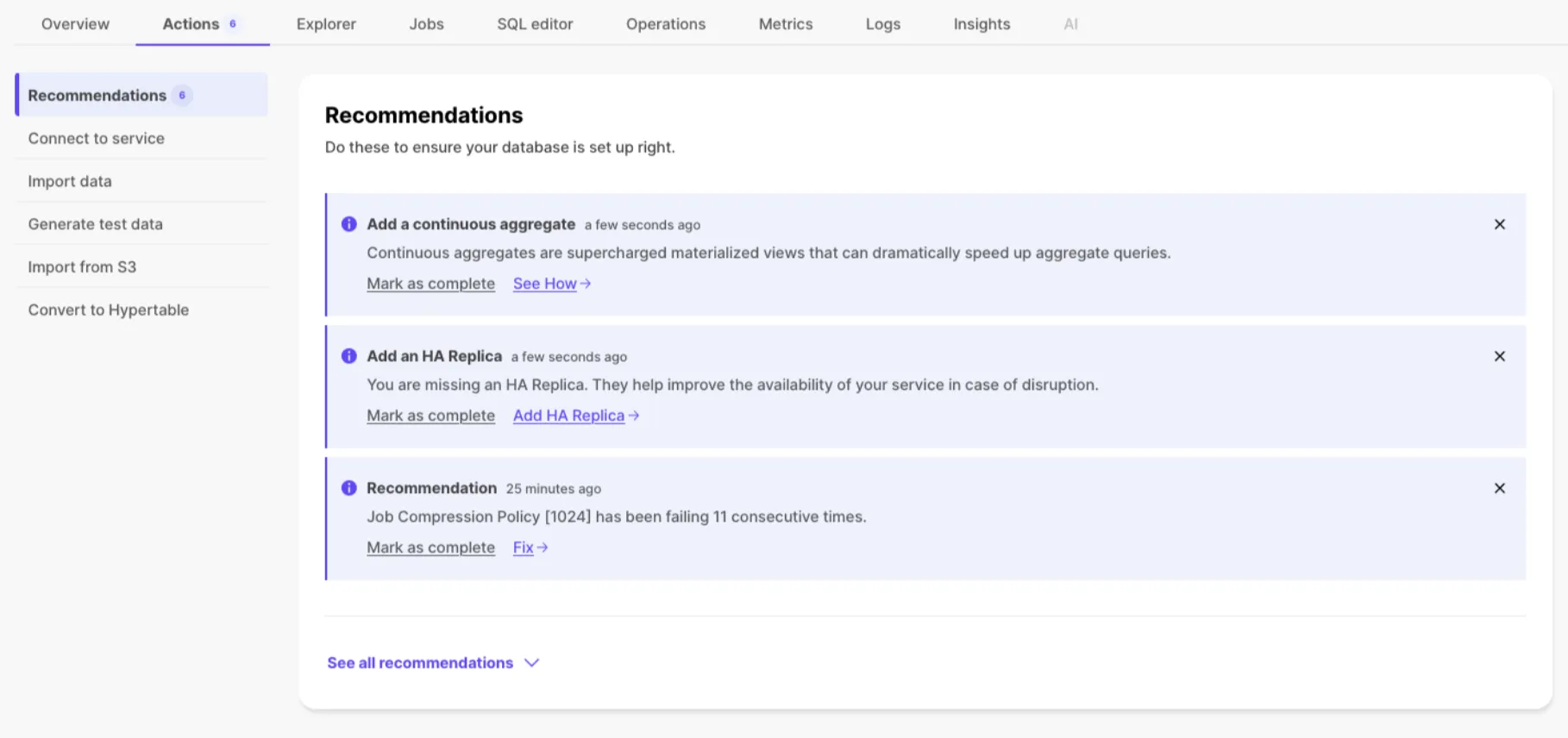
Recommendations based on service context for onboarding and service health.
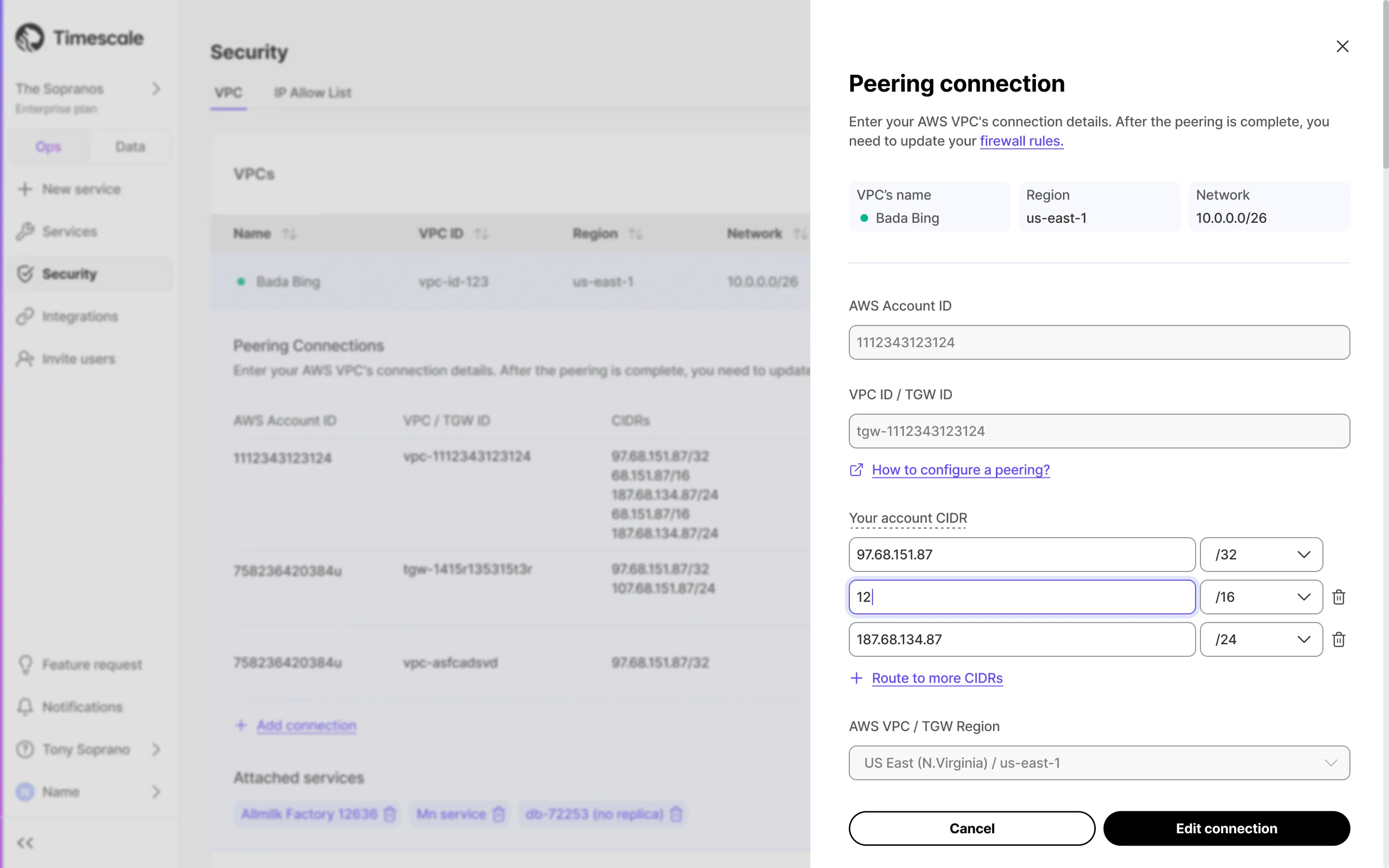
Modify CIDR blocks for VPC or Transit Gateway directly from Tiger Console.
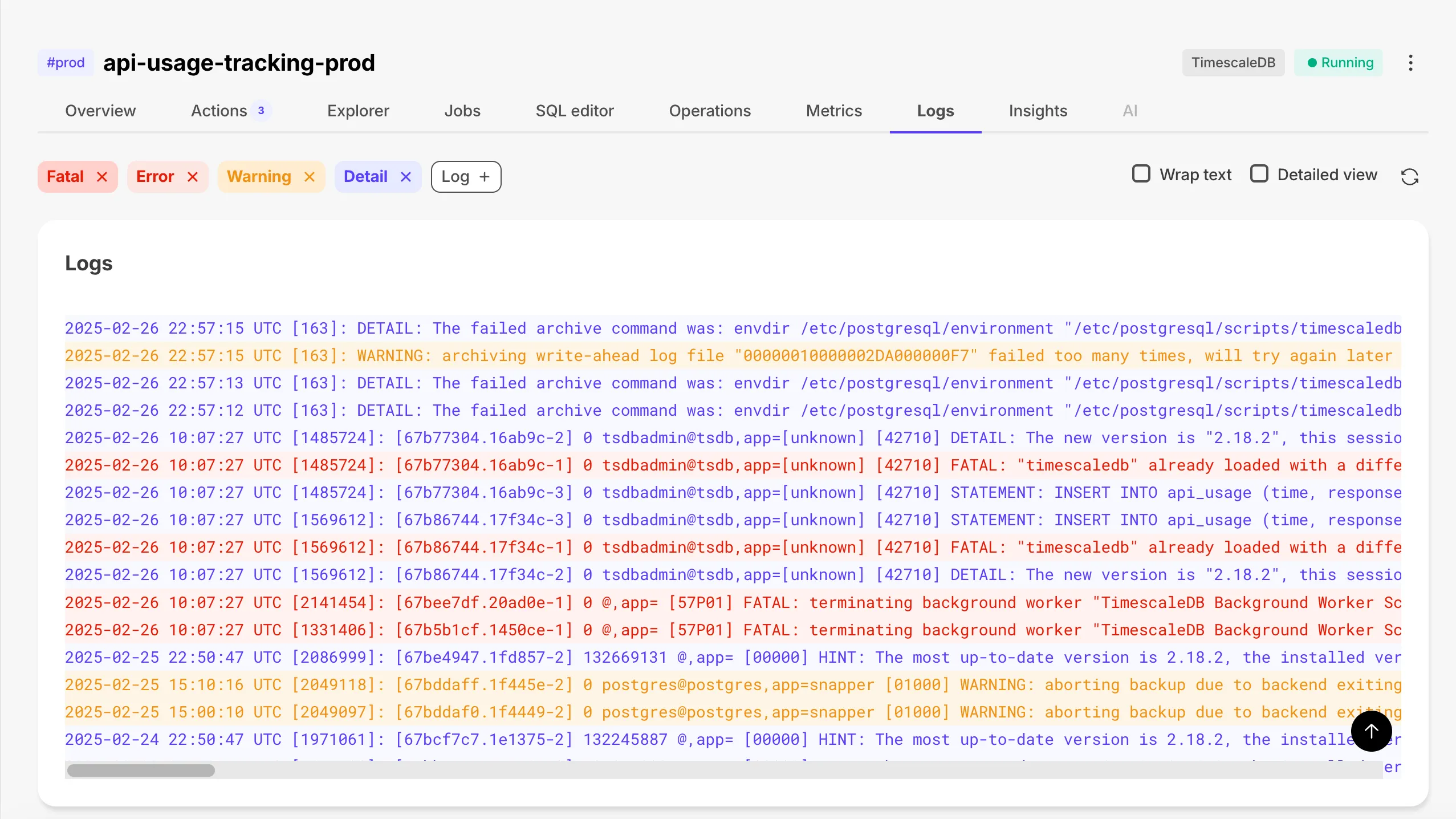
Enhanced Logs screen with Warning and Log filters.
New services use TimescaleDB v2.18.2 with bug fixes. See the TimescaleDB v2.18.2 release notes for details.
Support for Claude 3.7 Sonnet with extended thinking and ability to abort requests.
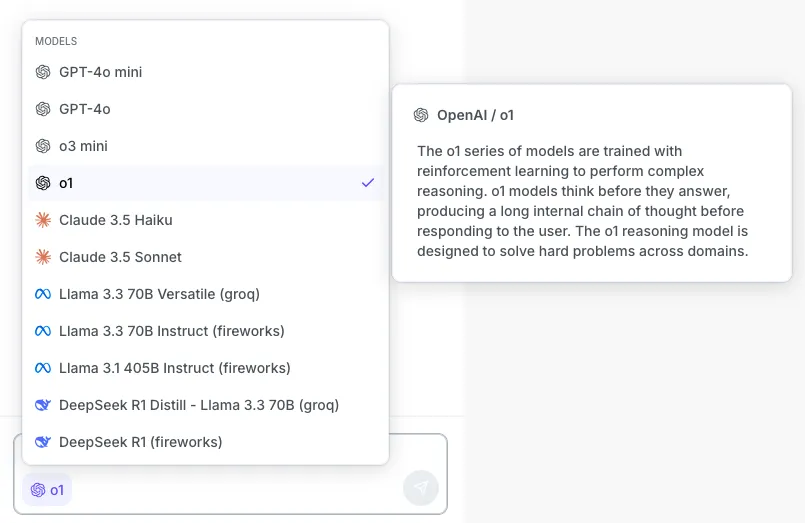
Added fireworks.ai and Groq as providers with new LLM options and improved model picker with descriptions.
Improved GitHub docs with grouped sections and comprehensive summary. See the updated docs on GitHub.
New services use TimescaleDB v2.18.1 with faster columnar scans and improved constraint handling.
Securely connect Tiger Cloud to multiple VPCs across different environments.
See the AWS Transit Gateway documentation for configuration details.
For more information, see the TimescaleDB v2.18 release notes.
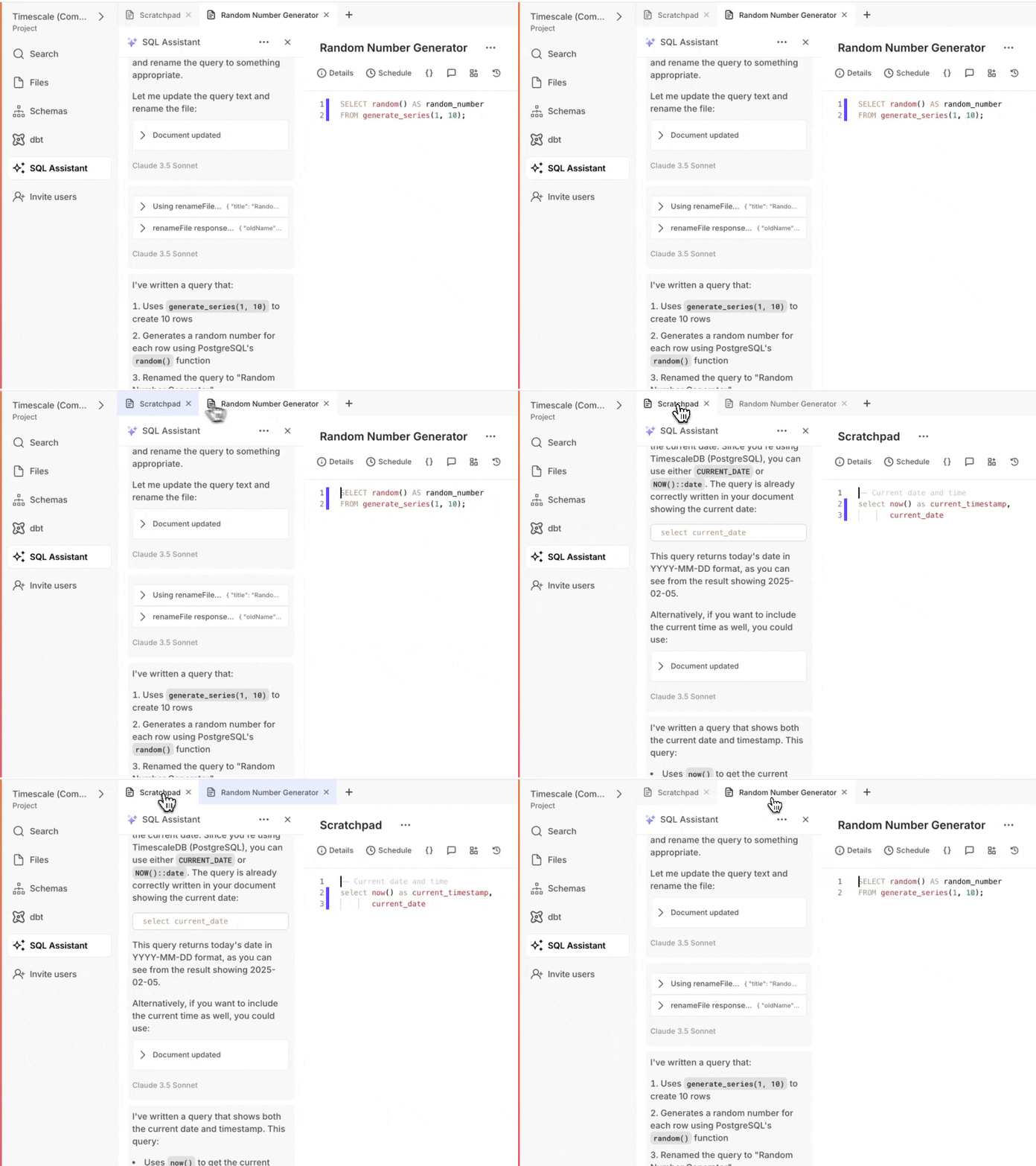
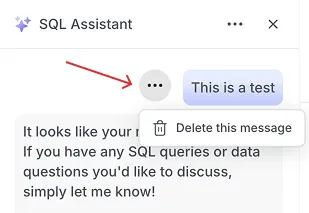
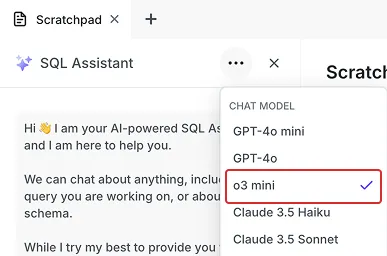
IP allowlists now available in Tiger Console data mode and PopSQL for enhanced network security. For background and configuration examples, see the IP allow list documentation.
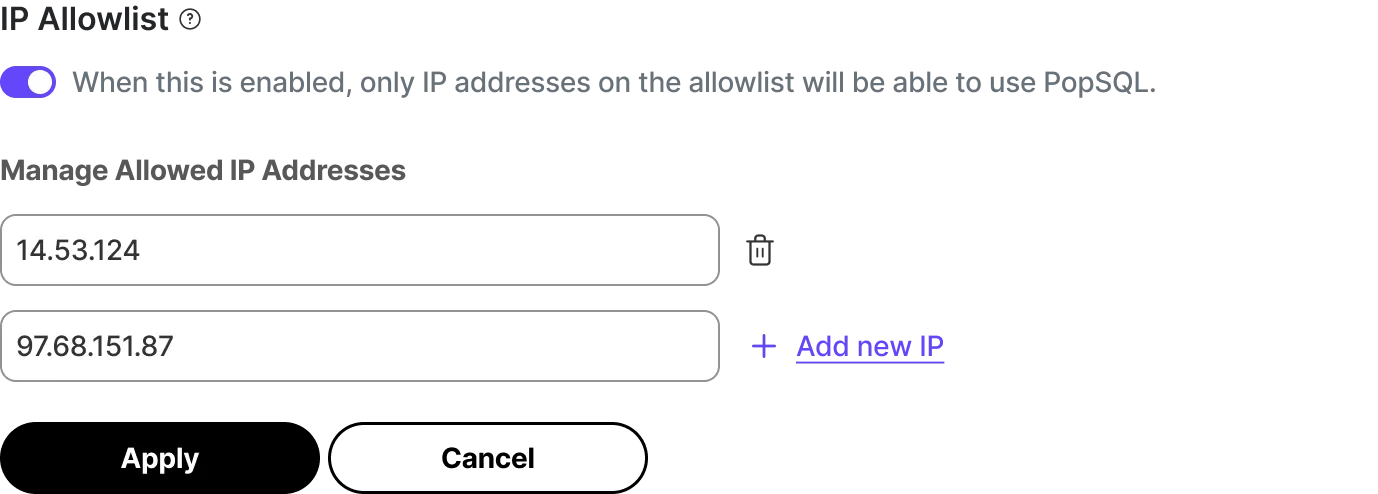
Added configurable base_url support for OpenAI API, public granting of vectorizers, and improved Ollama client. See all changes in the pgai extension 0.7.0 release.
Comprehensive SQLAlchemy and Alembic support for vector embeddings. See all changes in the pgai Python library v0.5.0 release.
Connect to Tiger Cloud services through AWS Transit Gateway for Scale and Enterprise customers.
Tiger Cloud now supports the Mumbai region.
Services can now upgrade directly to PostgreSQL 17 from versions 14, 15, or 16.
Centralize billing on AWS account with committed spend via AWS Marketplace.
All new Tiger Cloud services come with PostgreSQL 17.2 with significant performance improvements and enhanced JSON support.
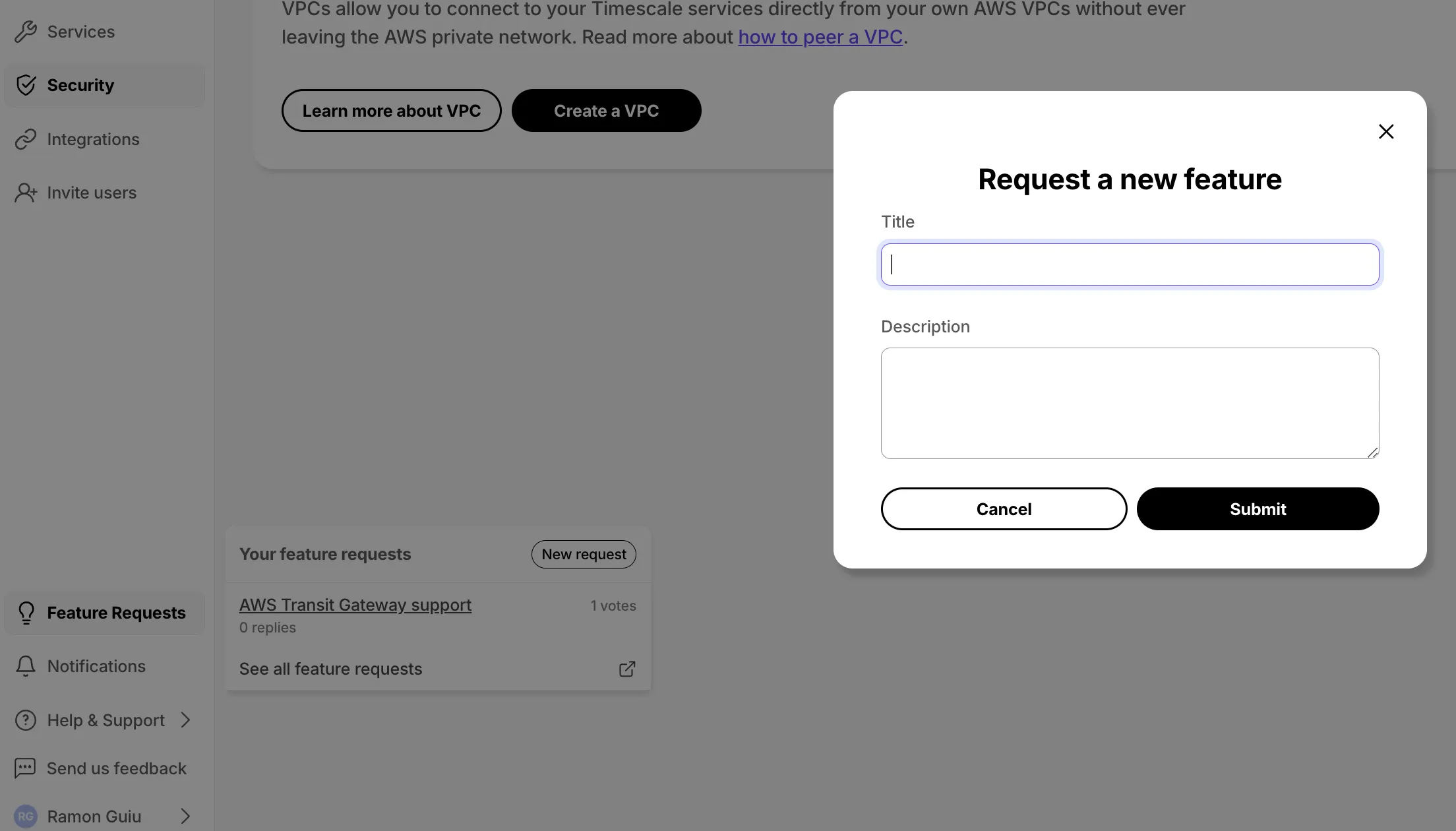
Submit feature requests directly from Console with visibility into status.
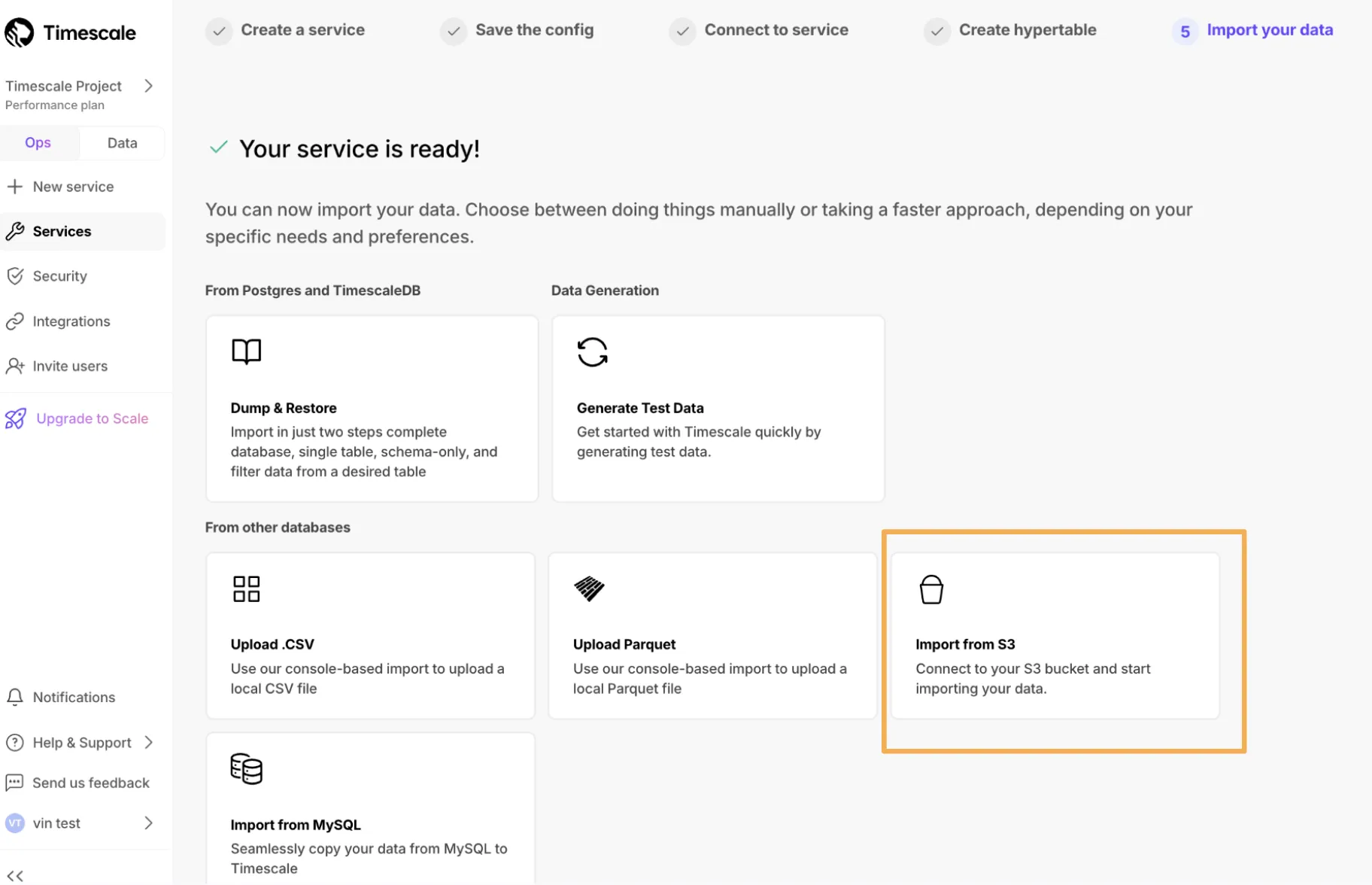
Continuously replicate PostgreSQL tables directly into Tiger Cloud. Learn more in the Livesync for PostgreSQL documentation.
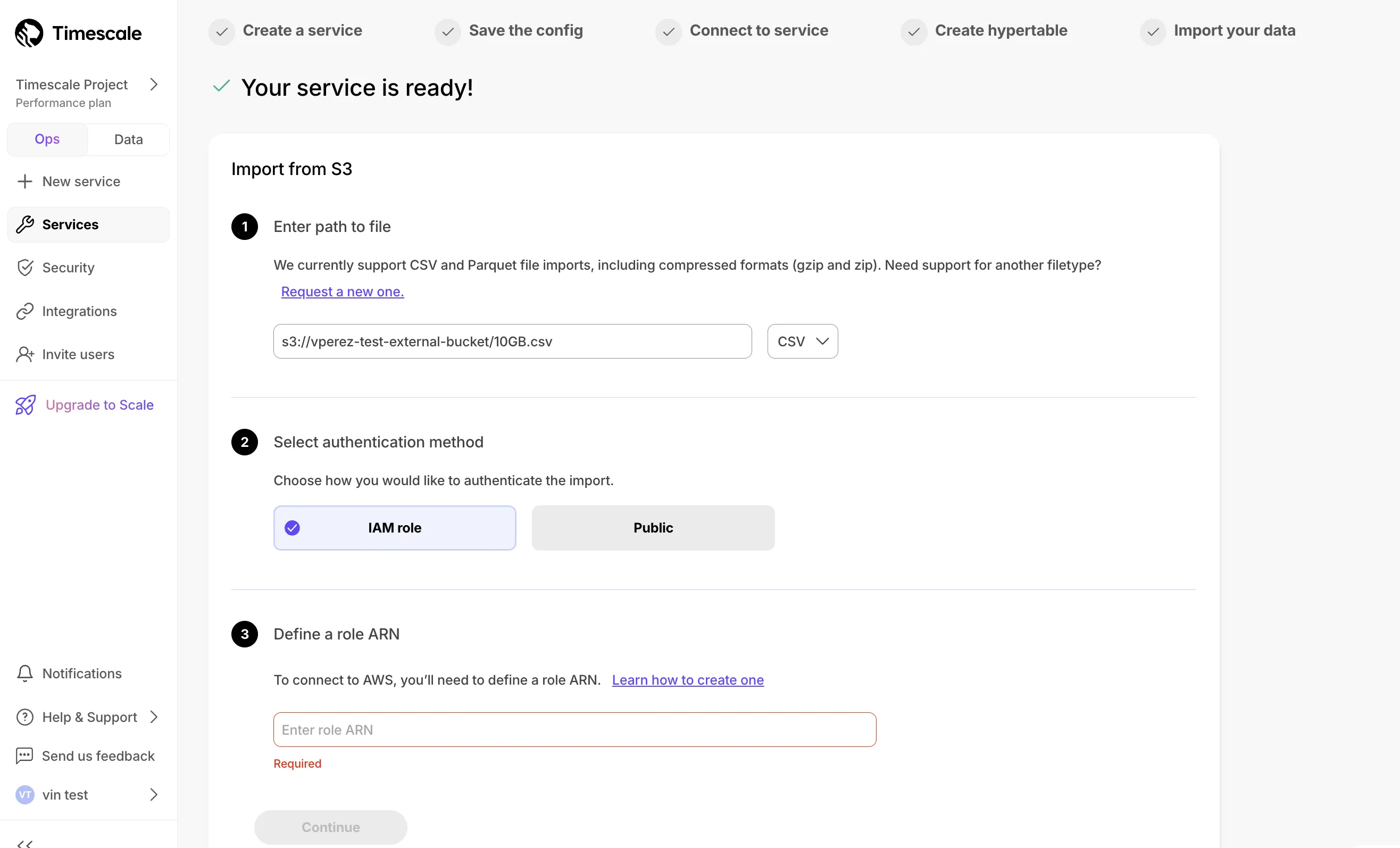
Connect S3 buckets to import CSV and Parquet files with 10 GB size limit.
Add-on for Scale or Enterprise tiers maximizing I/O to 16,000 IOPS with $0.41/hour per node.
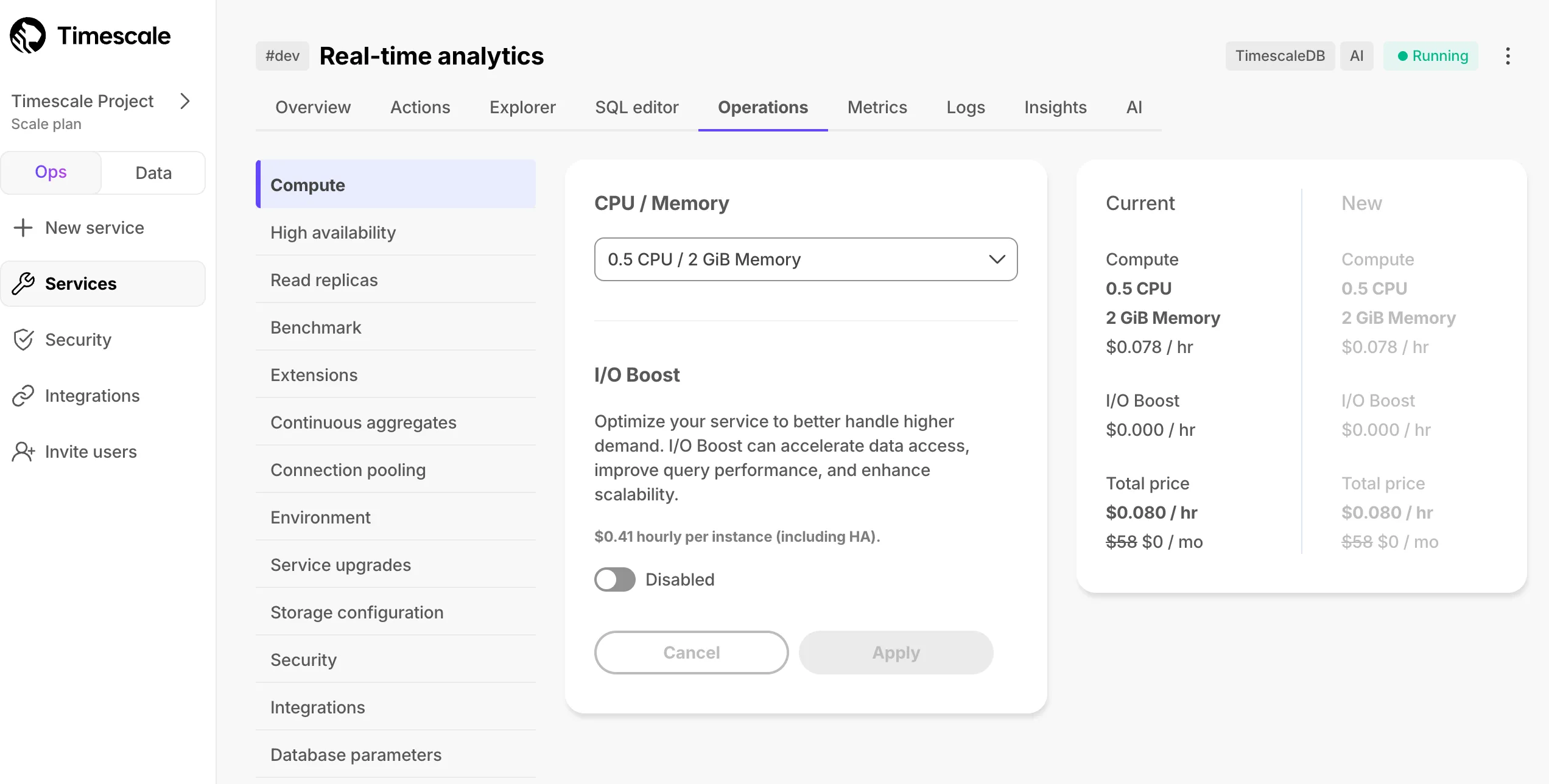
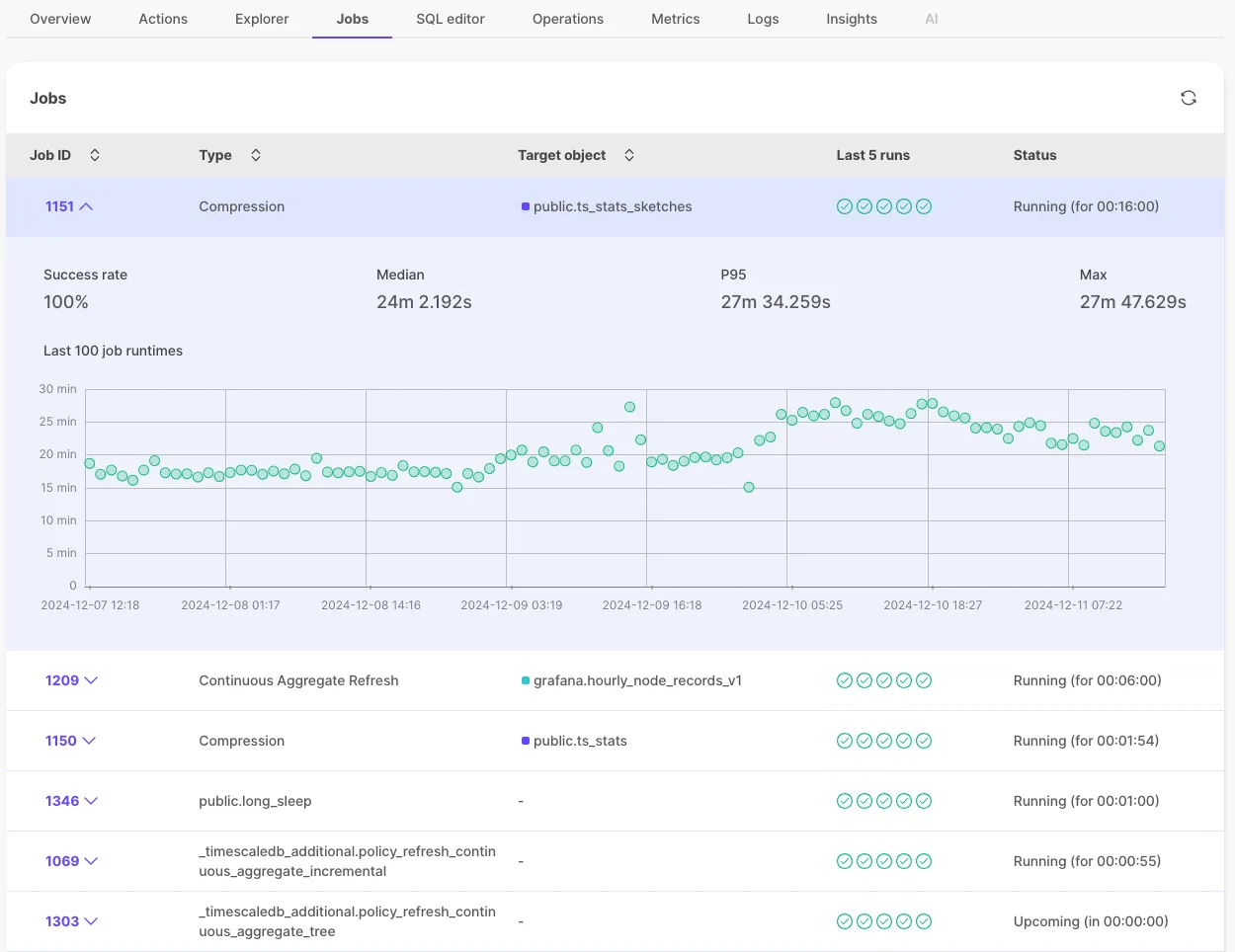
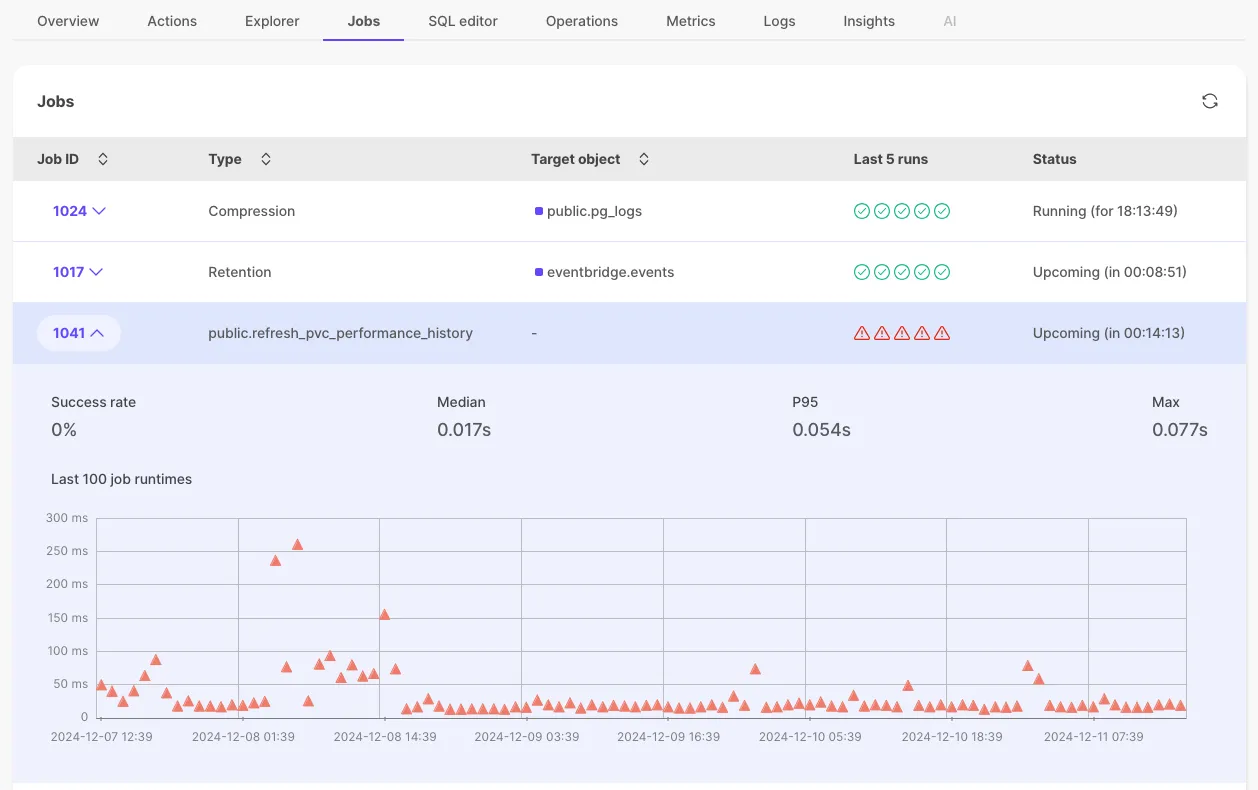
New Jobs tab showing all associated jobs with status and detailed history.
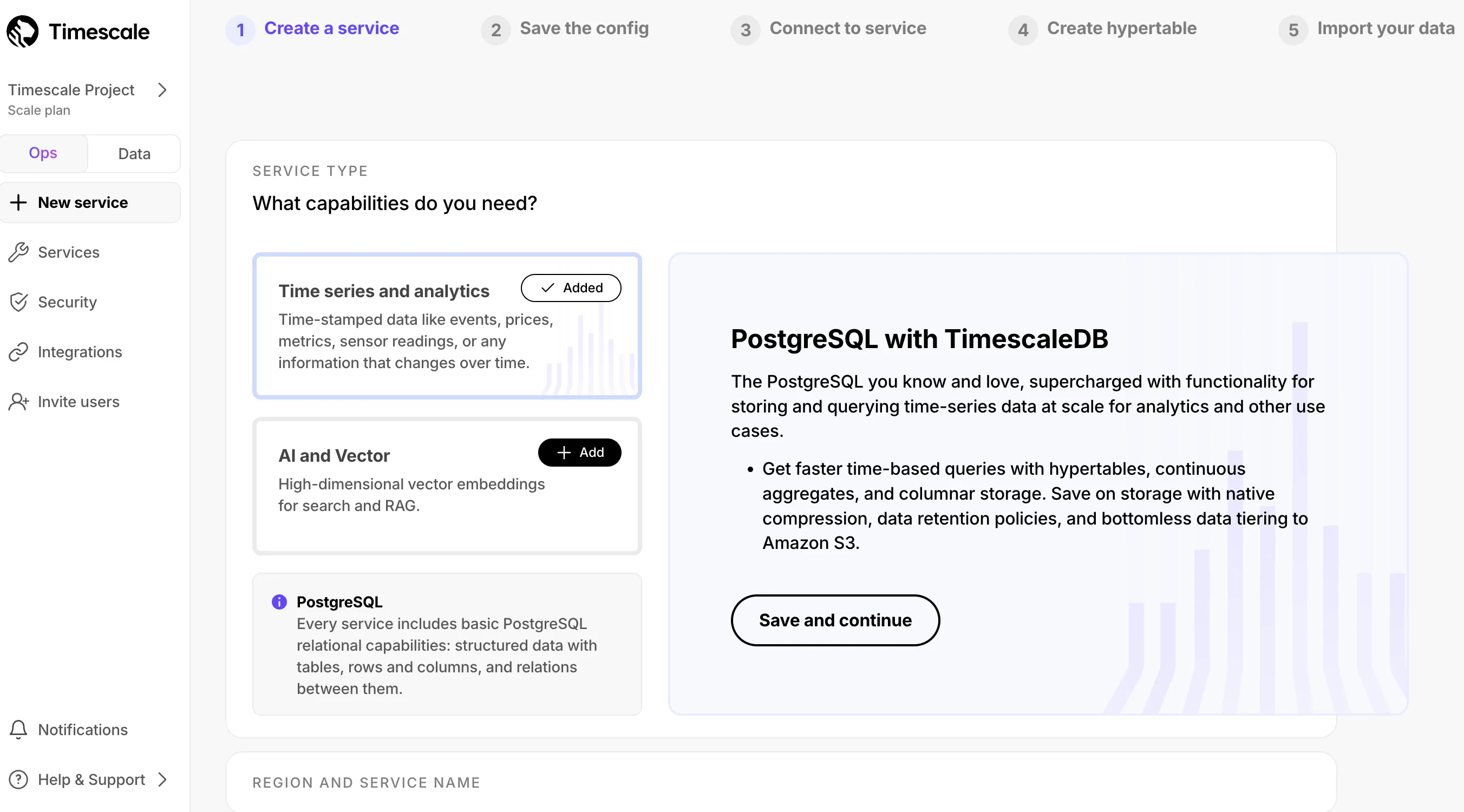
AI and Vector options: Choose AI and Vector-ready services with pgai, pgvector, and pgvectorscale
Compute size recommendations: Recommendations based on planned data volume
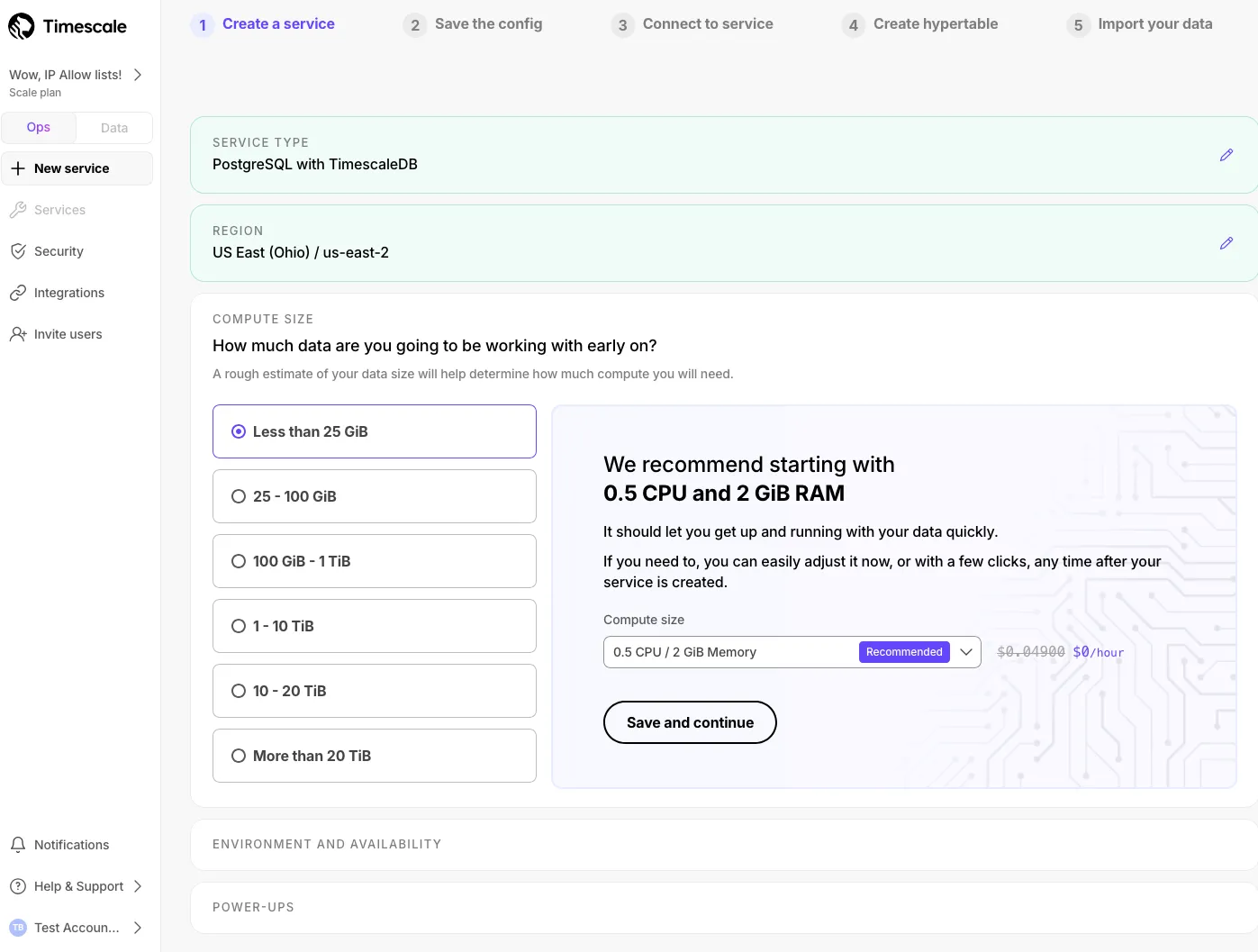
More information about configuration options: Clearer descriptions for informed choices
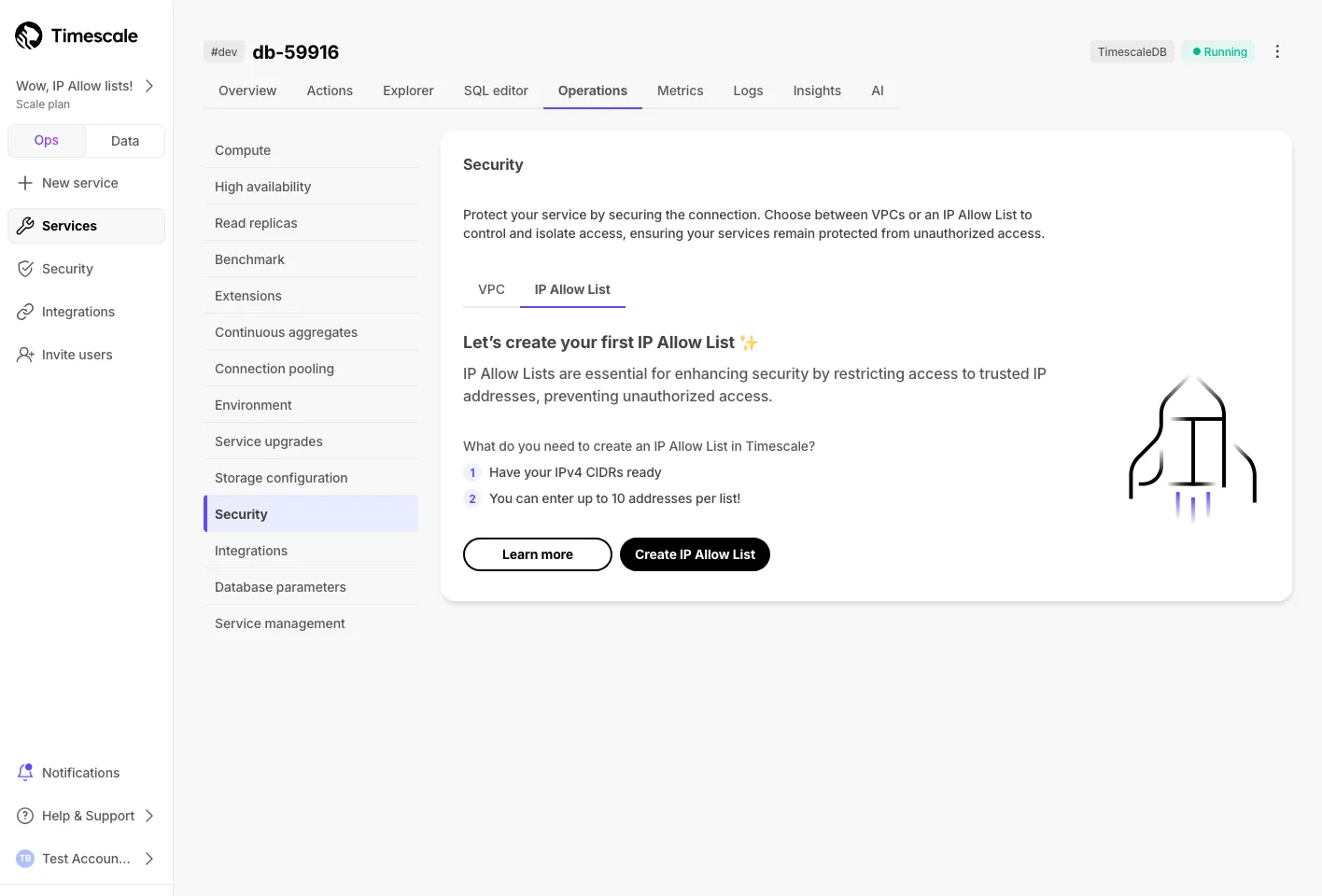
IP Allow Lists let you specify IP addresses that have access to services and block others. They provide a lightweight alternative to a full Virtual Private Cloud (VPC).
To get started, open Timescale Console, then go to Operations → Security → IP Allow List. For more details, see the IP allow list documentation.
Chat with AI models to get help writing SQL, propose fixes for errors, and generate titles/descriptions.
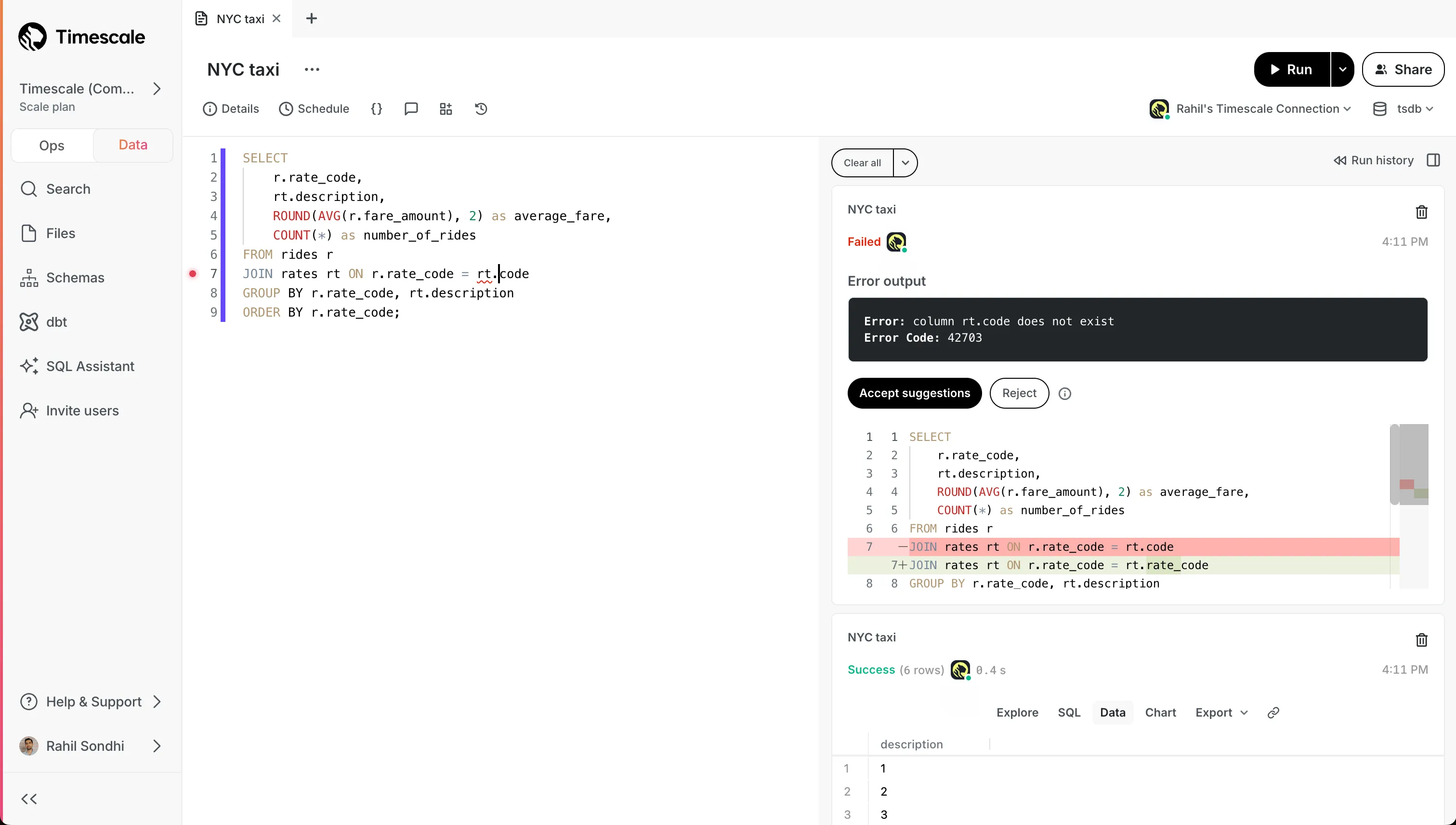
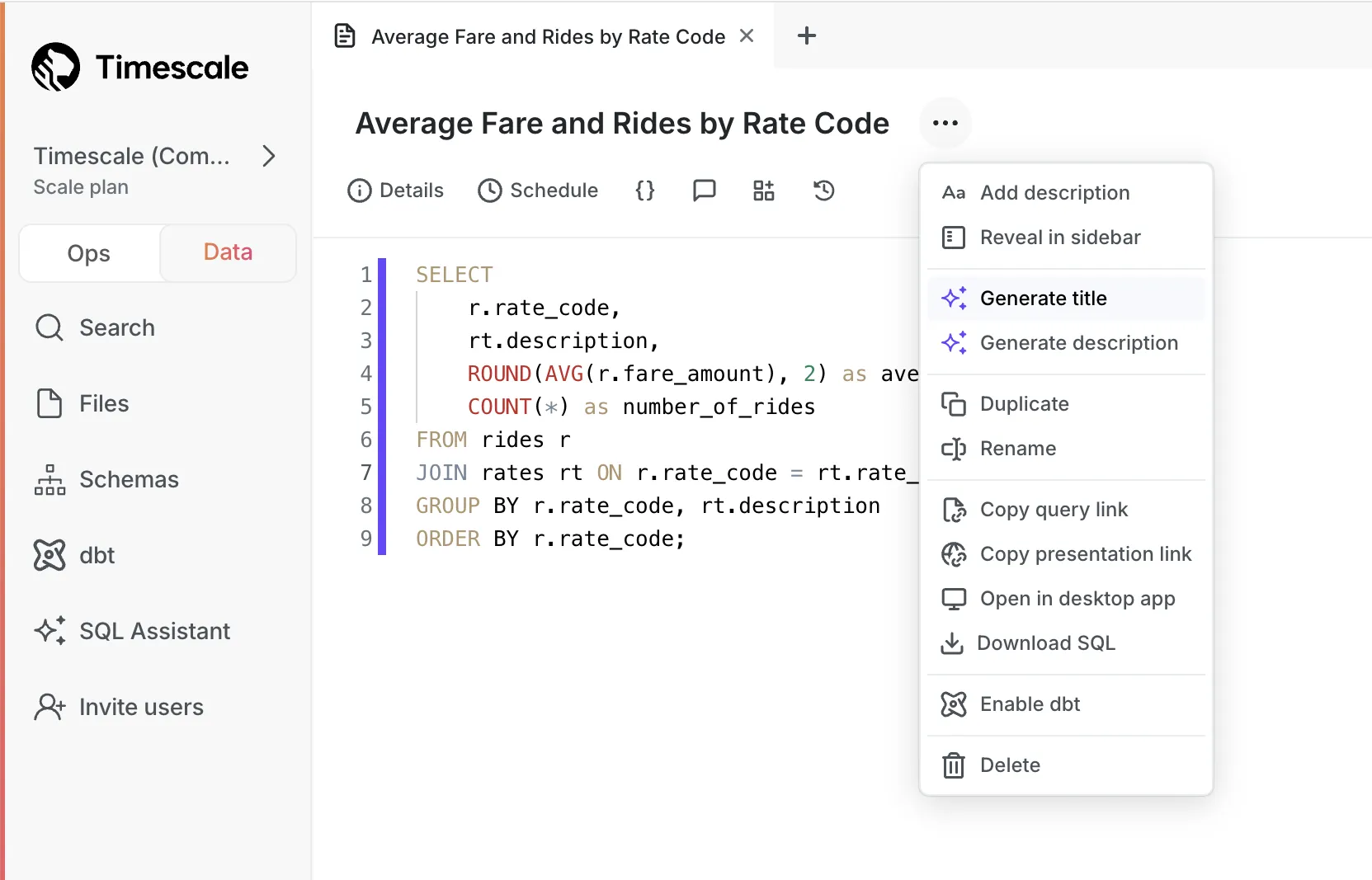
See the SQL Assistant blog post and SQL Assistant docs for full details.
Significant performance improvements for continuous aggregate refreshes and analytical queries. For details, see the TimescaleDB v2.17 release notes.
Tiger Cloud's Enterprise plan is now HIPAA compliant.
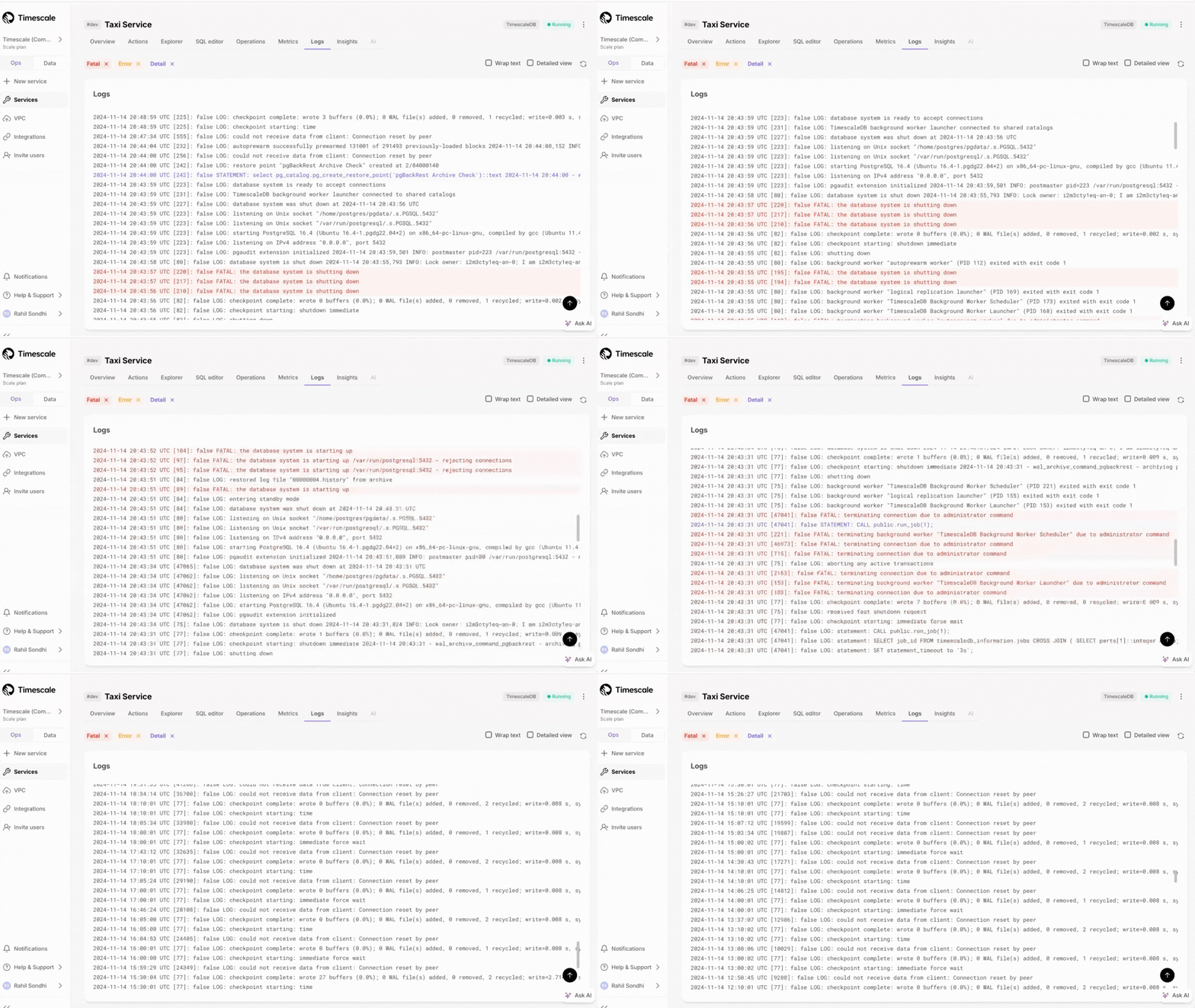
Access more than 500 logs with infinite scrolling capabilities.
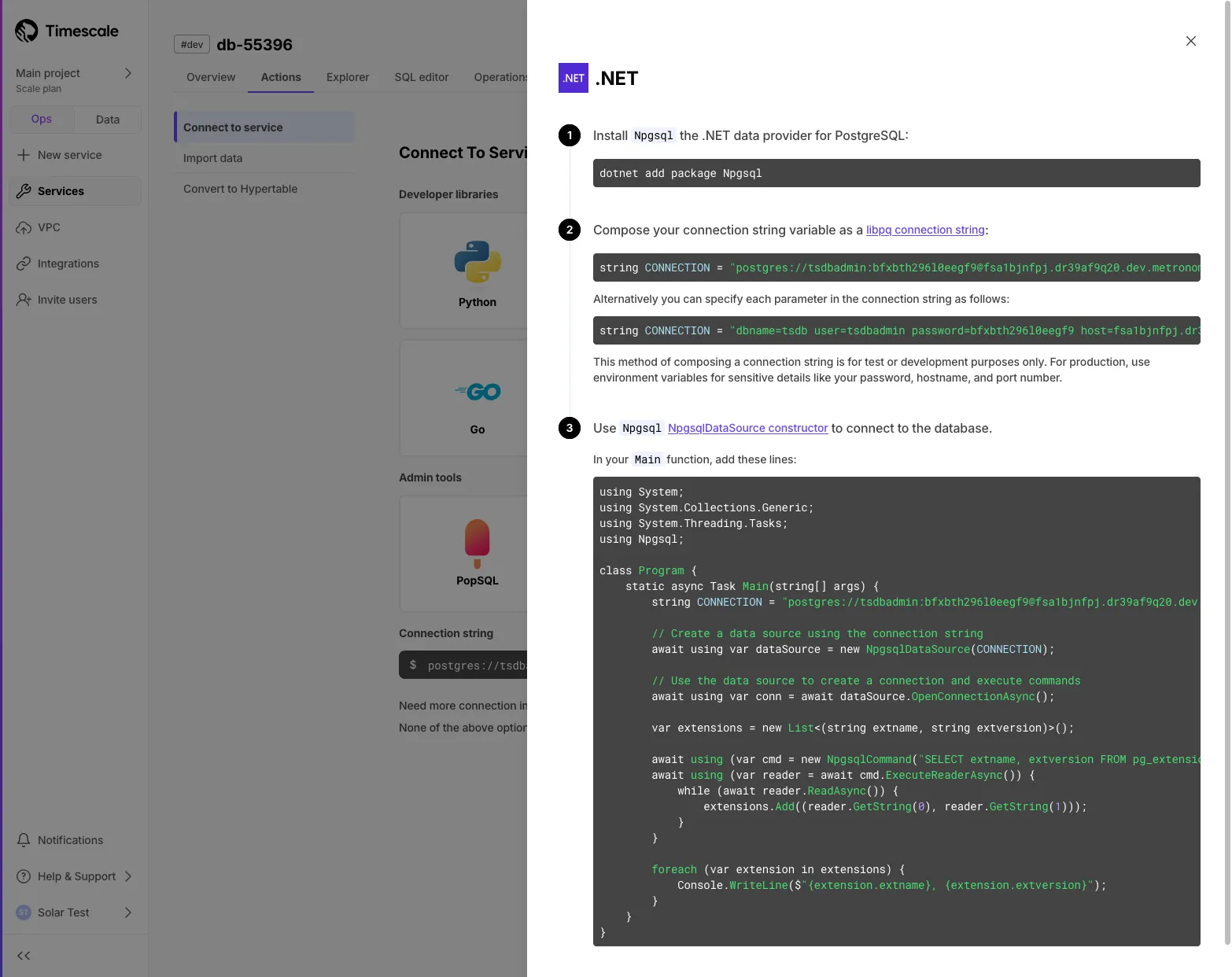
Added instructions for connecting using Npgsql for .NET workflows.
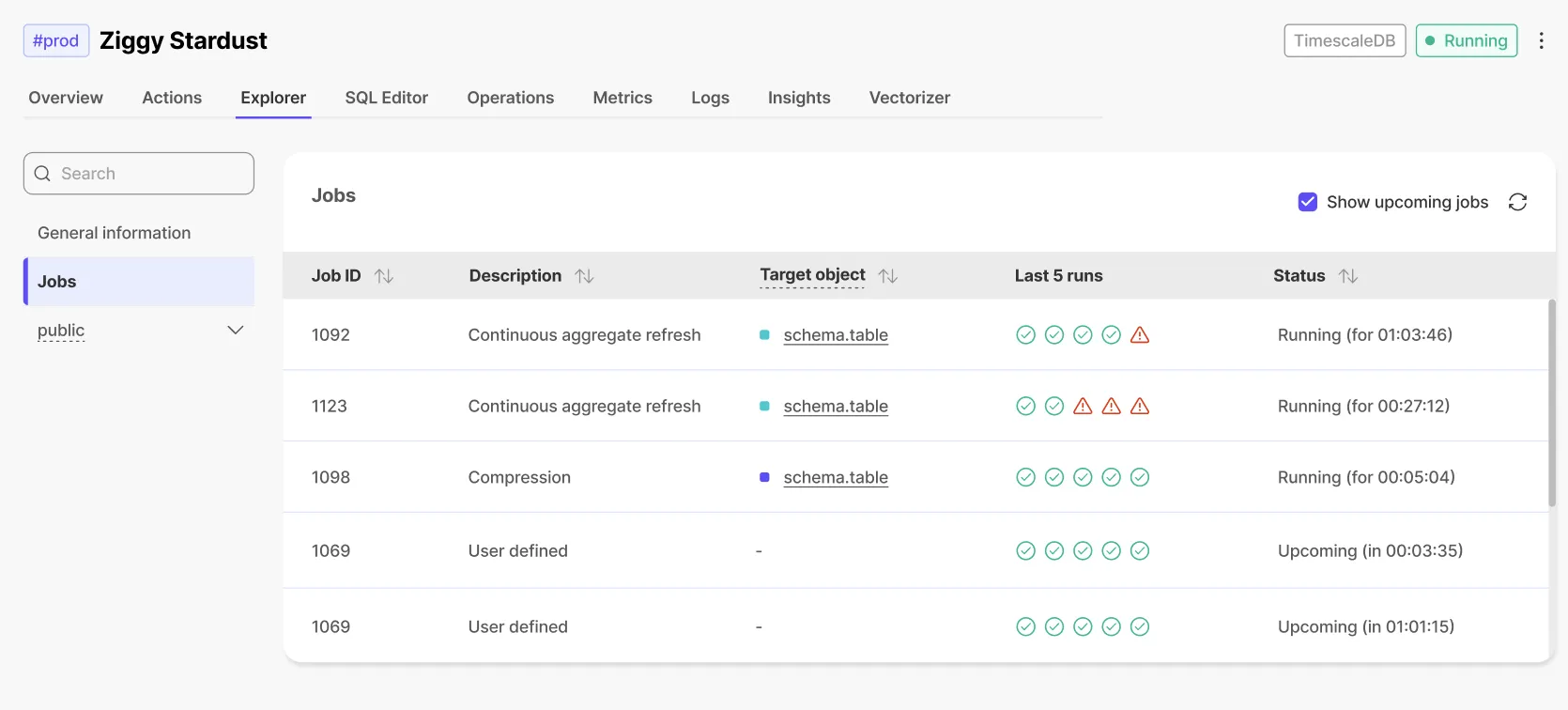
See status of last 5 runs of each job in the Jobs section.
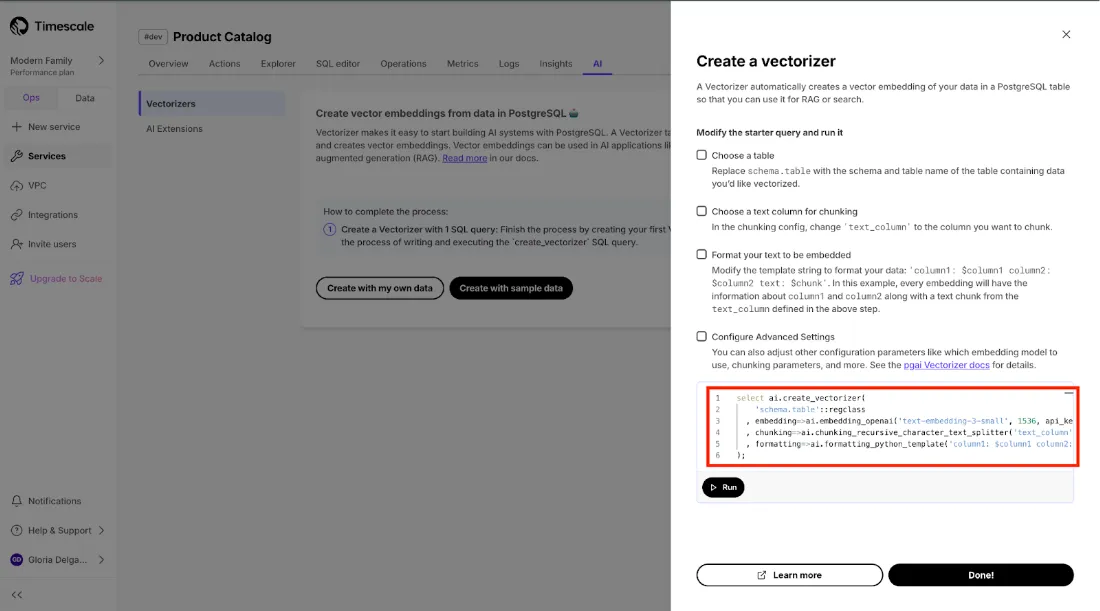
Automatically create, update, and maintain embeddings as data changes. For more details, see the pgai Vectorizer guide.
Fetch and query data from multiple PostgreSQL databases directly using foreign data wrappers (FDW).
Support for runtime chunk exclusion for tiered storage. For background, see the blog post on implementing constraint exclusion for faster query performance, and the disable_tiering function docs.
Console shows recommendations for services with too many small chunks.
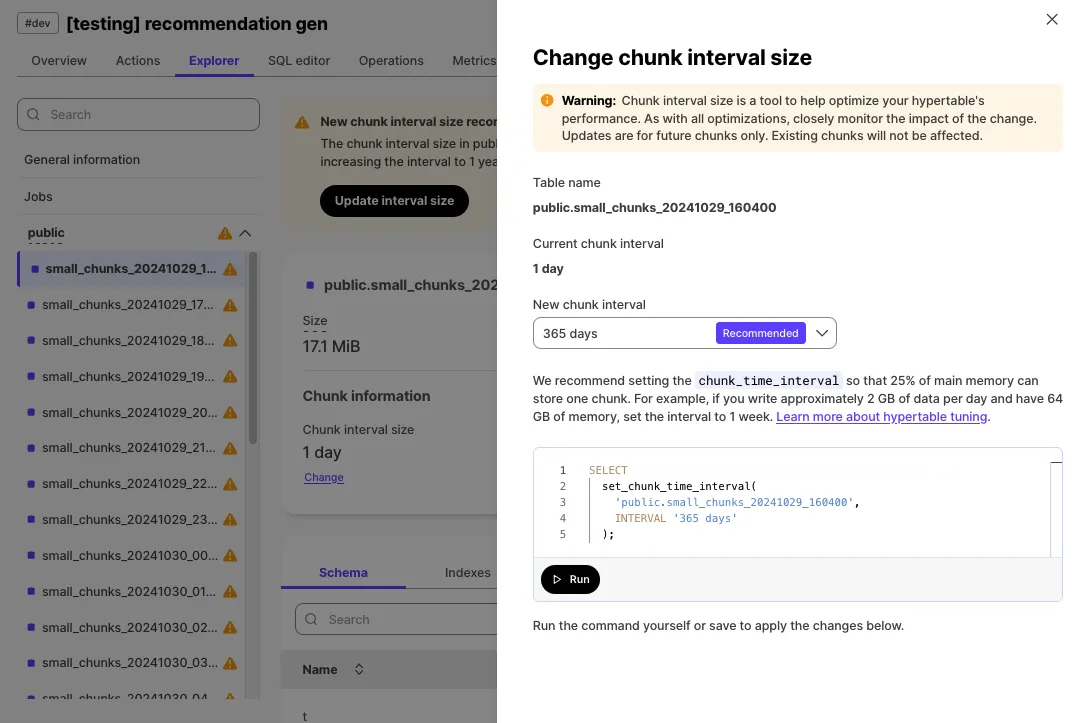
Create hypertable directly in Tiger Console after service creation.
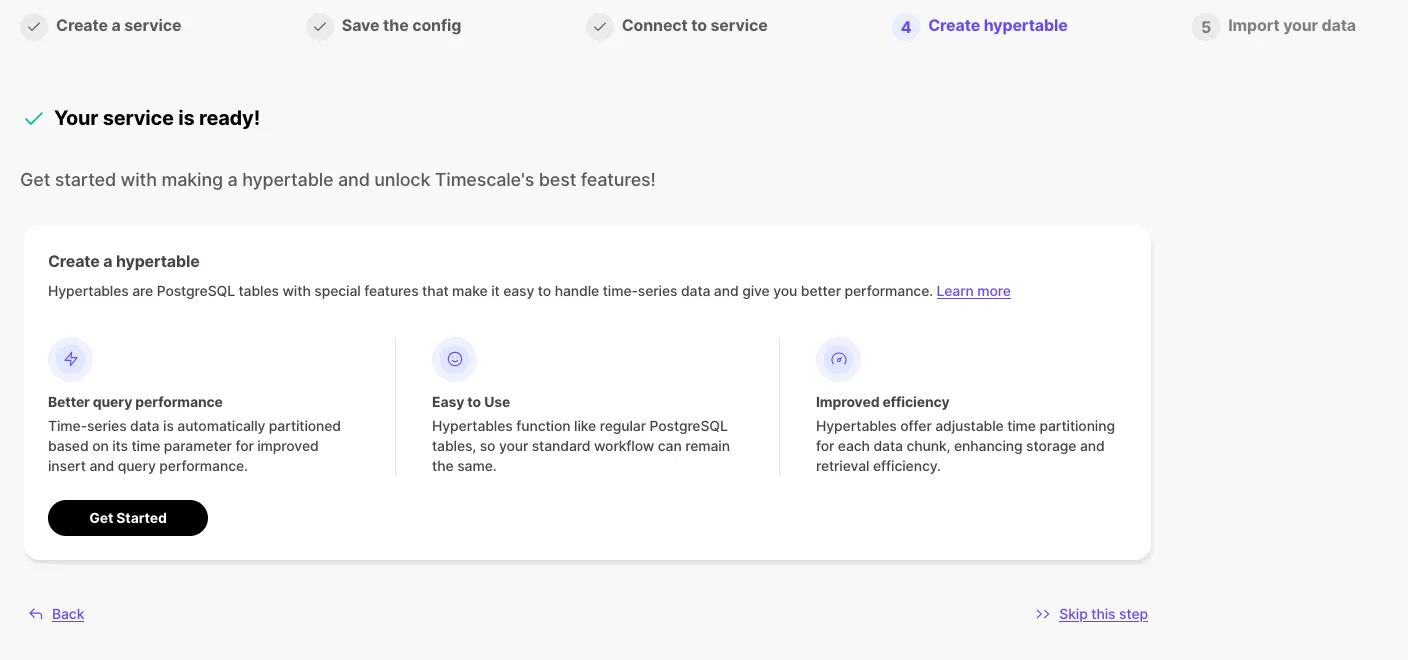
Newly developed v3 query engine provides significantly faster query response times.
Live migration is production-ready with enhanced functionality and performance optimizations.
Actions persisted within service for on-demand access to connect, import, and migrate.
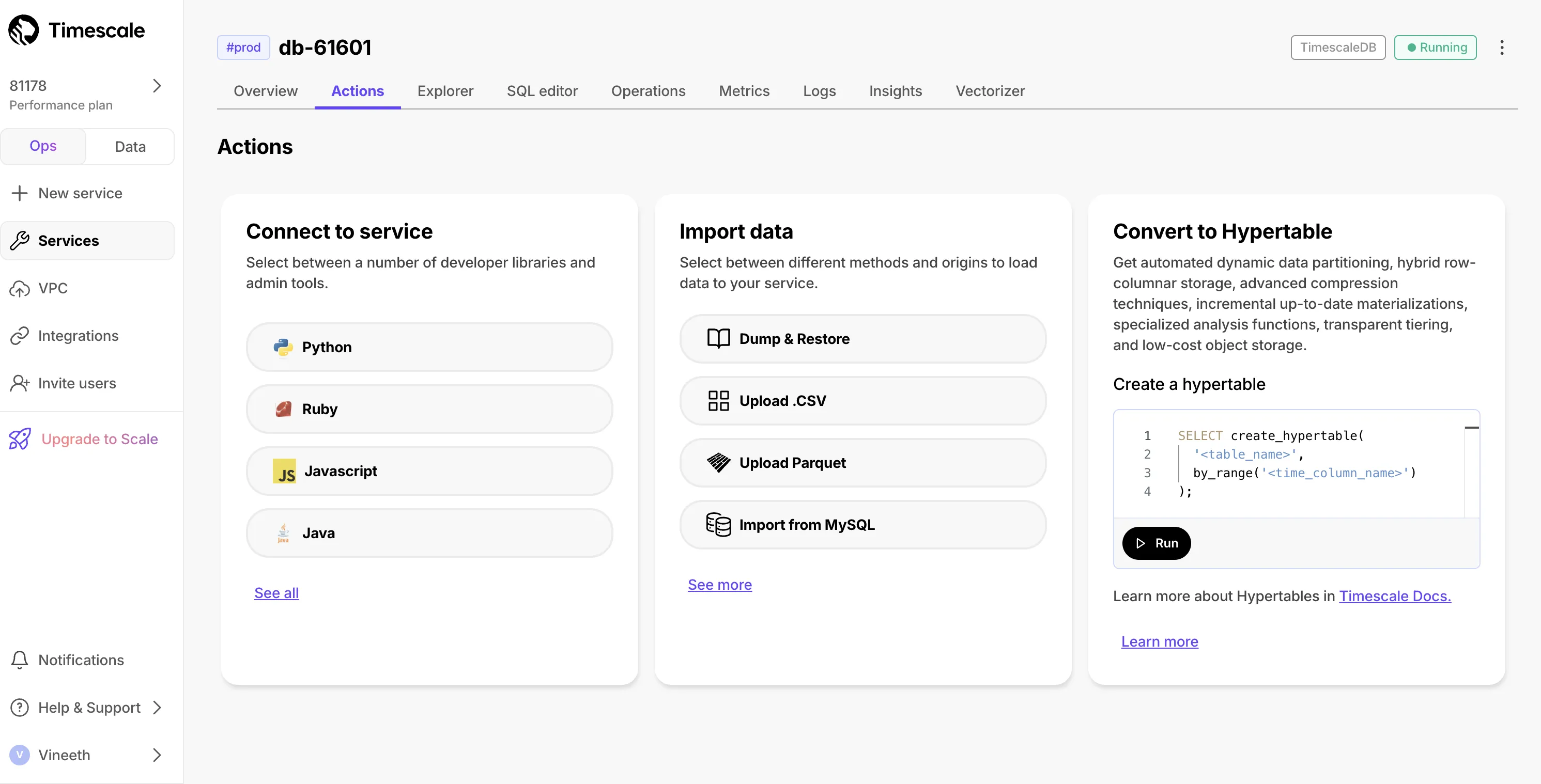
Easy-to-follow instructions for converting MySQL schema and data.
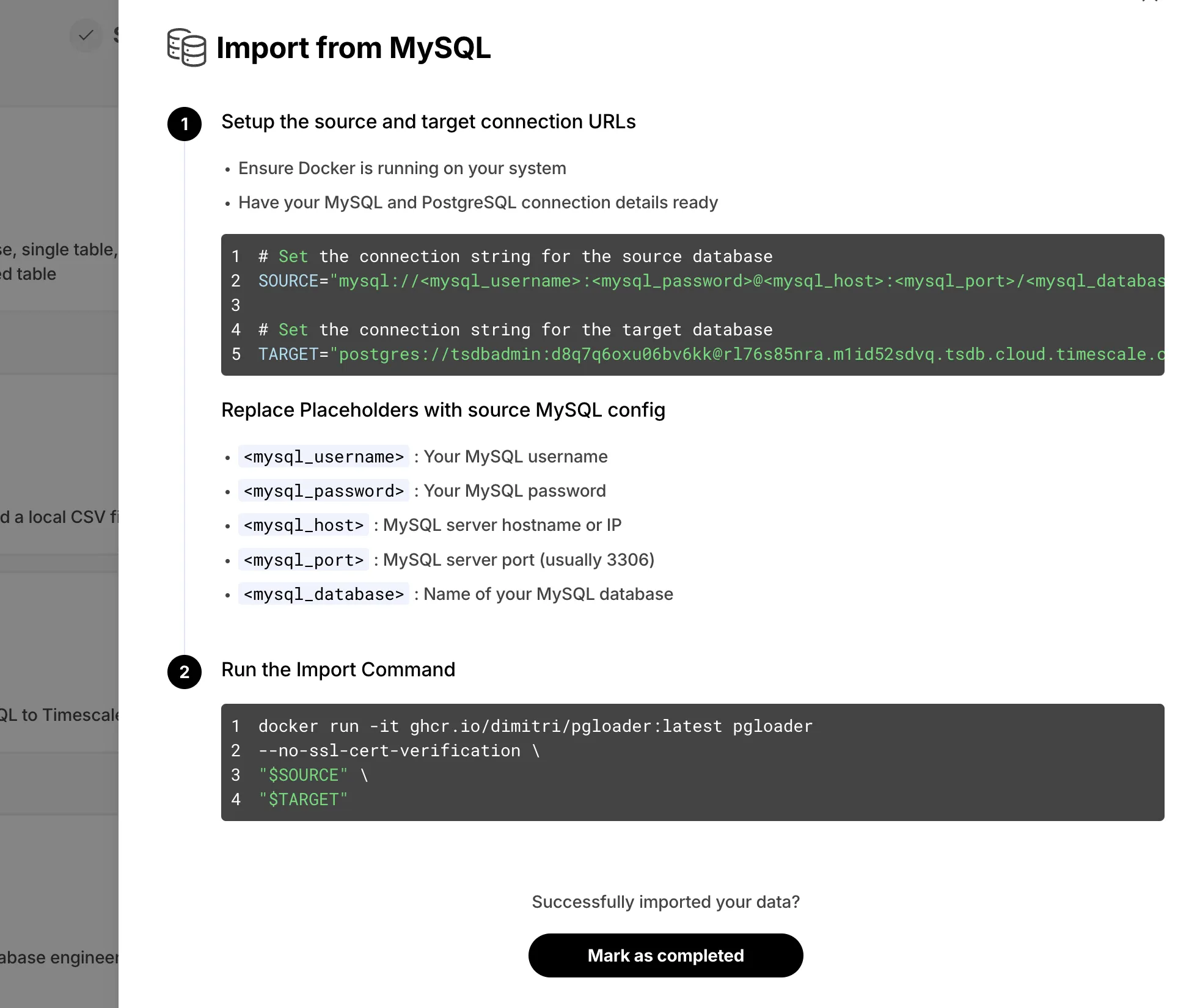
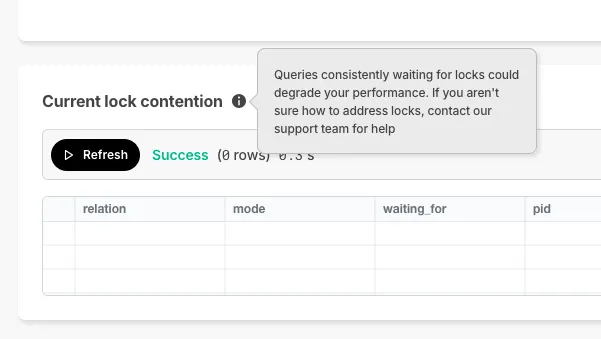
Console displays current lock contention when queries wait on locks.
Timescale now supports multiple CIDRs on customer VPC.
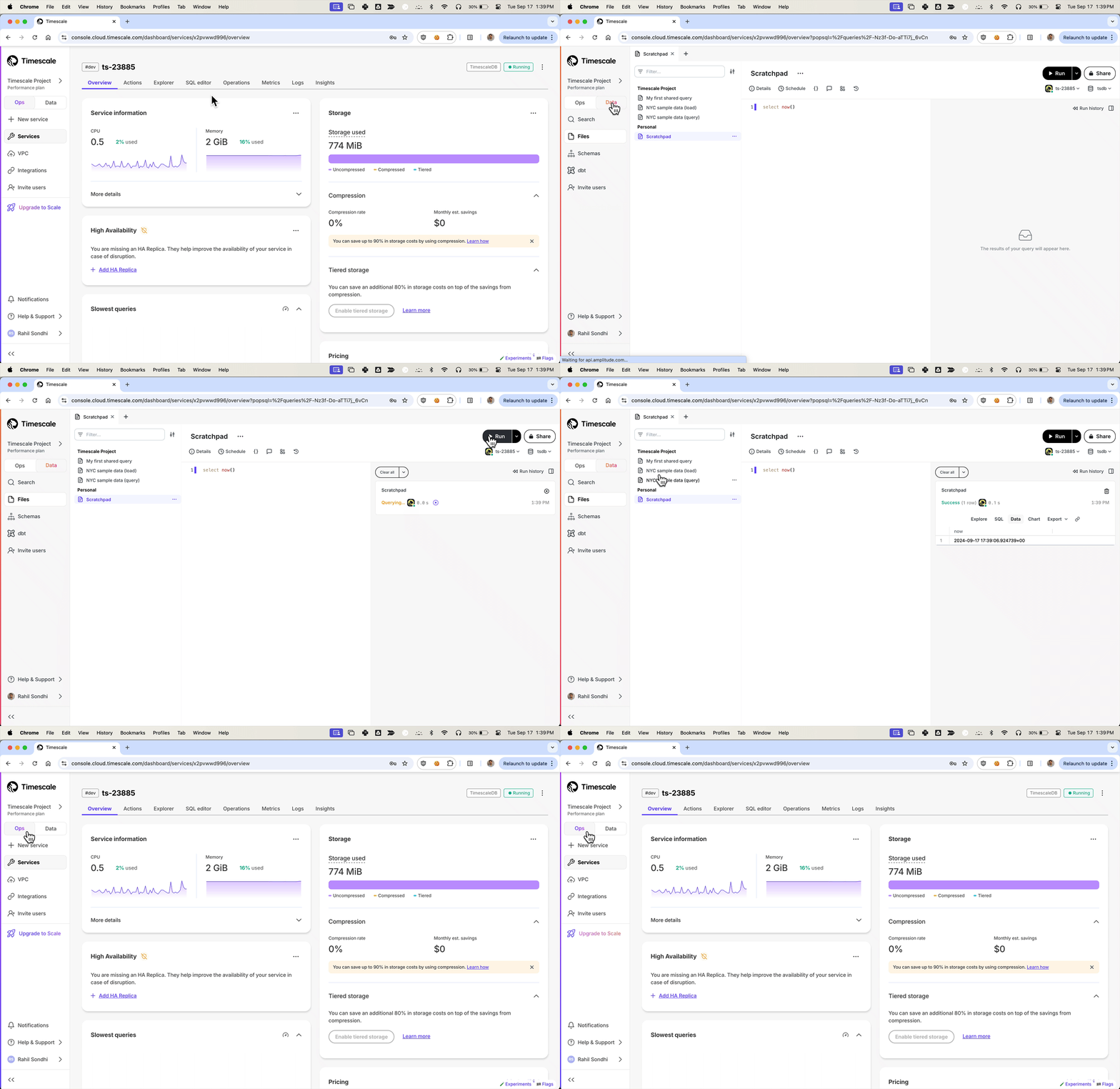
Ops mode: Manage services, add replicas, configure compression, change parameters.
Data mode: Full PopSQL experience with queries, visualizations, dashboards, and sharing.
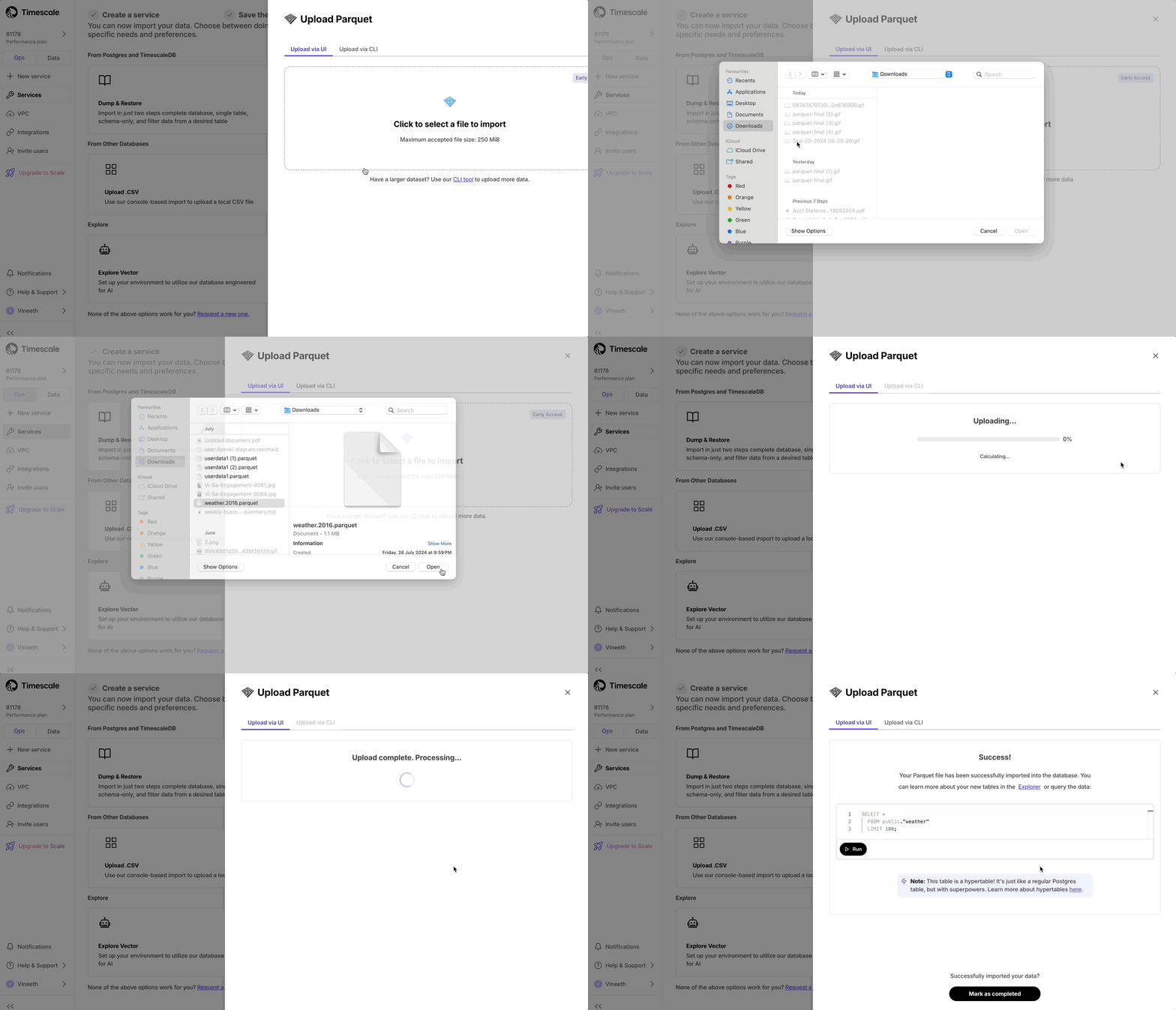
Upload Parquet files from local file system.
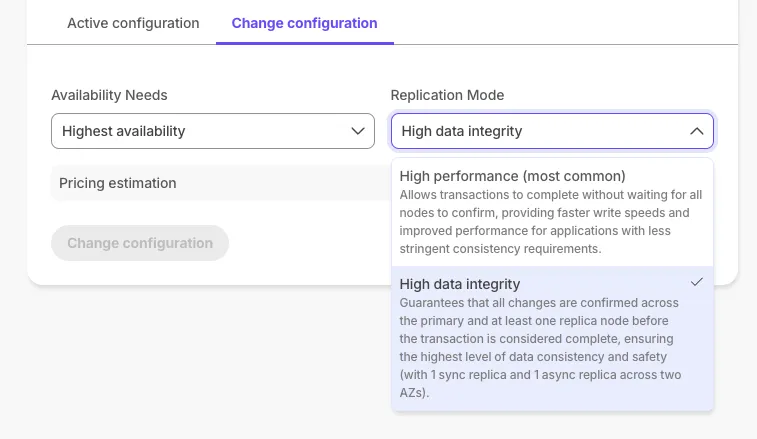
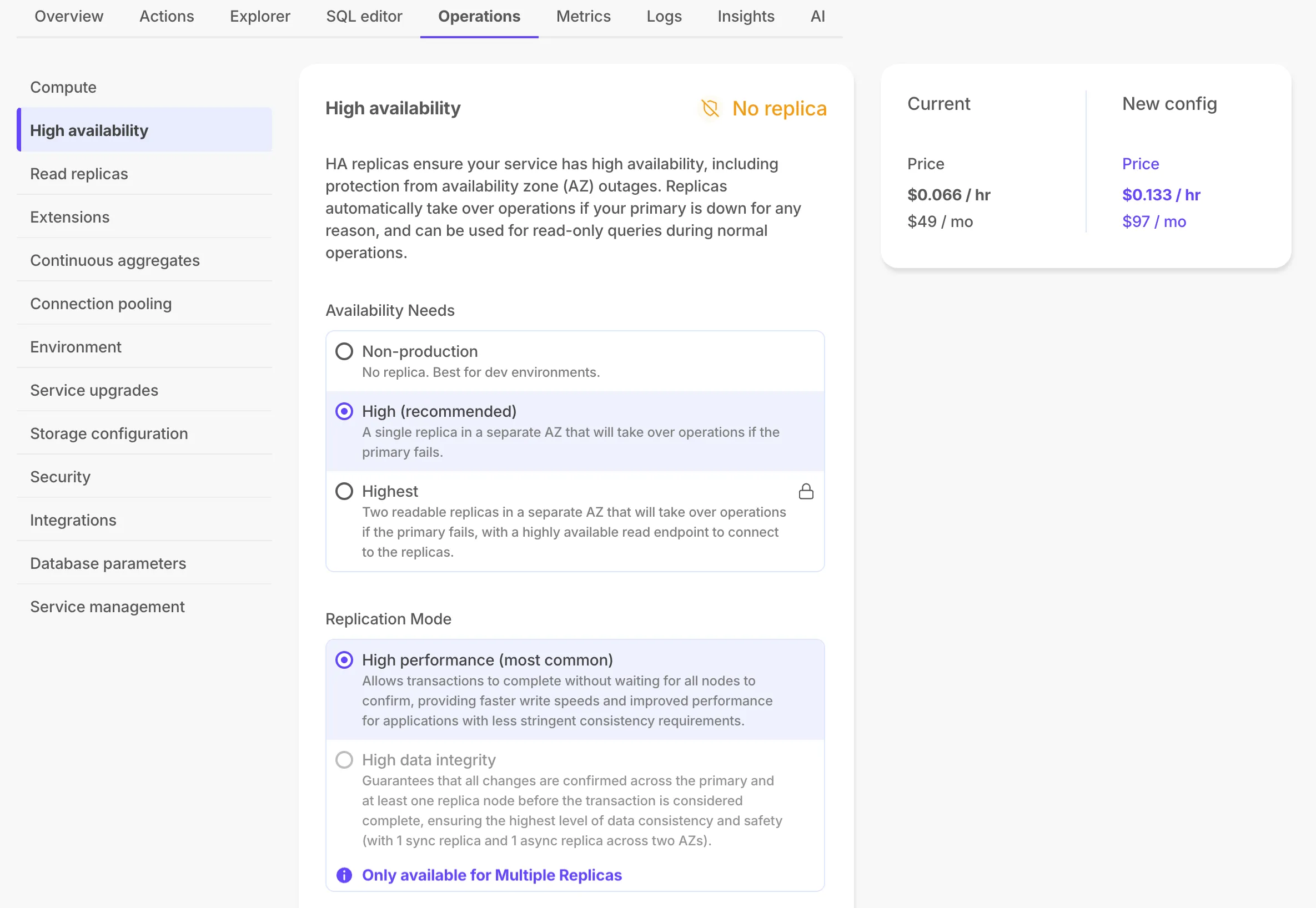
Scale and Enterprise customers can configure two new HA replica options. For more information, see Manage high availability.
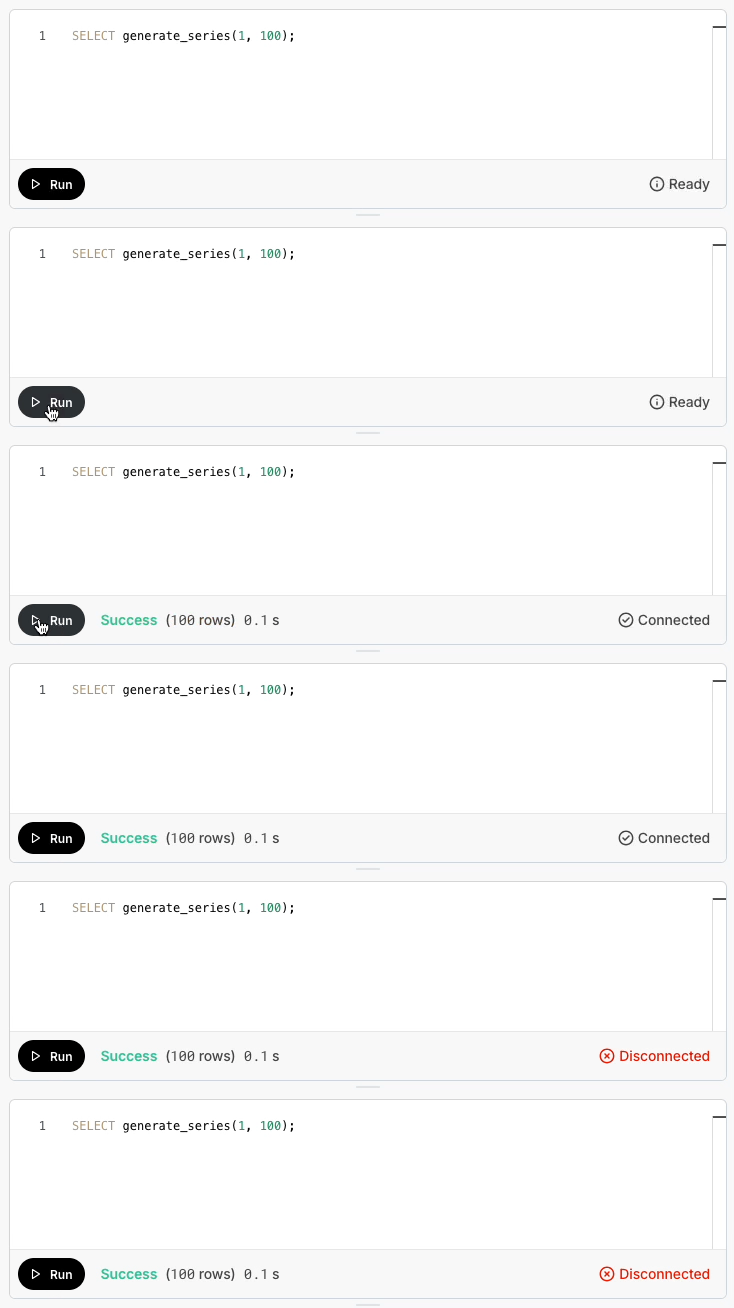
Session health indicator in Console SQL editor shows connection status.
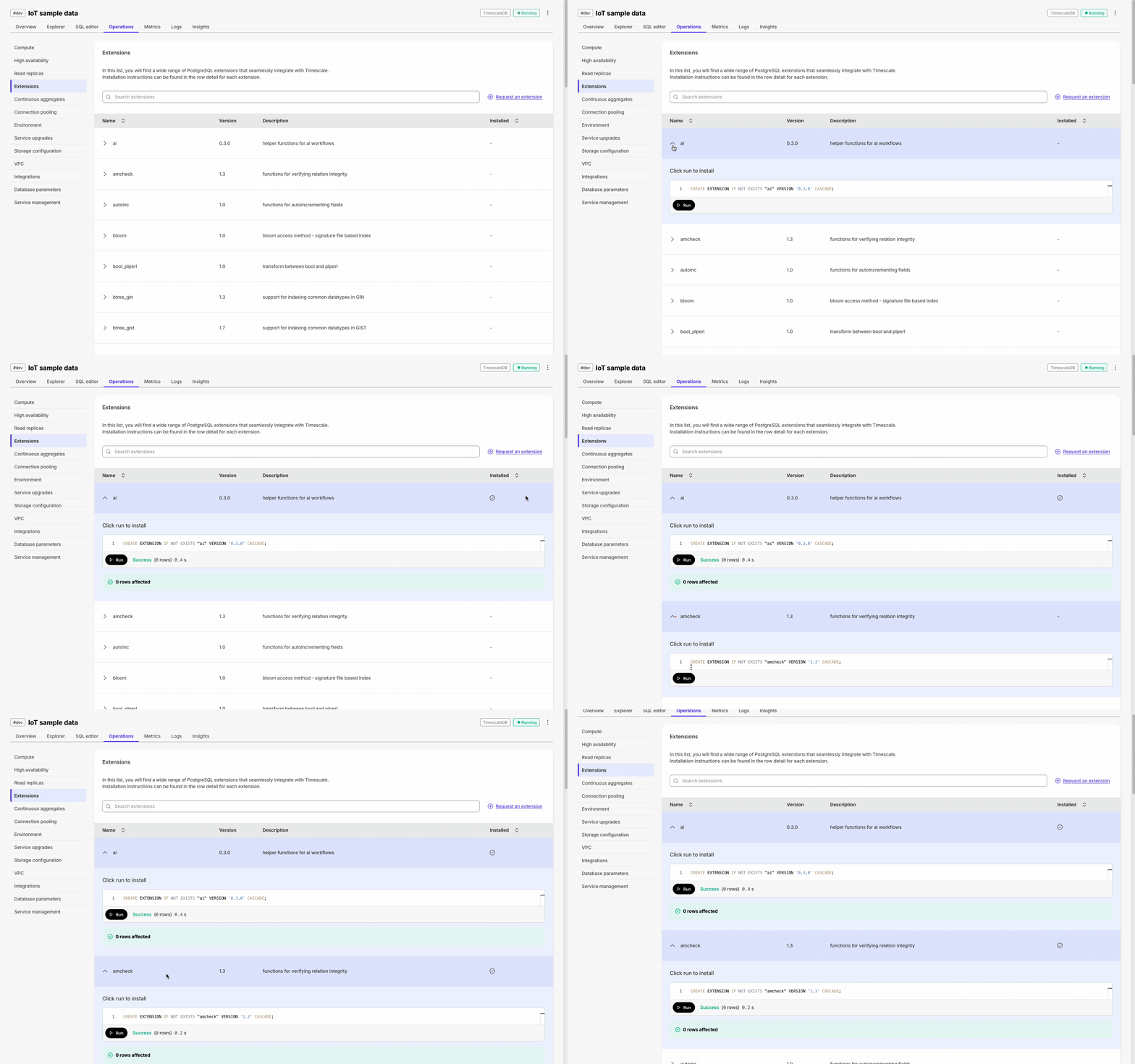
Execute SQL statements with one click throughout Console for hypertables, extensions, and CSV imports. This requires that the SQL editor is enabled for the service.
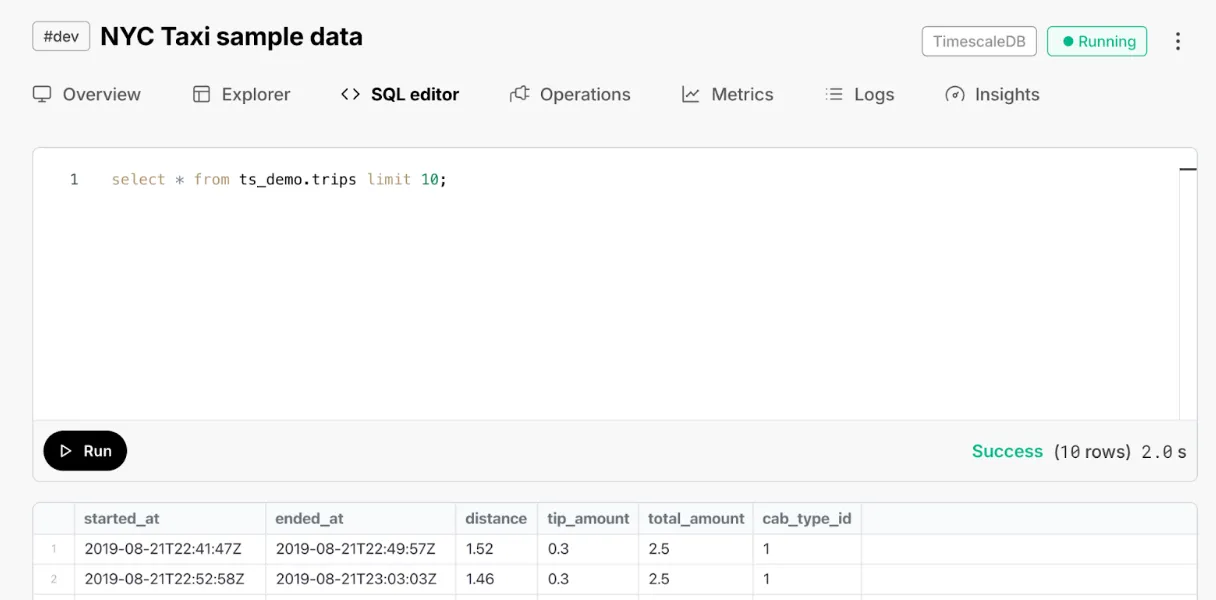
Database session persistence enables transactions, temporary tables, and set commands.
New tab allowing direct database queries without leaving console.
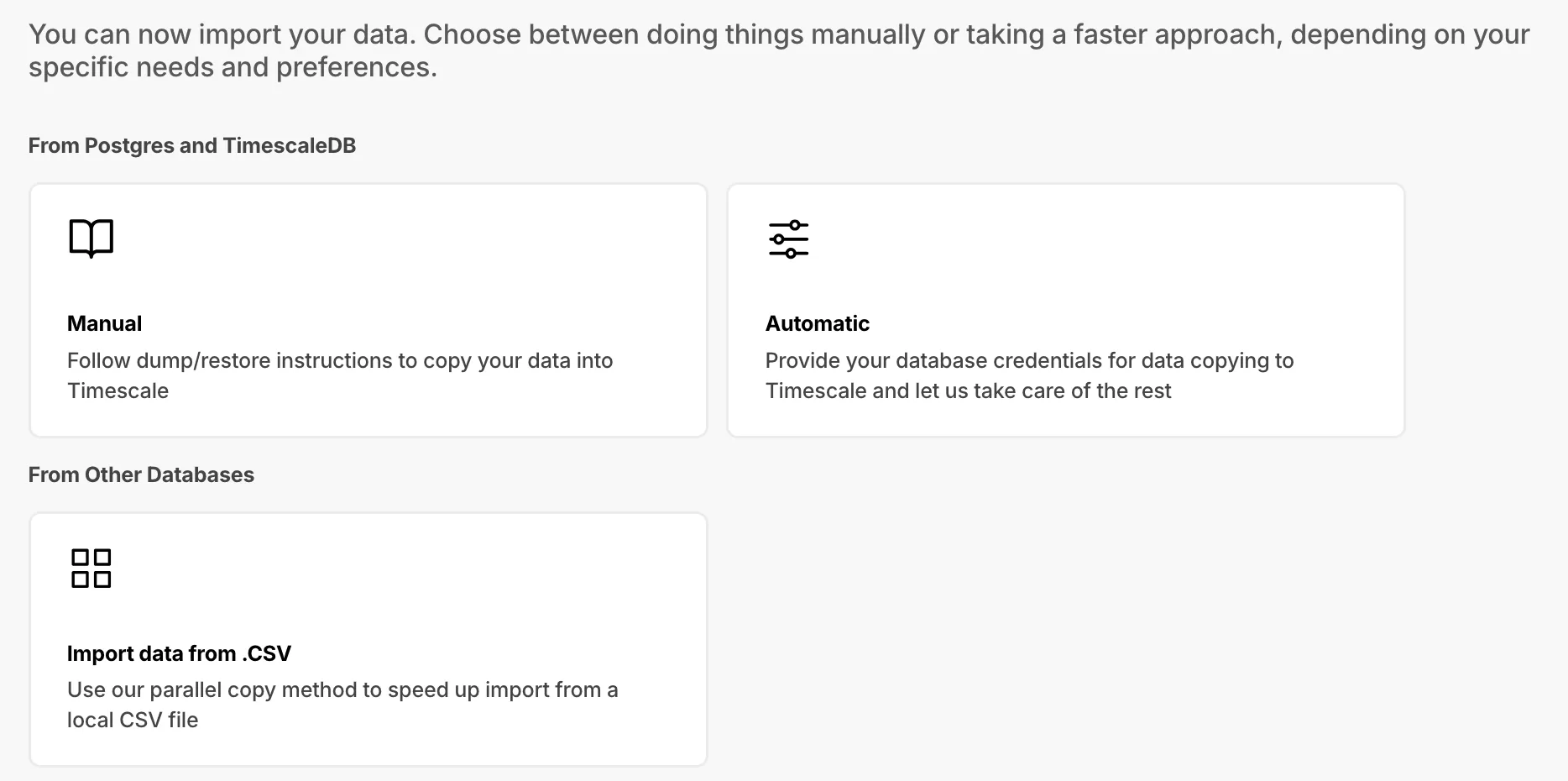
Dedicated section with multiple import options and enhanced PostgreSQL import instructions.
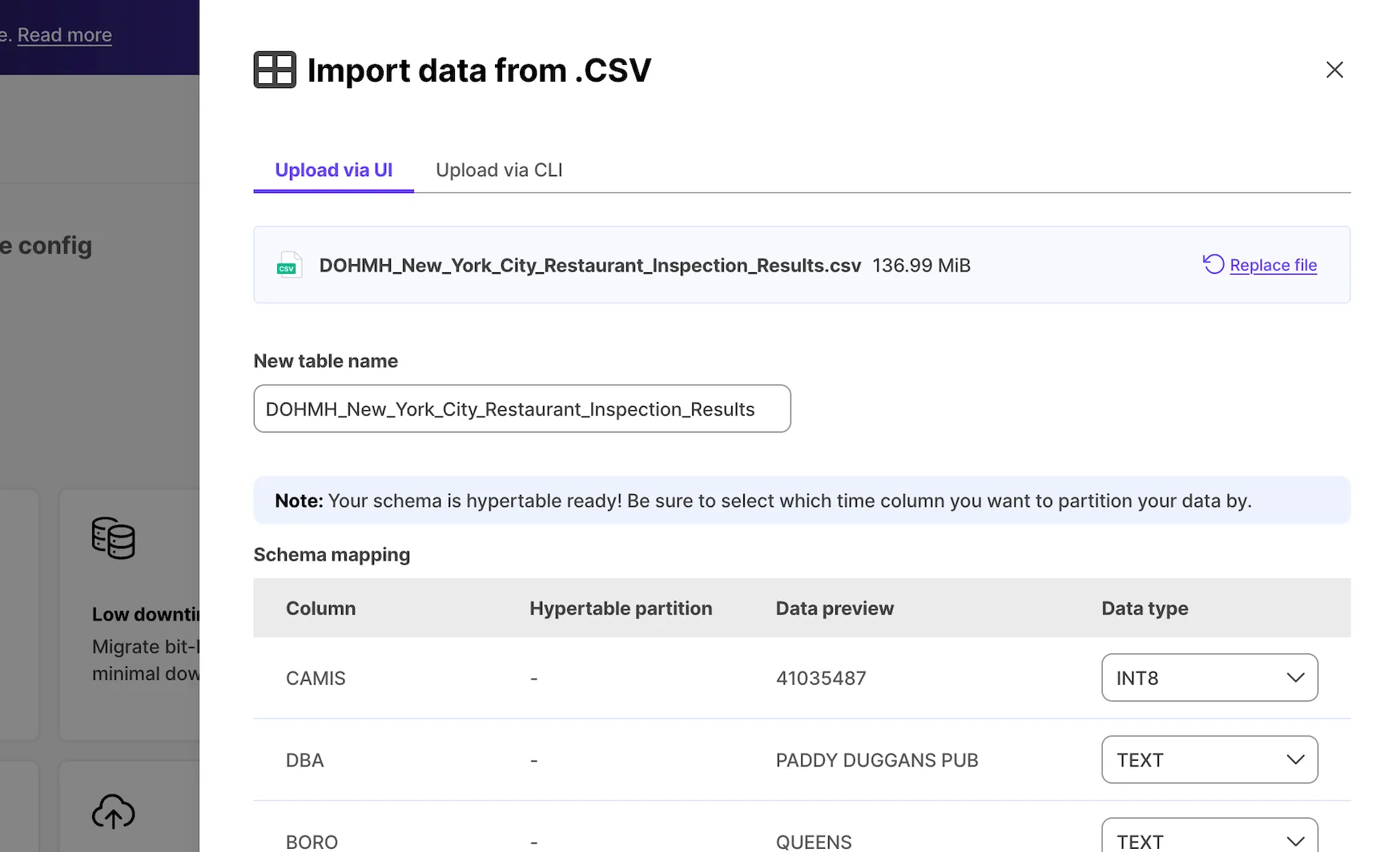
Support for timescaledb on non-public schema and pre-migration compatibility checks.
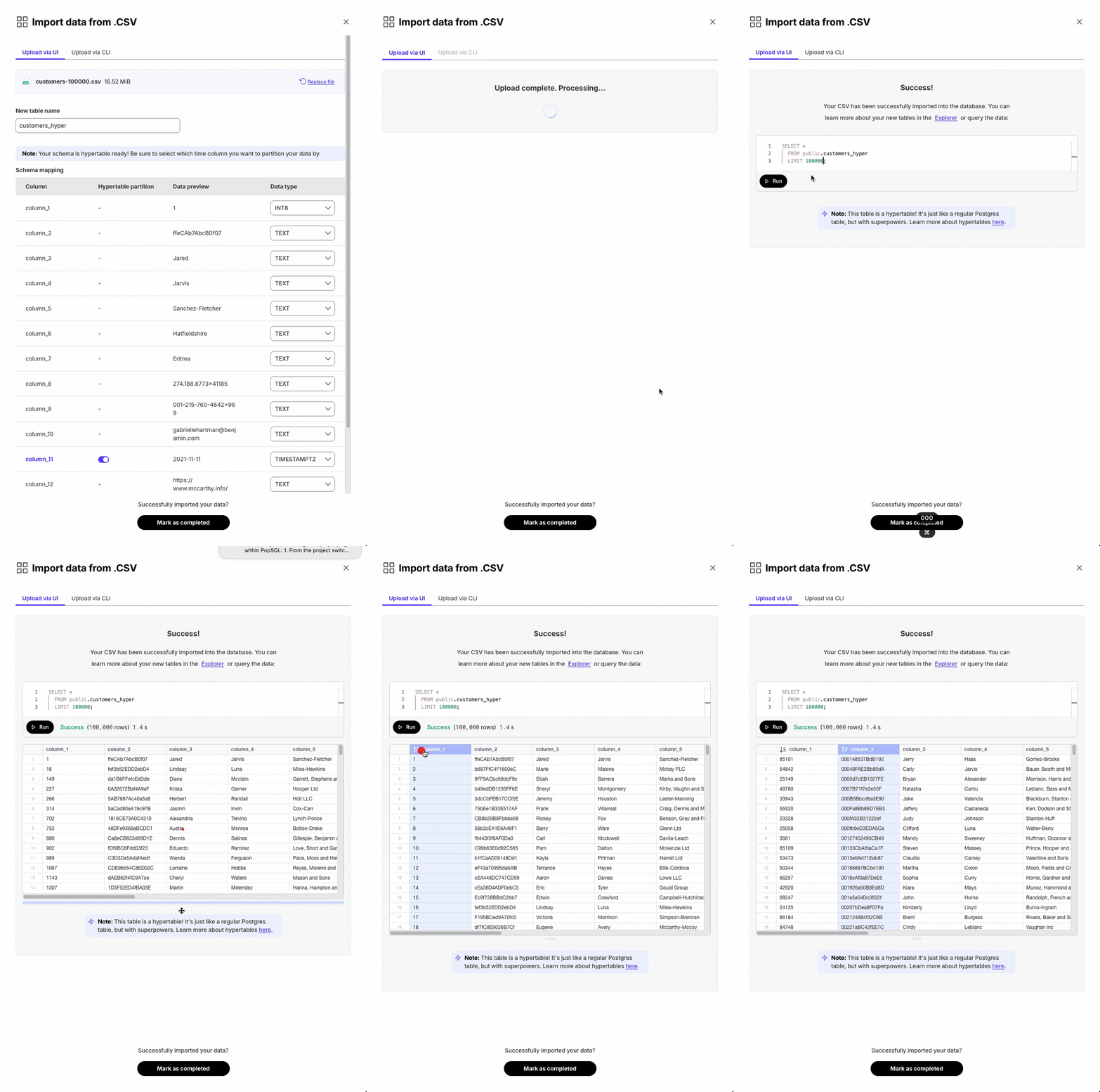
Added CSV import tool with data type selection and hypertable creation.
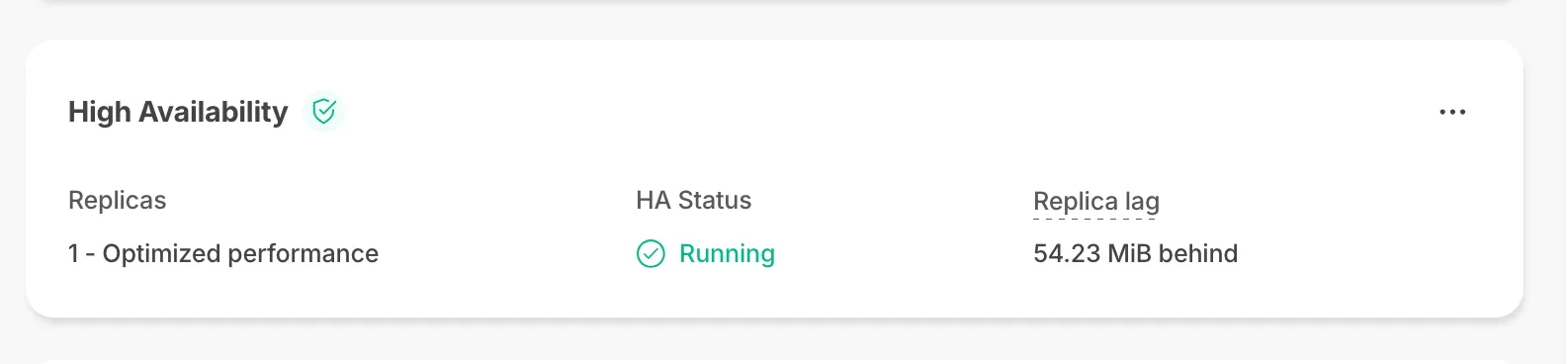
New Replica Lag parameter shows bytes behind primary for replicas.
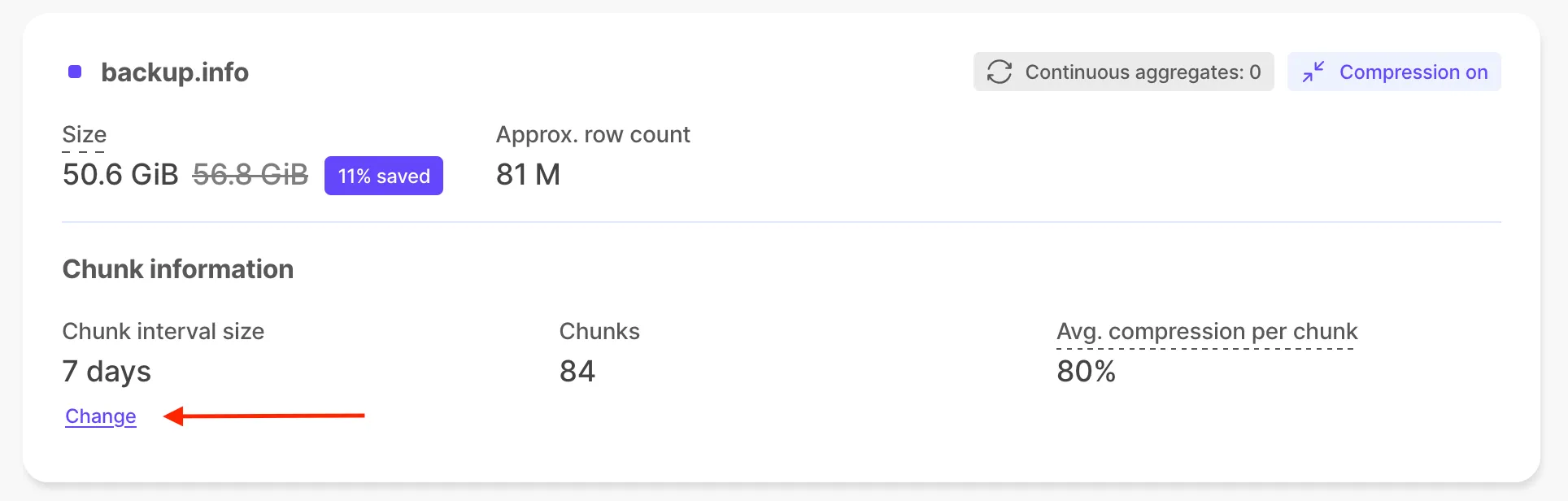
Change chunk interval for hypertables and continuous aggregates through UI.
Permission granting via role assumption for CloudWatch integration. For more details, see the CloudWatch integration documentation at https://docs.timescale.com/use-timescale/latest/integrations/.
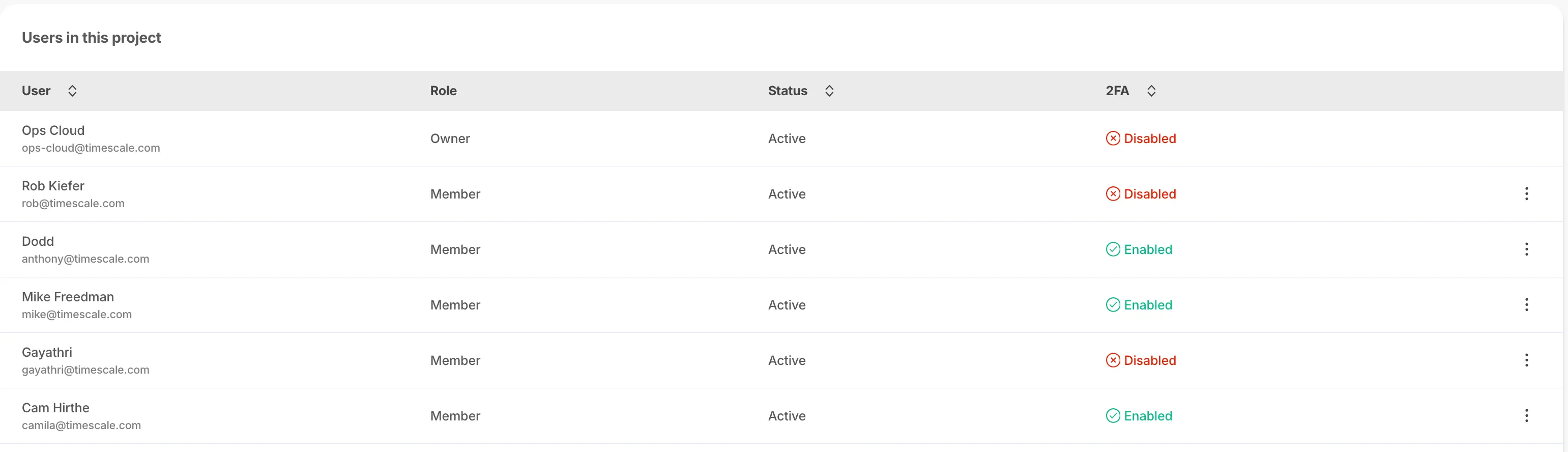
2FA status column on Members page.
pgai extension v0.3.0 supports Anthropic and Cohere models. For details and examples, see the blog posts on pgai with Cohere at https://www.tigerdata.com/blog/build-search-and-rag-systems-on-postgresql-using-cohere-and-pgai and pgai with Anthropic at https://www.tigerdata.com/blog/use-anthropic-claude-sonnet-3-5-in-postgresql-with-pgai.
V0.3.0 adds ARM processor support and improved recall for low dimensional vectors. See the pgvectorscale v0.3.0 release notes at https://github.com/timescale/pgvectorscale/releases/tag/0.3.0.
Significant performance improvements for DML over compressed chunks, chunk skipping on non-partitioning columns, foreign key support, and extended continuous aggregate join support.
Three new plans: Performance (cost-focused), Scale (critical apps), and Enterprise (mission-critical). For details on features and differences, see the pricing and account management docs at https://docs.timescale.com/about/latest/pricing-and-account-management/.
Enhanced service tiles with HA status information.
Automatic retries, pgcopydb support for initial copy, and TimescaleDB v2.13.x support.
The Timescale live-migration Docker image now supports table-based filtering during live migration, improvements to pbcopydb (including better performance and removal of unhelpful warnings), and a user notification log to help you always select the most recent release for a migration run.
For improved stability and new features, update to the latest timescale/live-migration image on Docker Hub: https://hub.docker.com/r/timescale/live-migration/tags. To learn more, see the live migration docs at https://docs.timescale.com/migrate/latest/live-migration/.
Ollama is now integrated with the pgai extension, making it easy to work with open-source language models such as Llama 3, Mistral, Phi 3, and Gemma. Ollama acts like “Docker for LLMs,” providing a simple way to run and manage models locally.
With pgai installed in your database, you can embed Ollama-powered AI directly into your app using SQL, for example, by generating completions or working with images in a single query.
To learn more and see a quick-start example, see the pgai Ollama documentation at https://github.com/timescale/pgai/blob/main/docs/vectorizer/quick-start.md.
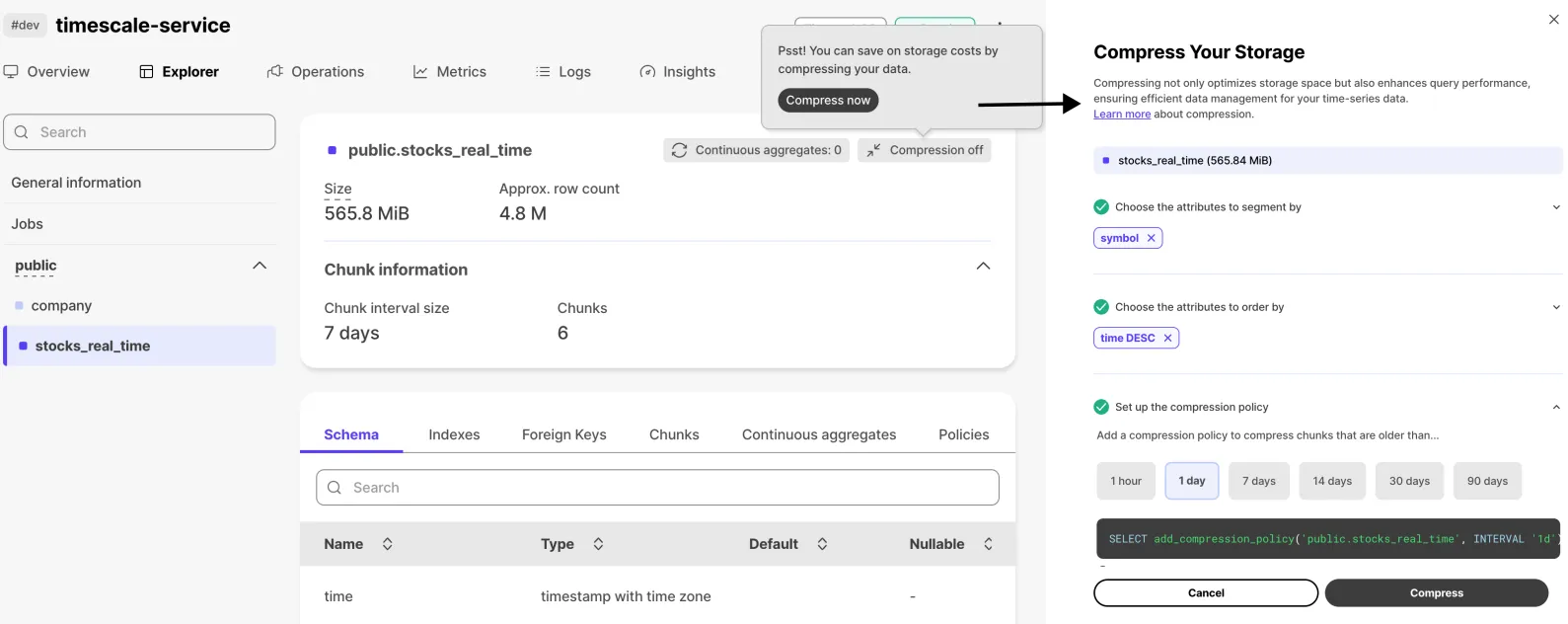
The compression wizard is now available in Timescale Console. From the Explorer, select a hypertable and, in the top-right corner, hover where it says "Compression off" to open the wizard. You’ll be guided through configuring compression for the hypertable and can enable it directly from the UI.
The pgvectorscale extension is now available on Timescale Cloud. It complements pgvector and introduces:
On a benchmark dataset of 50 million Cohere embeddings (768 dimensions), PostgreSQL with pgvector and pgvectorscale achieves dramatically lower p95 latency and higher query throughput than Pinecone’s storage-optimized index at comparable recall, while running at significantly lower cost on self-hosted AWS EC2.
For more, see the pgvectorscale documentation at https://github.com/timescale/pgvectorscale/.
The pgai extension is now available on Timescale Cloud, bringing embedding and generative AI models closer to your database. With pgai you can:
For an overview, see the pgai documentation at https://github.com/timescale/pgai.
These releases also add planner improvements to inspect more WHERE conditions before decompression (reducing the number of rows that must be decompressed), allow minmax sparse indexes to be used when compressing columns with btree indexes, and introduce vectorized filters in WHERE clauses containing text equality operators and LIKE expressions.
For more details, see the TimescaleDB release notes at https://github.com/timescale/timescaledb/releases.
PostgreSQL Audit extension (pgaudit) now available on Tiger Cloud for detailed session and object audit logging. See the PG Audit extension (pgaudit) and pgaudit documentation for more information.
The SI Units for PG extension(unit) provides support for the ISU in Timescale Cloud.
You can use Timescale Cloud to solve day-to-day questions. For example, to see what 50°C is in °F, run the following query in your Timescale Cloud service:
SELECT '50°C'::unit @ '°F' as temp; temp-------- 122 °F(1 row)To learn more, see the postgresql-unit documentation.